CHAPTER 5: ENERVISTA SOFTWARE SETTINGS FILE TRACEABILITY
D90
PLUS
LINE DISTANCE PROTECTION SYSTEM – INSTRUCTION MANUAL 87
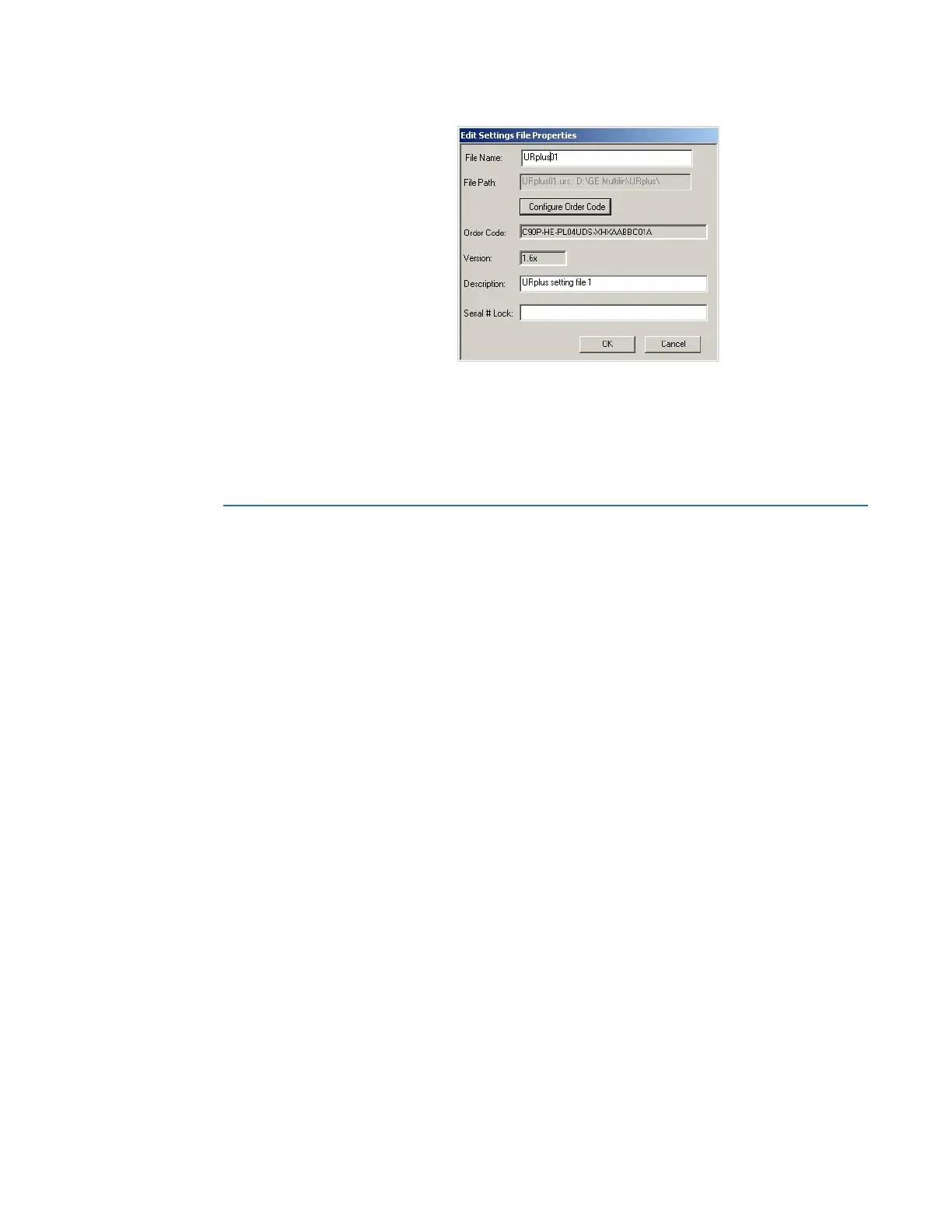
2. Enter the serial number of the D90
Plus
device to lock to the settings file in the Serial #
Lock field.
3. Click the OK button to apply the change.
The settings file and corresponding secure FlexLogic equations are now locked to the
D90
Plus
device specified by the serial number.
Settings file traceability
A traceability feature for settings files allows the user to quickly determine if the settings in
a D90
Plus
device have been changed since the time of installation from a settings file.
When a settings file is transferred to a D90
Plus
device, the date, time, and serial number of
the D90
Plus
are sent back to EnerVista UR
Plus
Setup and added to the settings file on the
local computer. This information can be compared with the D90
Plus
actual values at any
later date to determine if security has been compromised.
The traceability information is only included in the settings file if a complete settings file is
either transferred to the D90
Plus
device or obtained from the D90
Plus
device. Any partial
settings transfers by way of drag and drop do not add the traceability information to the
settings file.



 To Next Page