CHAPTER 11: METERING OBSERVING CURRENT AND VOLTAGE PHASORS
D90
PLUS
LINE DISTANCE PROTECTION SYSTEM – INSTRUCTION MANUAL 571
Clearing metered values
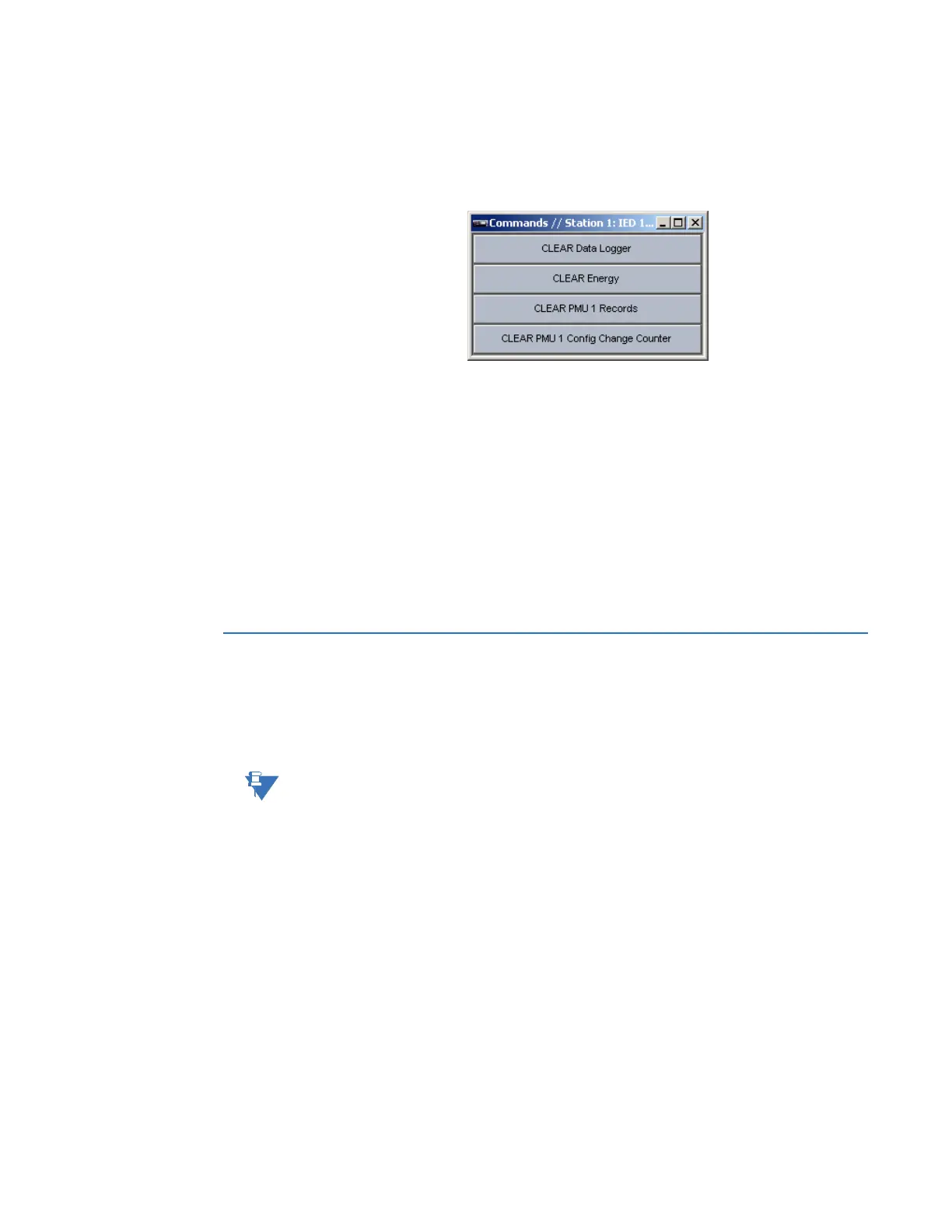
Select the Actual Values > Metering > Commands menu to open the metering commands
menu. The commands allow the user to clear accumulated metering values.
Figure 502: Metering commands window
The following commands are available.
Clear Data Logger
Click this button to clear the accumulated data logger actual values.
Clear Energy
Click this button to clear the accumulated energy actual values.
Clear PMU 1 Records
Click this button to clear the Phasor Measurement Unit records.
Clear PMU 1 Config Change Counter
Click this button to clear the Phasor Measurement Unit configuration change counter
records.
Observing current and voltage phasors
The D90
Plus
can graphically display phasor information for metered currents and voltages.
Click the Phasors button in any metered current or voltage window to open the phasor
configuration window. Up to six phasor diagrams can be displayed that indicate the
rotation, magnitude, and angle of metered current and voltage phasors.
NOTE:
Phasor representations are calculated on a per-cycle basis.



 To Next Page