CHAPTER 10: DIGITAL FAULT RECORDER TRANSIENT RECORDER
D90
PLUS
LINE DISTANCE PROTECTION SYSTEM – INSTRUCTION MANUAL 515
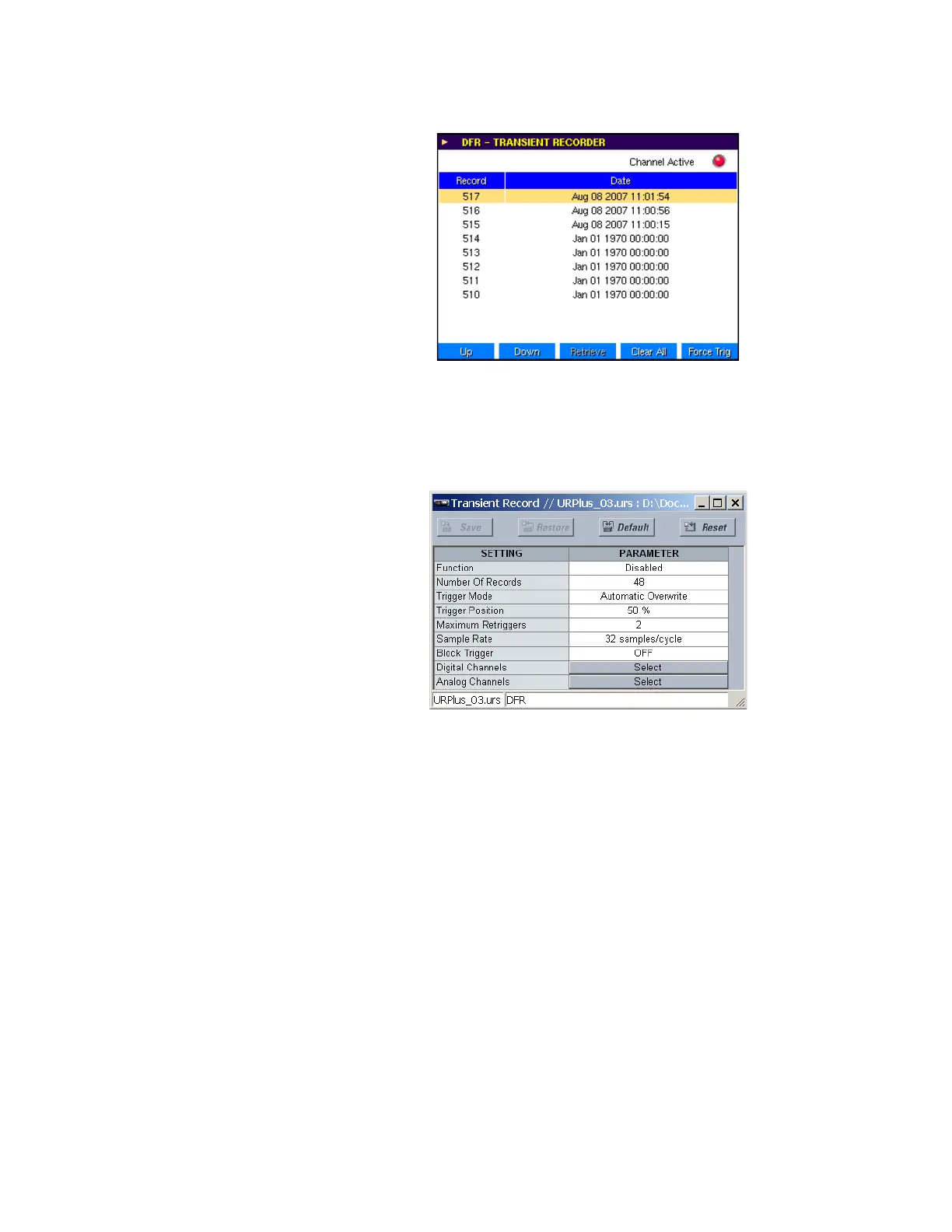
Figure 446: Transient recorder screen
Transient recorder settings
Select the Settings > DFR > Transient Record menu to open the transient recorder
configuration window.
Figure 447: Transient recorder configuration settings
The following settings are available.
Function
Range: Enabled, Disabled
Default: Enabled
This setting enables and disables the transient recorder function.
Number Of Records
Range: 1 to 64 in steps of 1
Default: 48
This setting specifies the total number of transient records that can be stored in the
D90
Plus
. A larger setting results in a shorter record length, and a smaller setting results in
a longer record length.
Trigger Mode
Range: Automatic Overwrite, Protected
Default: Automatic Overwrite
If this setting is selected as “Automatic Overwrite,” then the oldest record is overwritten
once the number of stored records reaches the setting value. If this setting is “Protected,”
then no new records are stored once the number of records reaches the setting value.



 To Next Page