CHAPTER 6: COMMUNICATIONS NETWORK SETTINGS
D90
PLUS
LINE DISTANCE PROTECTION SYSTEM – INSTRUCTION MANUAL 101
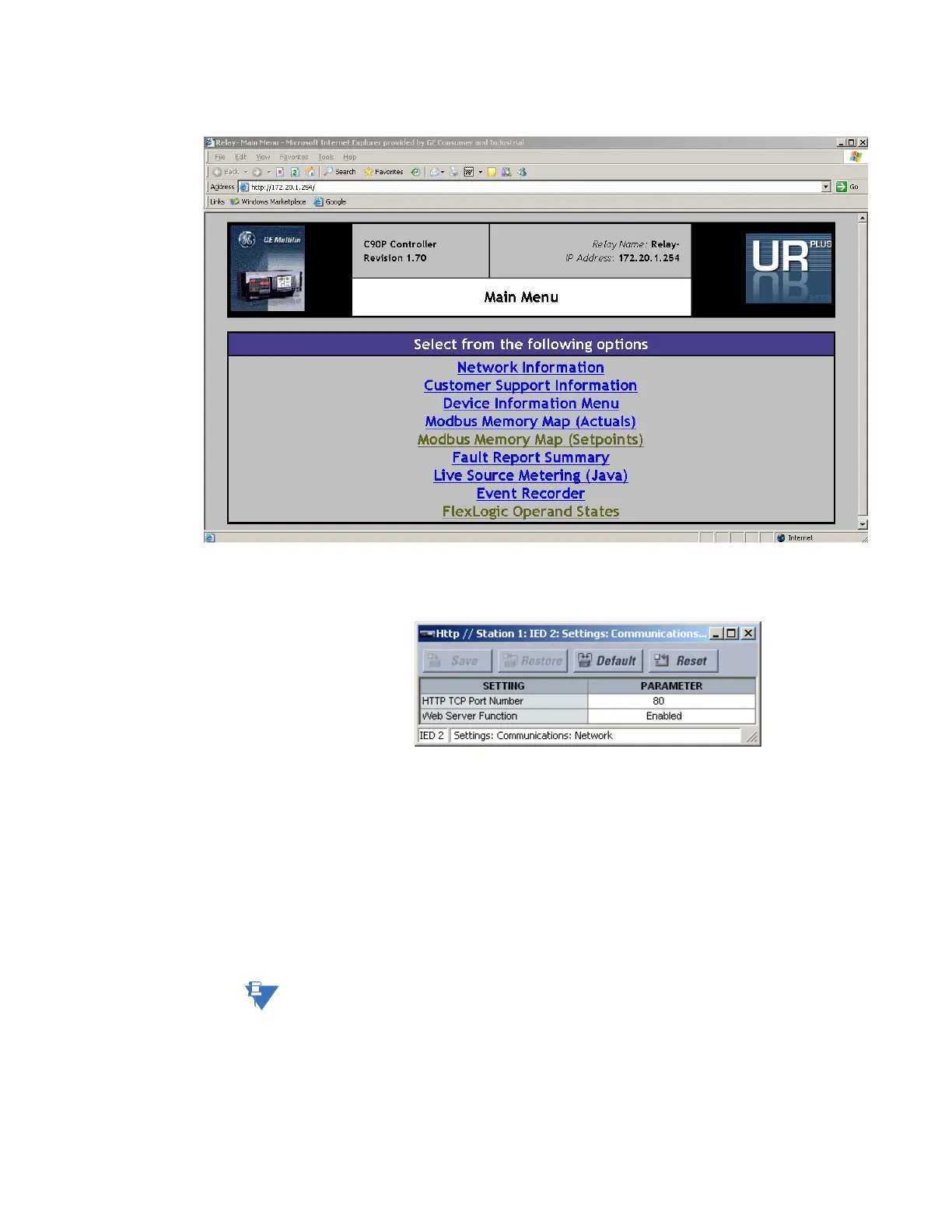
Figure 79: Sample web access page
Select the Settings > Communications > Network > HTTP menu item to open the HTTP
configuration window.
Figure 80: HTTP configuration settings
The following settings are available.
HTTP TCP Port Number
Range: 1 to 65535 in steps of 1
Default: 80
This setting specifies the TCP port number for the embedded web server. This setting
takes effect upon restart of the D90
Plus
.
Web Server Function
Range: Disabled, Enabled
Default: Disabled
This setting enables and disables the web server feature.
NOTE:
Do not set more than one protocol to the same TCP/UDP port number, as this results in
unreliable operation of those protocols.
Network filtering
Select the Settings > Communications > Network > Filtering menu to open the network
filtering configuration window.



 To Next Page