CHAPTER 8: AUTOMATION AUTOMATION LOGIC
D90
PLUS
LINE DISTANCE PROTECTION SYSTEM – INSTRUCTION MANUAL 481
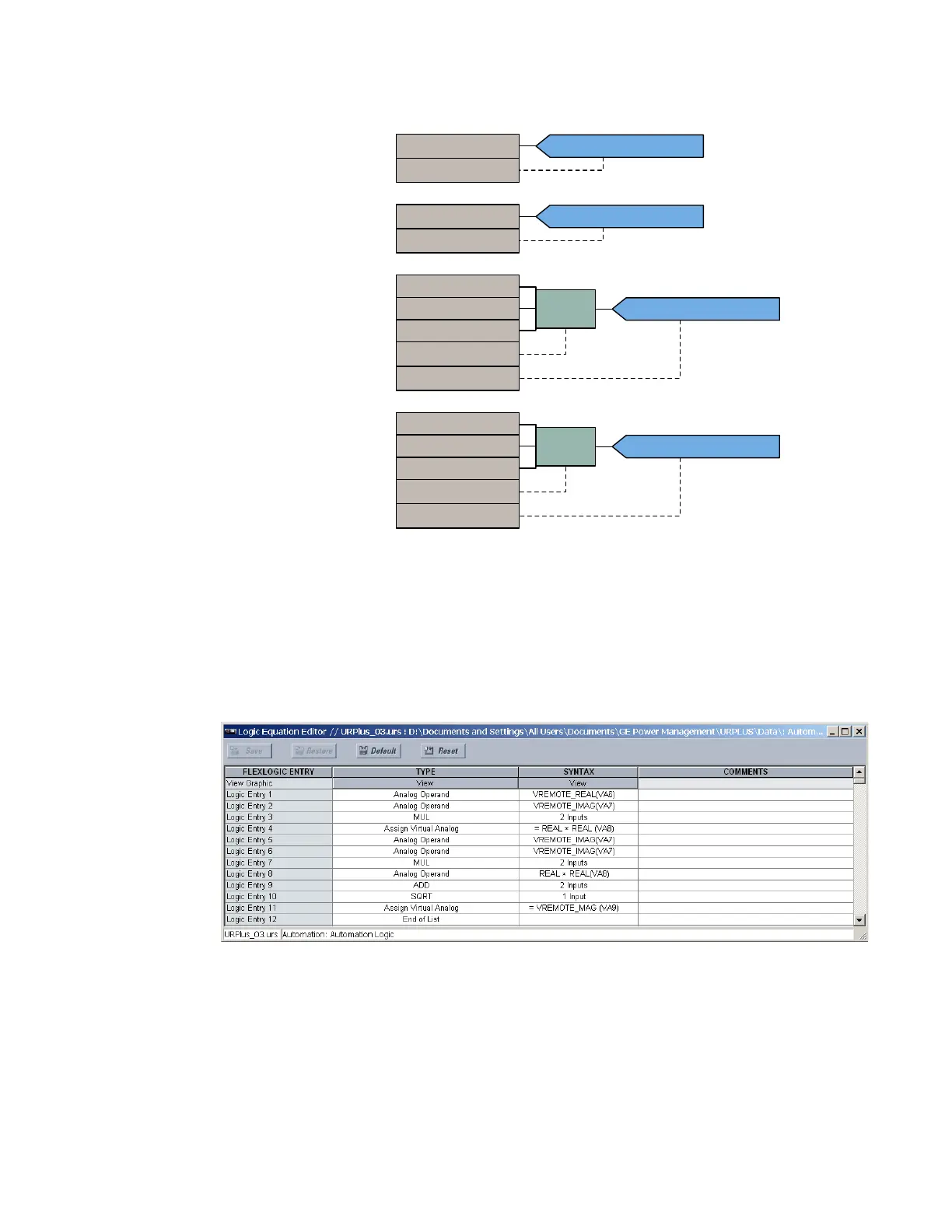
Figure 412: Using virtual analogs to control automation timers
Automation logic equation editor
An automation logic equation can contain up to 4096 entries, including the END operator. If
a disabled element is selected as an automation logic entry, the associated state flag is
never asserted (set to logic 1).
Select the Settings > Automation > Automation FlexLogic > FlexLogic Equation Editor
menu to open the automation logic equation editor window.
Figure 413: Automation logic configuration settings
A graphical representation of the automation logic can be displayed by clicking the View
button at the top of the equation column.
%.5$21)
3,&.839$
$7,0(5
'5232879$
$8792$92
$7,0(5
$&'5
$8792$9
,1
3.
'3
'5232879$
'5232879$
%.5$21)
3,&.839$
$7,0(5
'5232879$
$8792$92
$7,0(5
$8792$9
,1
3.
'3
3,&.839$
3,&.839$



 To Next Page