476 D90
PLUS
LINE DISTANCE PROTECTION SYSTEM – INSTRUCTION MANUAL
AUTOMATION LOGIC CHAPTER 8: AUTOMATION
Automation operators
The following operators are available for the creation of automation logic:
• One-shots
• Boolean operators and latches
• Math operators
• Virtual outputs
• Comparators
•Timers
Unlike earlier versions of the D90
Plus
, automation timers are implemented like gates or
latches and not through setting menus.
The following sections provide detail on these operators.
Editing operators
The table outlines automation editing operators.
Table 31: Automation logic editing operators
Automation one-shots
The table outlines automation one-shot syntax.
Table 32: Automation logic one shots
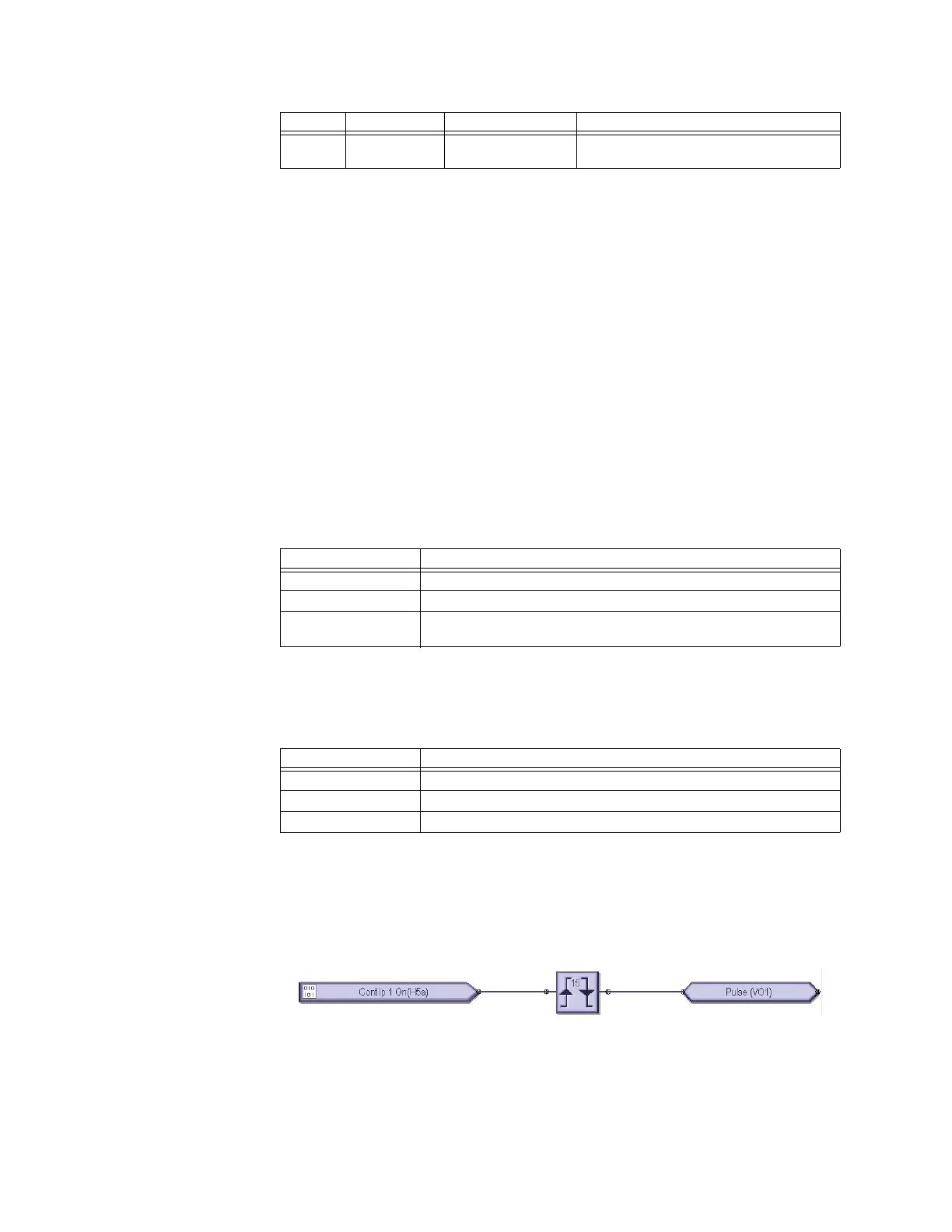
A one-shot accepts any digital input or the output of any logical operator. Its output asserts
for one scan following a transition of its input. A negative one-shot operates on a falling
edge of its input, and a positive one-shot operates on a rising edge of its input. A dual one-
shot operates on a rising edge or falling edge of its input. A total of 64 one-shots are
available in the D90
Plus
automation controller.
Figure 406: One-shot used in automation logic
Boolean operators and latches
The table outlines Boolean logic and latch syntax.
Virtual
output
On VIRT OP 1 ON The virtual output is presently in the on state
Type State Example Characteristics (input is logic 1 or “on” if...)
Syntax Description
INSERT Insert an operand in an equation list
DELETE Delete an operand from an equation list
END The first END encountered signifies the last line in the list of processed
logic operands
Syntax Description
POSITIVE ONE SHOT One shot that responds to a positive-going edge
NEGATIVE ONE SHOT One shot that responds to a negative-going edge
DUAL ONE SHOT One shot that responds to both the positive and negative-going edges



 To Next Page