CHAPTER 7: PROTECTION PROTECTION INPUTS AND OUTPUTS
D90
PLUS
LINE DISTANCE PROTECTION SYSTEM – INSTRUCTION MANUAL 397
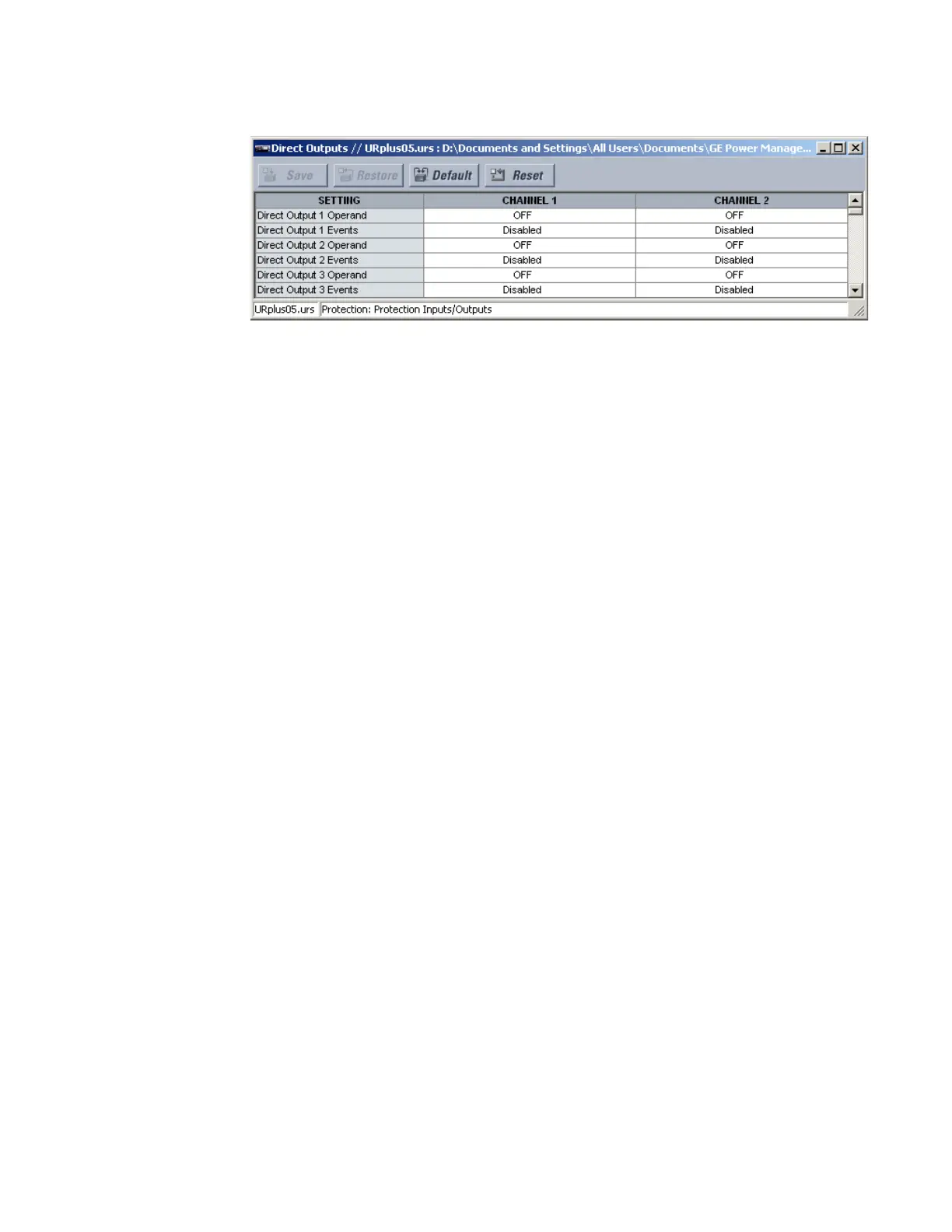
Figure 340: Direct output configuration settings
The following settings are available for all direct outputs. The default values outlined are for
direct output 1.
Direct Input 1 Operand
Range: any FlexLogic operand
Default: Off
This setting specifies the FlexLogic operand that determines the state of the direct
output.
Direct Input 1 Events
Range: Enabled, Disabled
Default: Disabled
This setting enables and disables the logging of direct output events in the sequence of
events recorder.
Teleprotection inputs and outputs
The D90
Plus
provides 16 teleprotection inputs on communication channel 1 (numbered 1-1
through 1-16) and 16 teleprotection inputs on communication channel 2 (on two-terminals
two-channel and three-terminal systems only, numbered 2-1 through 2-16). The remote
relay connected to channels 1 and 2 of the local relay is programmed by assigning
FlexLogic operands to be sent via the selected communication channel. This allows the
user to create distributed protection and control schemes via dedicated communication
channels. Some examples are directional comparison pilot schemes and direct transfer
tripping. Note that failures of communication channels affect teleprotection functionality.
The teleprotection function must be enabled to utilize the inputs.



 To Next Page