CHAPTER 14: TESTING SELF-TESTS
D90
PLUS
LINE DISTANCE PROTECTION SYSTEM – INSTRUCTION MANUAL 619
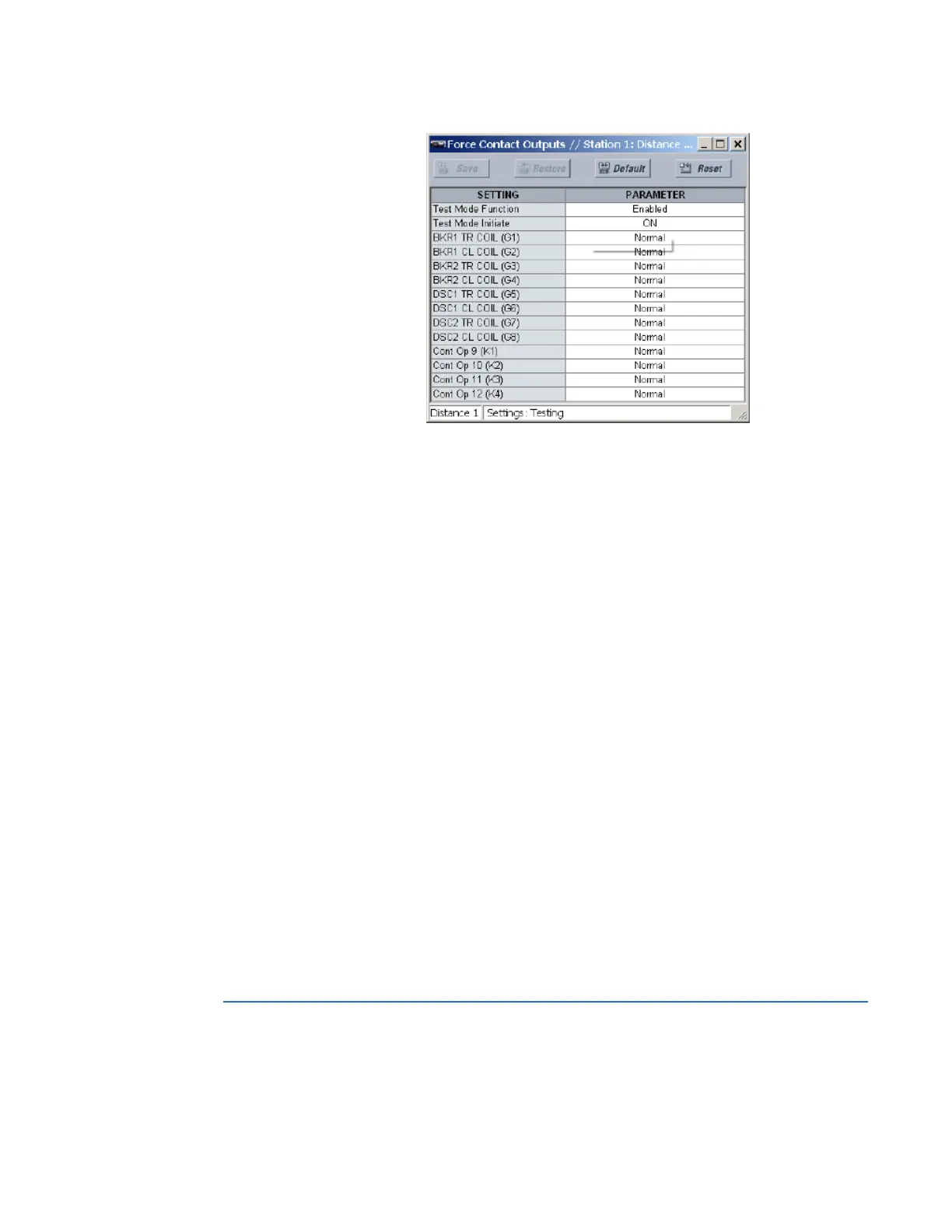
Figure 545: Force contact outputs configuration settings
The following settings are available.
Test Mode Function
Range: Enabled, Disabled
Default: Disabled
This setting enables and disables the test mode functionality for contact outputs.
Test Mode Initiate
Range: any FlexLogic operand
Default: ON
The test mode initiates when the operand assigned to this setting is logic 1.
Cont Op 1, Cont Op 2, ..., Cont Op 12
Range: Normal, Energized, De-energized, Freeze
Default: Normal
These settings allow the D90
Plus
contact outputs to respond to the test mode in the
following ways:
– If set to “Normal,” the contact output remains fully operational. It operates when
its control operand is logic 1 and resets when its control operand is logic 0.
– If set to “Energized,” the output closes and remains closed for the entire duration
of the test mode, regardless of the status of the operand configured to control the
output contact
– If set to “De-energized,” the output opens and remain open for the entire duration
of the test mode regardless of the status of the operand configured to control the
output contact
– If set to “Freeze,” the output retains its position from before entering the test
mode, regardless of the status of the operand configured to control the output
contact
These setting names reflect the programmed contact output names.
Self-tests
The D90
Plus
performs a number of self-test checks to ensure device integrity. When a self-
test error occurs, an item displays in the self-test summary on the annunciator. All errors
record an event in the event recorder.



 To Next Page