568 D90
PLUS
LINE DISTANCE PROTECTION SYSTEM – INSTRUCTION MANUAL
METERED VALUES CHAPTER 11: METERING
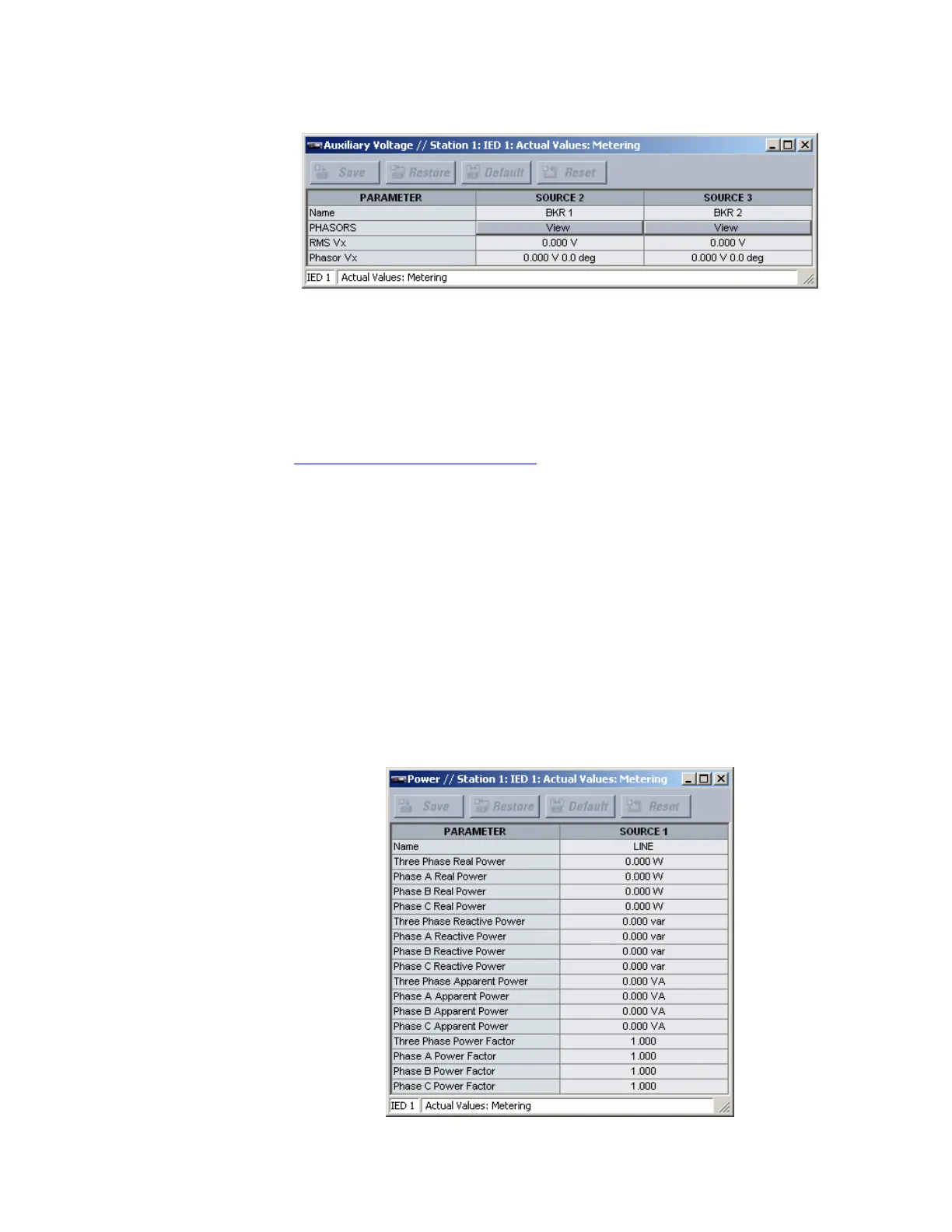
Figure 497: Auxiliary voltage metering window
The following actual values display for each applicable source.
Name
Range: up to 20 alphanumeric characters
This value displays the user-programmed name for each source.
Phasors
Clicking the View button for this value allows the user to configure and display a
graphical representation of selected current and voltage phasors. For details, see
Observing current and voltage phasors
on page 571.
RMS Vx
Range: 0 to 999999.999 V in steps of 0.001
This actual value displays the auxiliary RMS voltage value for each source.
Phasor Vx
Range: 0 to 999999.999 V in steps of 0.001; –359.0° to 0.0° in steps of 0.1°
This actual value displays the magnitude and phase angle for the auxiliary voltage
phasor for each source.
Power metering
Select the Actual Values > Metering > Power menu to open the metered power window.
The metered values for real power, apparent power, reactive power, and power factor
display.
Figure 498: Power metering window



 To Next Page