60 D90
PLUS
LINE DISTANCE PROTECTION SYSTEM – INSTRUCTION MANUAL
INSTALL SOFTWARE CHAPTER 3: INSTALLATION
• USB 2.0 or Ethernet port
• Internet access or CD drive
The software and unit are backwards-compatible with UR
Plus
-series devices having any
previous firmware version.
Install software
After ensuring that the requirements for using EnerVista UR
Plus
Setup software are met,
install the software from the CD, or download EnerVista Launchpad software from http://
www.gedigitalenergy.com/multilin and install it. To install the software from the CD:
1. Insert the CD into the CD-ROM drive of your computer.
2. Click the Install Now button and follow the instructions.
3. When installation is complete, start the EnerVista Launchpad application.
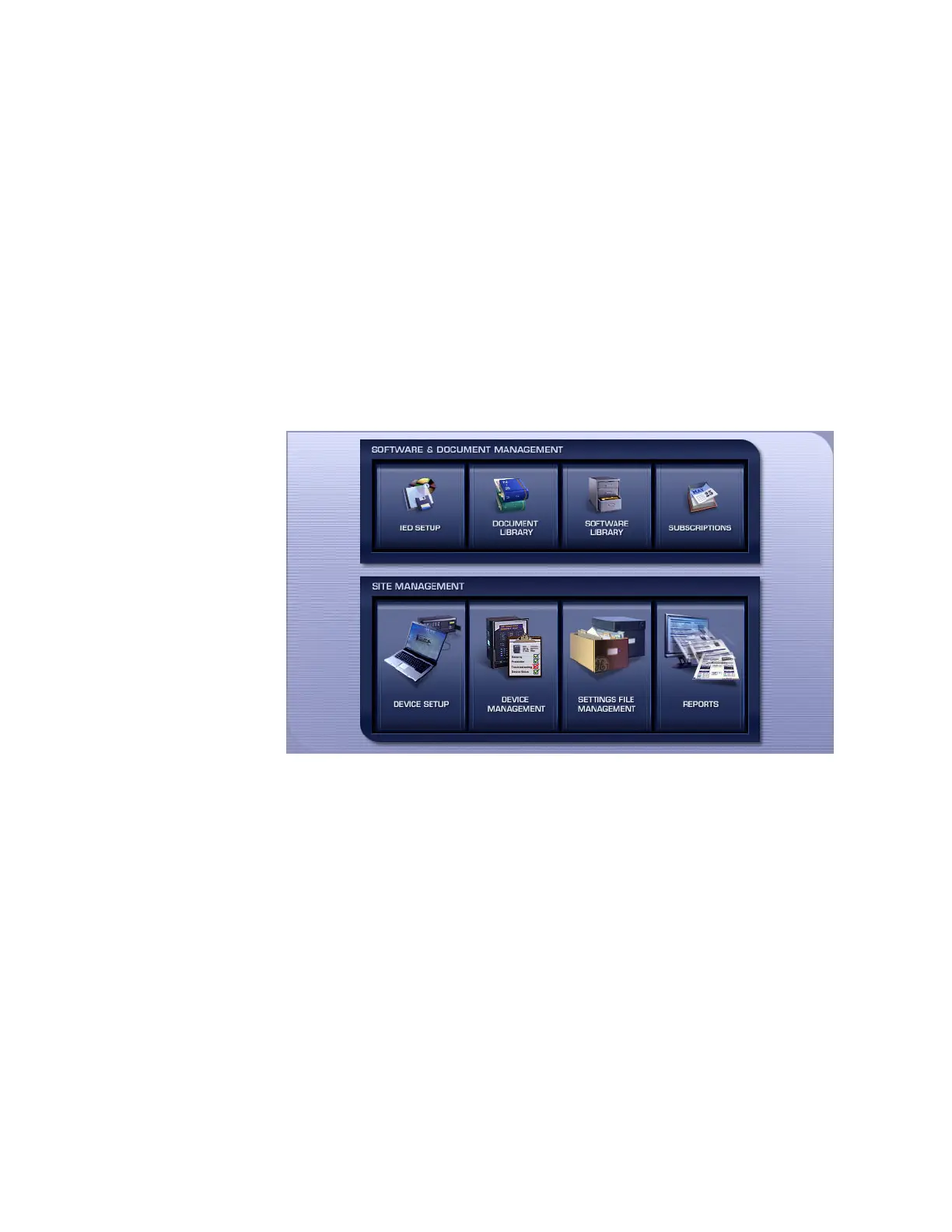
4. Click the IED Setup button in the Launch Pad window.
Figure 39: Adding a device in Launchpad window
5. In the EnerVista Launch Pad window, click the Add Product button and select the
“D90
Plus
Line Distance Protection System” from the Install Software window. Select the
Web option to ensure the most recent software release, or select CD if you do not
have an Internet connection, then click the Add Now button to list software items for
the D90
Plus
. EnerVista Launchpad obtains the software from the Internet or CD and
automatically starts the installation program.



 To Next Page