112 D90
PLUS
LINE DISTANCE PROTECTION SYSTEM – INSTRUCTION MANUAL
IEC 60870-5-104 COMMUNICATIONS CHAPTER 6: COMMUNICATIONS
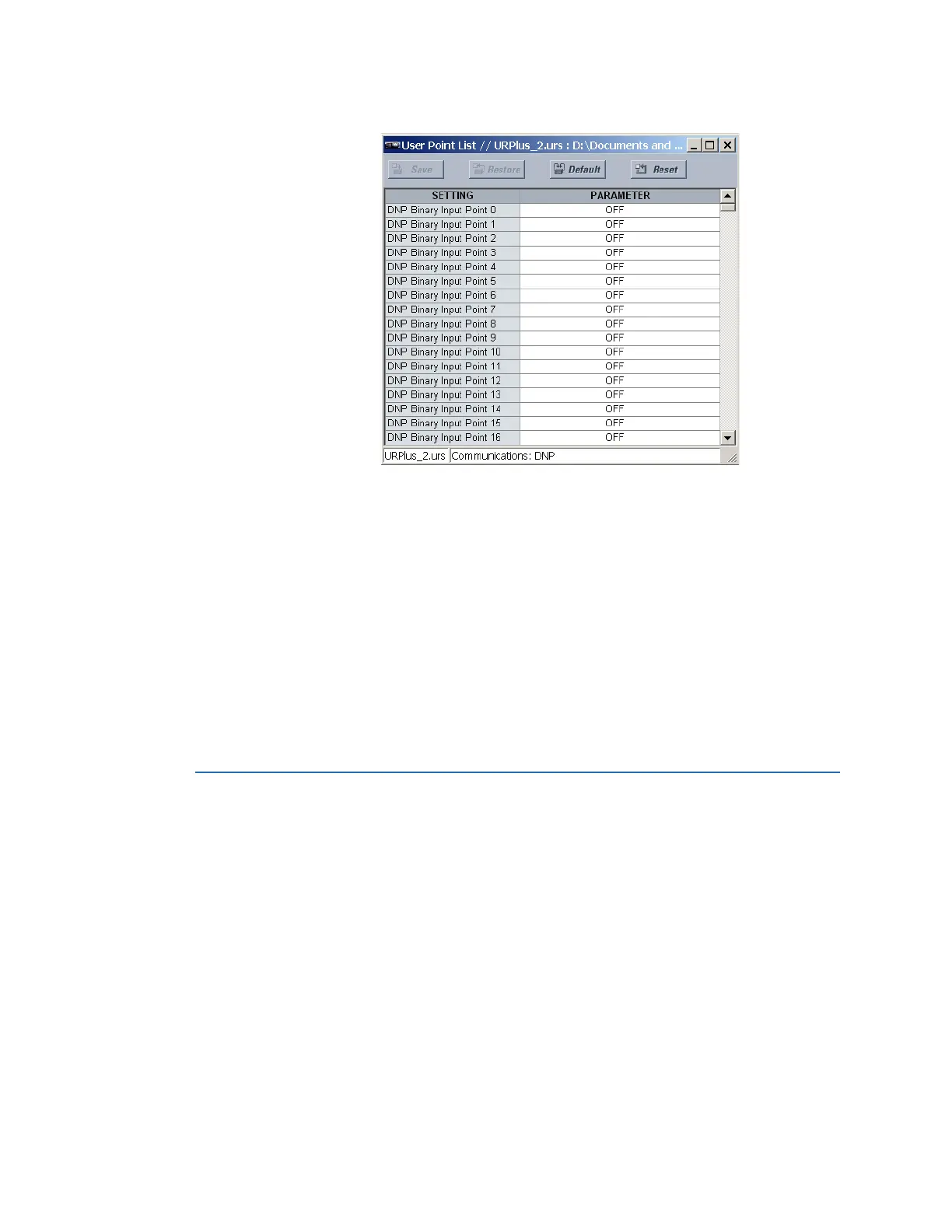
Figure 90: DNP user point list configuration settings
The following settings are available for points 0 through 255.
DNP Binary Input Point 0, DNP Binary Input Point 1,..., DNP Binary Input Point 255
Range: any FlexLogic operand
Default: Off
These settings represent DNP binary input points and are configured by assigning an
appropriate FlexLogic operand to each. Up to 256 binary input points can be configured
for the DNP protocol. Changes take effect when the D90
Plus
is restarted.
DNP Analog Input Point 0, DNP Analog Input Point 2,..., DNP Analog Input Point 255
Range: any FlexAnalog parameter
Default: Off
These settings represent DNP analog input points and are configured by assigning an
appropriate FlexAnalog parameter to each. Up to 256 analog input points can be
configured for the DNP protocol. Changes take effect when the D90
Plus
is restarted.
IEC 60870-5-104 communications
The IEC 60870-5-104 server can support two clients simultaneously. It can report any
indication or measurement and operate any output present in the device. These point lists
are shared with the DNP protocol.
IEC 60870-5-104 protocol
Select the Settings > Communications > IEC 60870-5-104 > Protocol menu to open the
IEC 60870-5-104 protocol configuration window.



 To Next Page