62 D90
PLUS
LINE DISTANCE PROTECTION SYSTEM – INSTRUCTION MANUAL
INSTALL SOFTWARE CHAPTER 3: INSTALLATION
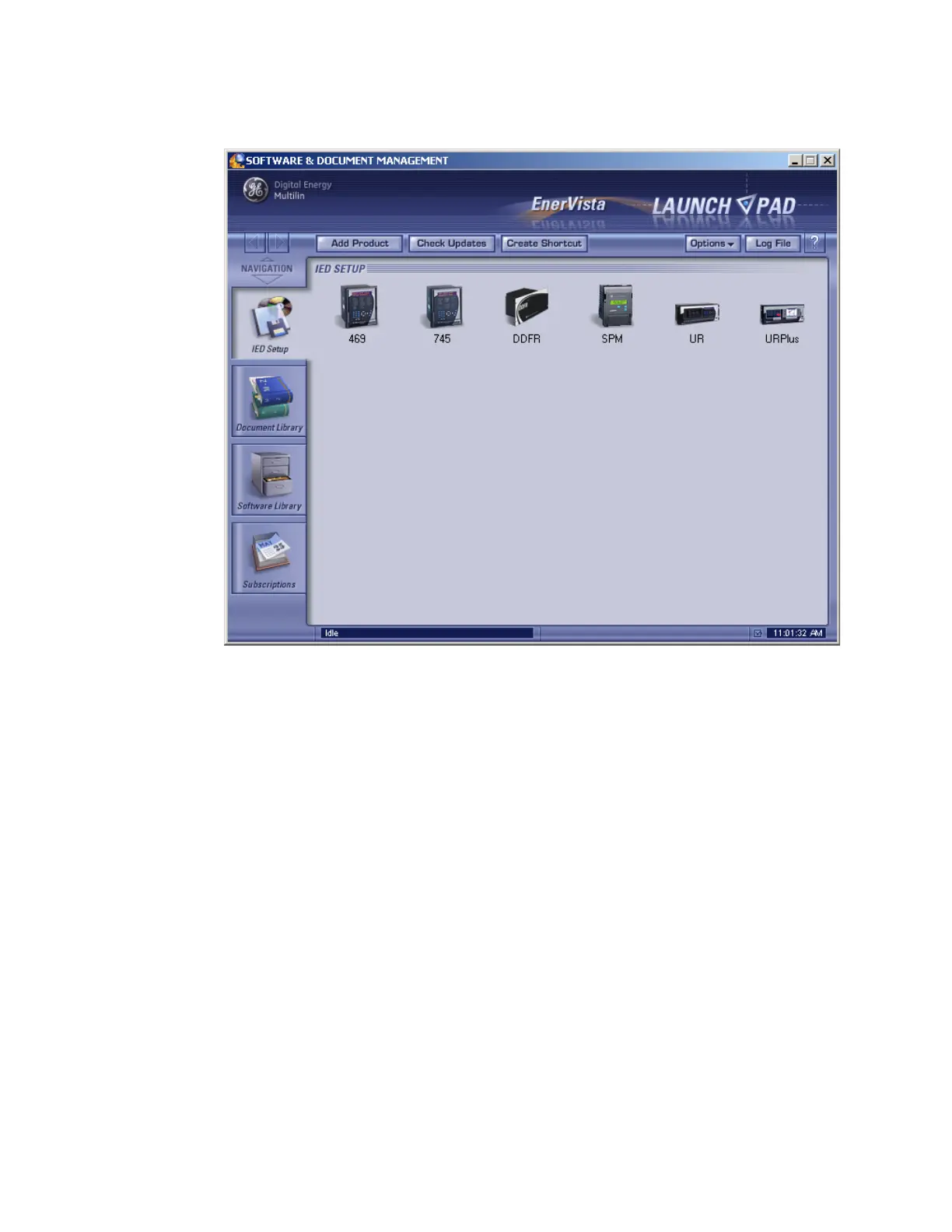
Figure 41: UR
Plus
-series device added to Launchpad window
Connect for first time with Quick Connect
The most convenient way to establish communication to the D90
Plus
for the first time using
the EnerVista UR
Plus
Setup software is to use the USB interface located on the front of the
relay. Once communications has been established the settings for the RS485 and Ethernet
port can then be configured as described in the following sections. This procedure
assumes the EnerVista UR
Plus
Setup software has been installed.
1. Ensure that the USB cable is not connected to the D90
Plus
.
2. Start EnerVista UR
Plus
Setup software.
3. Connect the USB cable between the computer and the front panel of the D90
Plus
.



 To Next Page