CHAPTER 4: FRONT PANEL INTERFACE DIGITAL FAULT RECORDER MENU
D90
PLUS
LINE DISTANCE PROTECTION SYSTEM – INSTRUCTION MANUAL 73
display of current phase angle
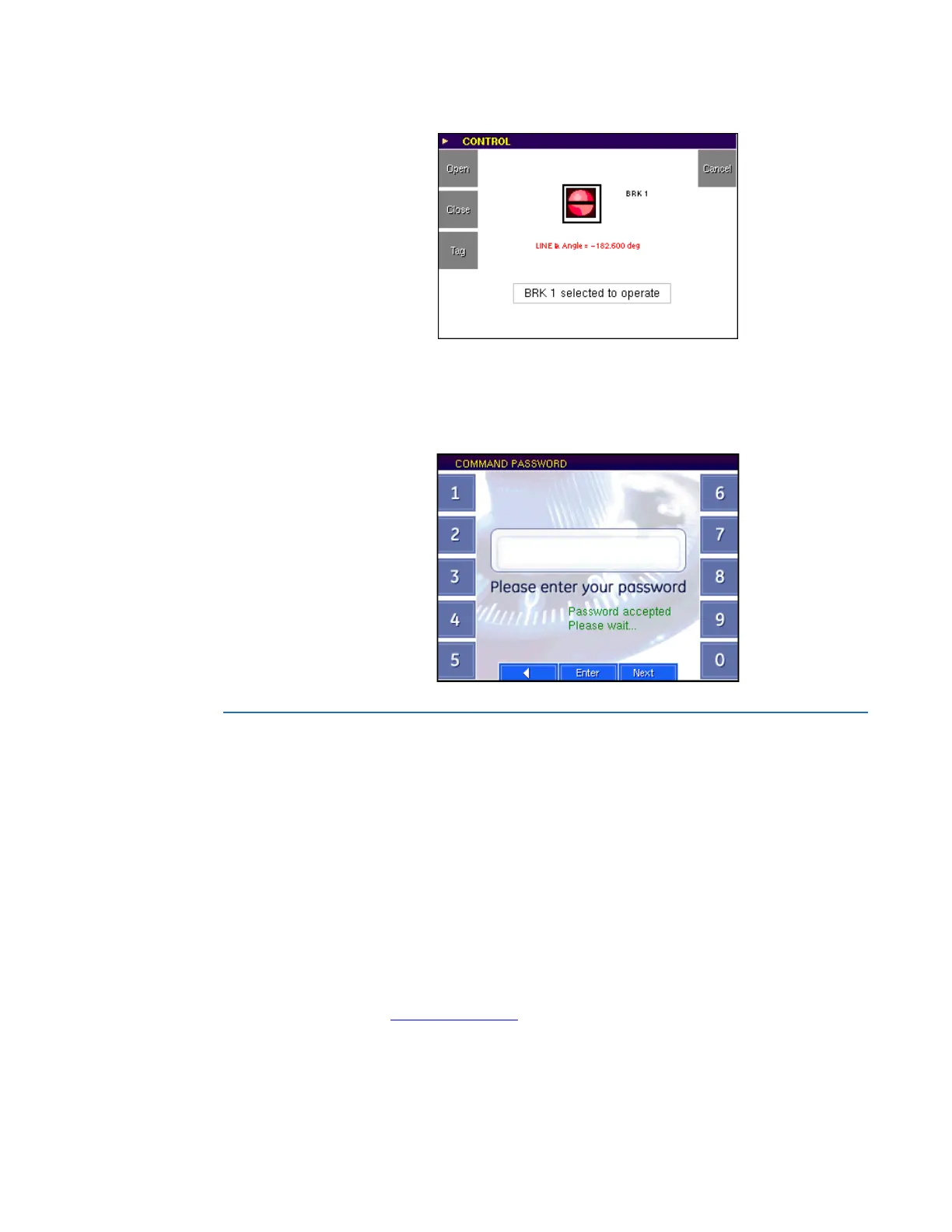
The front panel control pushbuttons can be placed under password security. When
password security is enabled, the front panel requests the command password before
performing any actions. Use the Next button to access additional alphanumeric
characters.
Figure 49: Command password entry screen
Digital fault recorder menu
The digital fault recorder menu provides access to records stored within the D90
Plus
,
including sequence of events, fault report, transient records, and disturbance records. The
summary page displays the status of each function, as follows:
• A green indicator indicates that the function is enabled and more than 20% of the
memory is available
• A yellow indicator indicates that the available memory is between zero and 20%
• A red indicator indicates that the memory is full
If the function is configured for protected mode, then the enabled indicator also switches
to red indicating that new records can be captured. If the function is configured for
automatic overwrite, then the element overwrites old records and the enabled LED
remains green.
For details on the indicators for the fault report, transient recorder, and disturbance
recorder, see Digital fault recorder
on page 505.



 To Next Page