74 D90
PLUS
LINE DISTANCE PROTECTION SYSTEM – INSTRUCTION MANUAL
DIGITAL FAULT RECORDER MENU CHAPTER 4: FRONT PANEL INTERFACE
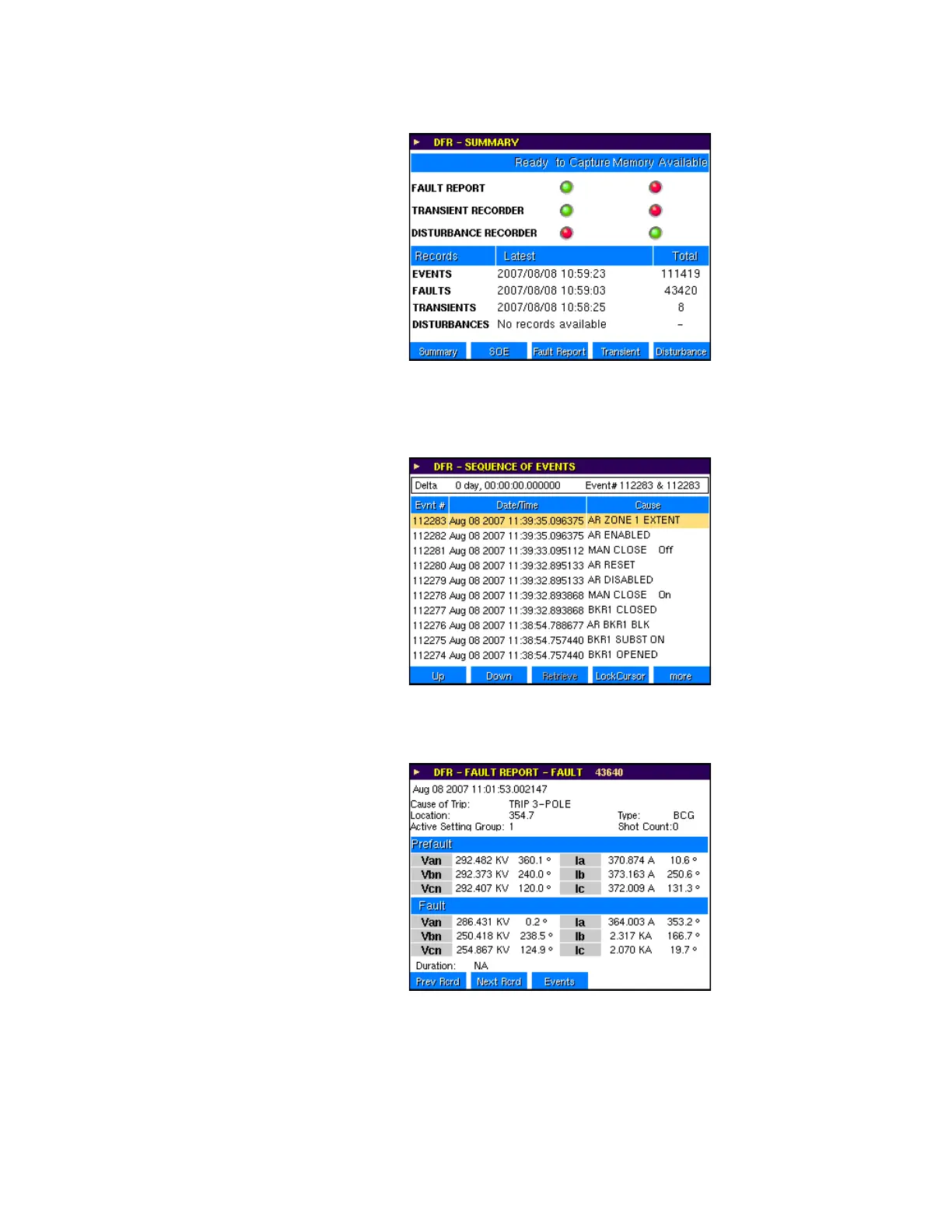
Figure 50: Digital fault recorder - example summary page
The sequence of events record can be accessed from this page. Using the navigations
keys, scroll or page through the events list. Two cursors are provided for measurement of
the time difference between events.
Figure 51: Example of sequence of events record
Principal fault information measured by D90
Plus
can also be accessed from the digital fault
recorder menu.
Figure 52: Example of fault record
The digital fault recorder menu transient record menu lists all of the records currently
stored in the D90
Plus
. It also indicates the status of the trigger, where:
• Green indicates that the trigger is not active
• Red indicates an active trigger



 To Next Page