502 D90
PLUS
LINE DISTANCE PROTECTION SYSTEM – INSTRUCTION MANUAL
USING SHARED OPERANDS IN EQUIPMENT MANAGER CHAPTER 9: EQUIPMENT MANAGER
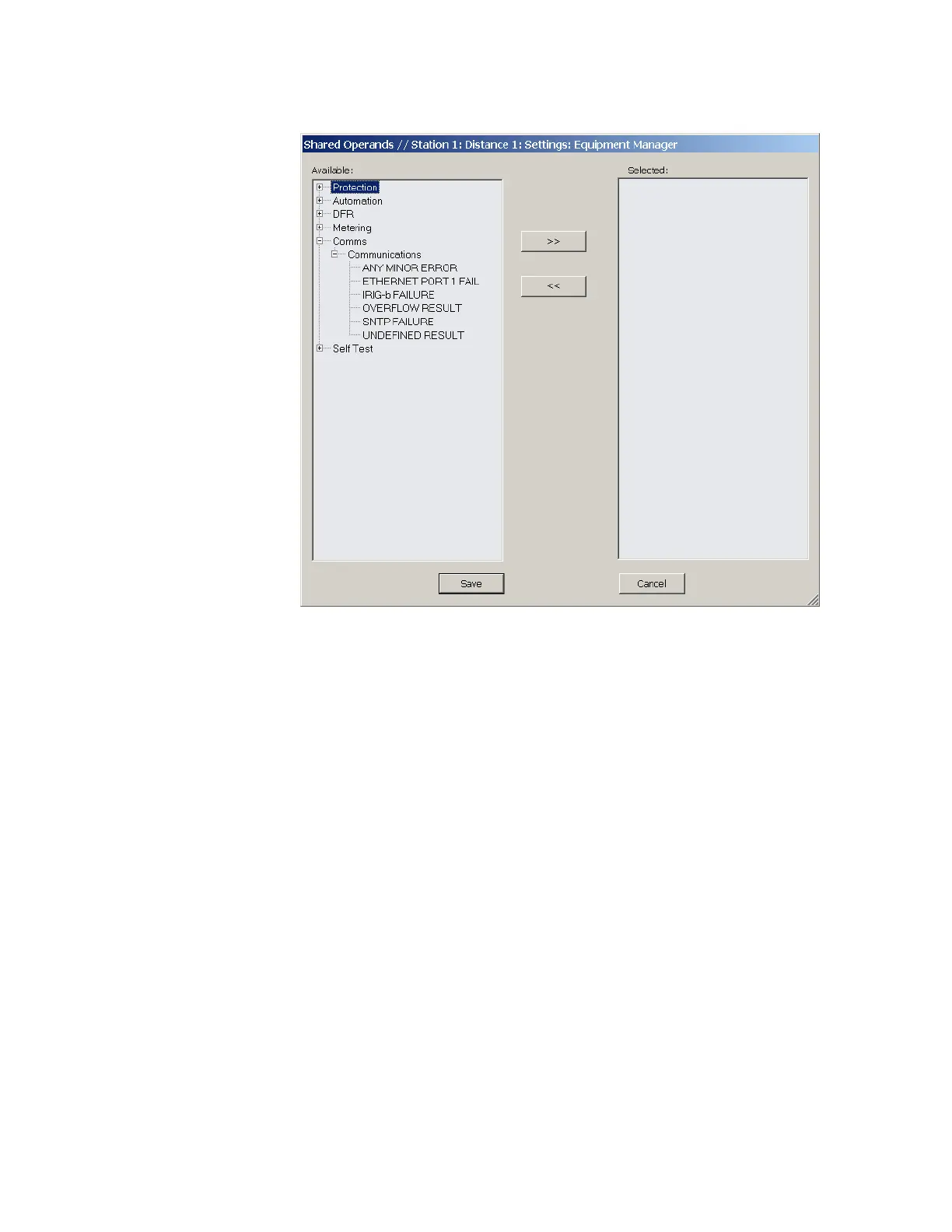
Figure 436: Shared operands configuration window
The left side of this screen displays all D90
Plus
operands that are available to the
equipment manager as shared operands. Select any operands from the other five primary
features by clicking the >> button. Operands can be de-assigned as shared operands by
clicking the << button.
Renaming equipment manager operands
Select the Settings > Configure FlexOperands menu to open the user-configurable
operands window.



 To Next Page