144 D90
PLUS
LINE DISTANCE PROTECTION SYSTEM – INSTRUCTION MANUAL
FLEXSTATES CHAPTER 6: COMMUNICATIONS
IEC 61850 GOOSE analog input actual values
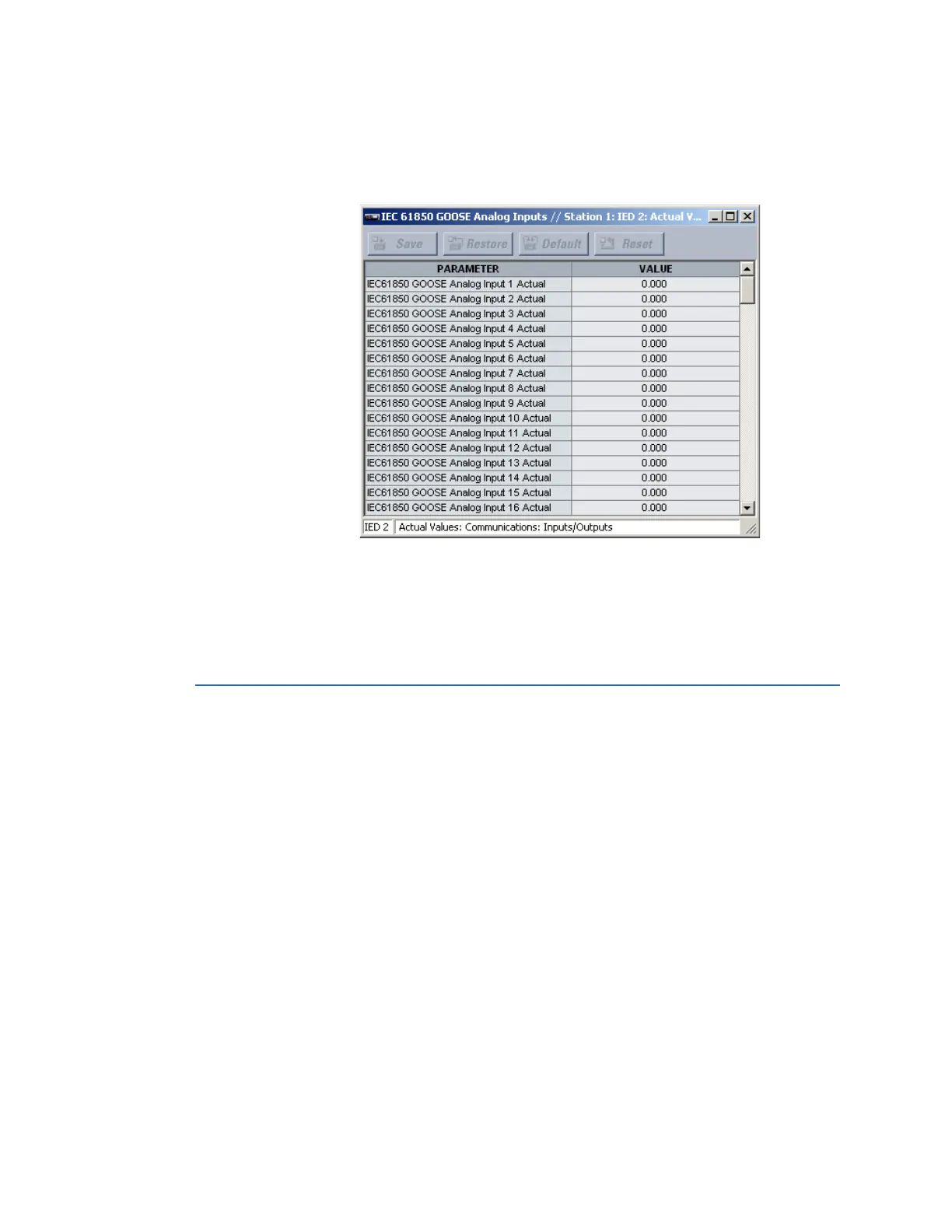
Select the Actual Values > Communications > Inputs/Outputs > IEC61850 GOOSE
Analog Inputs menu to open the IEC 61850 GOOSE analog input actual values window.
Figure 117: IEC 61850 GOOSE analog input actual values
The following actual value is available for each IEC 61850 GOOSE analog input.
IEC 61850 GOOSE Analog Input 1 Actual
Range: Yes, No
This value displays the IEC 61850 GGIO3 analog input data point 1. The GGIO3 analog
data values are received via IEC 61850 GOOSE messages sent from other devices.
FlexStates
The FlexStates feature provides a mechanism where any of 256 selected FlexLogic
operand states can be used for efficient monitoring. The feature allows user-customized
access to the FlexLogic operand states in the D90
Plus
. The state bits are packed so that 16
states can be read in a single Modbus register. The state bits can be configured so that all
of the states of interest are available in a minimum number of Modbus registers.
The state bits can be read in the FlexStates register array beginning at Modbus address
0900h. Sixteen states are packed into each register, with the lowest-numbered state in the
lowest-order bit. There are 16 registers in total to accommodate the 256 state bits.
FlexState settings
Select the Settings > Communications > FlexStates menu to open the FlexStates
configuration window.



 To Next Page