146 D90
PLUS
LINE DISTANCE PROTECTION SYSTEM – INSTRUCTION MANUAL
REAL-TIME CLOCK CHAPTER 6: COMMUNICATIONS
Name
Range: any FlexLogic operand
This actual value indicates the FlexLogic operand assigned to the FlexState parameter.
Value
Range: OFF, ON
This actual value indicates the logic state (ON, OFF) of the FlexState parameter.
Real-time clock
The date and time can be synchronized to a known time base and to other devices using
an IRIG-B signal. If an IEEE 1344 compliant IRIG-B generator is connected to the D90
Plus
,
then no additional information is required. Otherwise, only the current year needs to be
entered. To instead set manually the relay clock, use the Actual Values > Communications
> Commands > Set Date and Time command.
The daylight savings time (DST) settings can be used to have the D90
Plus
clock follow the
DST rules of the local time zone. When IRIG-B time synchronization is active, the DST
settings are ignored. The DST settings are used when the D90
Plus
is synchronized with
SNTP, or when neither SNTP nor IRIG-B is used.
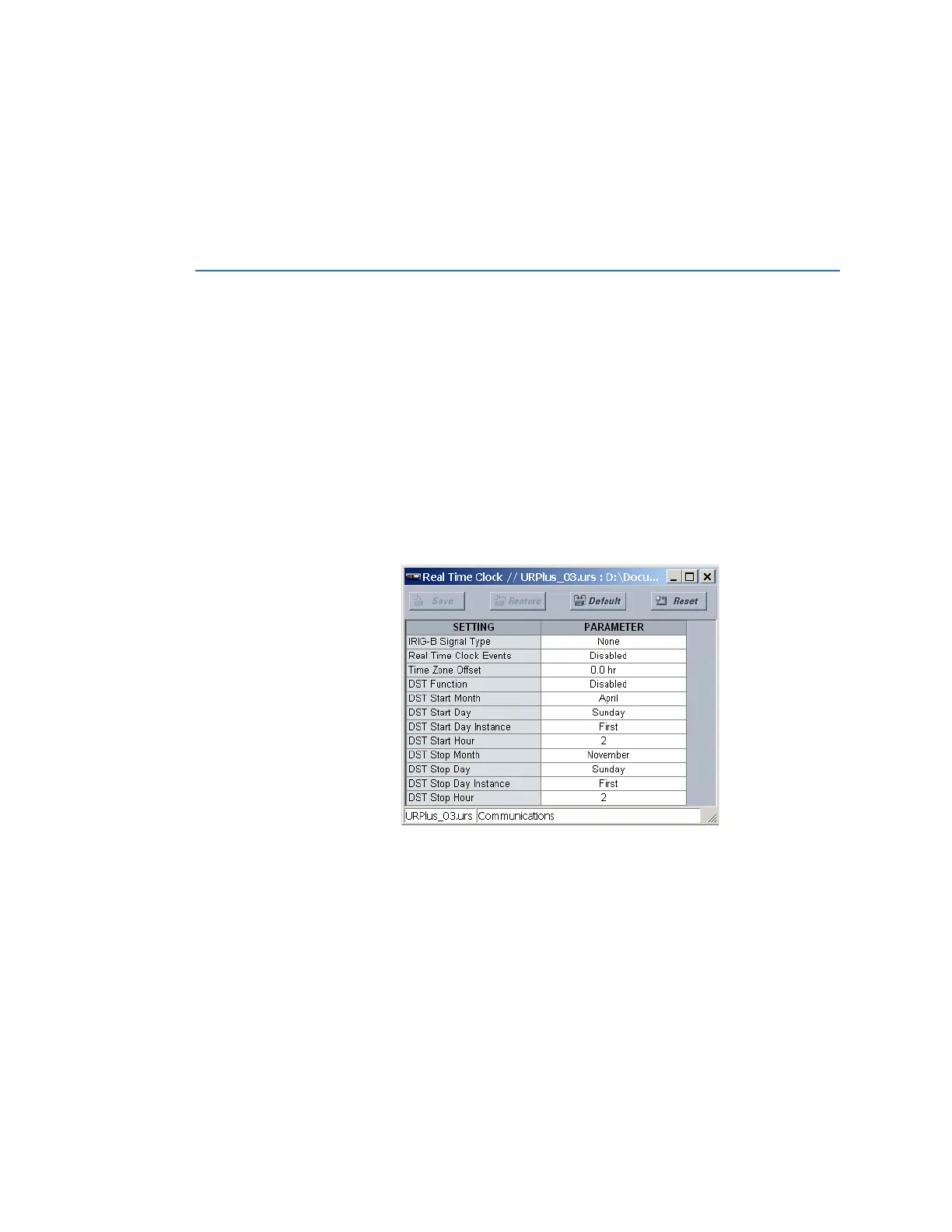
Select the Settings > Communications > Real Time Clock menu to open the real-time
clock configuration window.
Figure 120: Real-time clock configuration settings
The following settings are available to configure the clock.
IRIG-B Signal Type
Range: None, DC Shift, Amplitude Modulated
Default: None
This setting selects the type of IRIG-B signal. Select “None” to disable IRIG-B.
Real Time Clock Events
Range: Enabled, Disabled
Default: Disabled
This setting enables and disables the logging of real-time clock events in the sequence
of events recorder.



 To Next Page