396 D90
PLUS
LINE DISTANCE PROTECTION SYSTEM – INSTRUCTION MANUAL
PROTECTION INPUTS AND OUTPUTS CHAPTER 7: PROTECTION
Direct input states
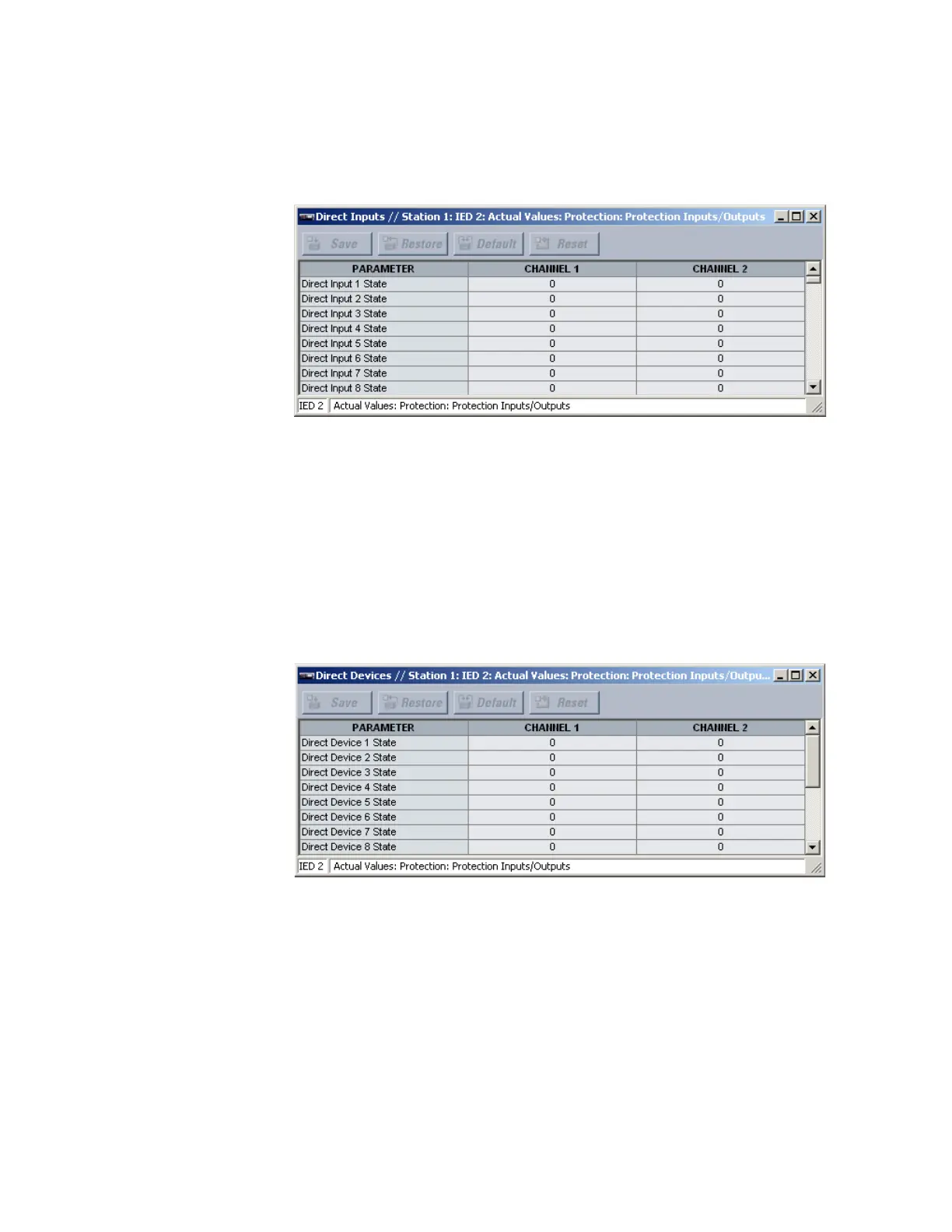
Select the Actual Values > Protection > Protection Inputs/Outputs > Direct Inputs menu
to open the direct input states window.
Figure 338: Direct inputs states
The following actual values are available for all direct inputs, where input 1 is used as the
example.
Direct Input 1 State
Range: 0, 1
This value displays the current state of the direct input. A value of “0” indicates off and a
value of “1” indicates on.
Direct device states
Select the Actual Values > Protection > Protection Inputs/Outputs > Direct Devices
menu to open the direct device states window.
Figure 339: Direct device states
The following actual values are available for all direct devices. The actual values outlined
are for direct device 1.
Direct Device 1 State
Range: Offline, Online
This value displays the current state of the direct device.
Direct outputs
These settings specify how the direct output information is processed. Select the Settings
> Protection Inputs/Outputs > Direct Outputs menu to open the direct outputs
configuration window.



 To Next Page