140 D90
PLUS
LINE DISTANCE PROTECTION SYSTEM – INSTRUCTION MANUAL
IEC 61850 COMMUNICATIONS CHAPTER 6: COMMUNICATIONS
Unbuffered Reports BufTm
Range: 0 to 4294967295 in steps of 1
Default: 0
This setting specifies the buffer time.
Unbuffered Reports TrgOps
Range: 0 to 65535 in steps of 1
Default: 0
This setting specifies a bitmask that selects the trigger options. The following bits are
supported by the D90
Plus
:
– Bit 1 — Data-change
– Bit 4 — Integrity
– Bit 5 — General interrogation
Unbuffered Reports IntgPd
Range: 0, or 250 to 4294967295 in steps of 1
Default: 0
This setting specifies the integrity period for unbuffered reports.
Buffered report control configuration
IEC 61850 buffered reporting is provided in the GGIO1 logical nodes (for binary status
values) and MMXU1 to MMXU4 (for analog measured values). Report settings are
configured using the EnerVista UR
Plus
Setup software, substation configurator software, or
via an IEC 61850 client.
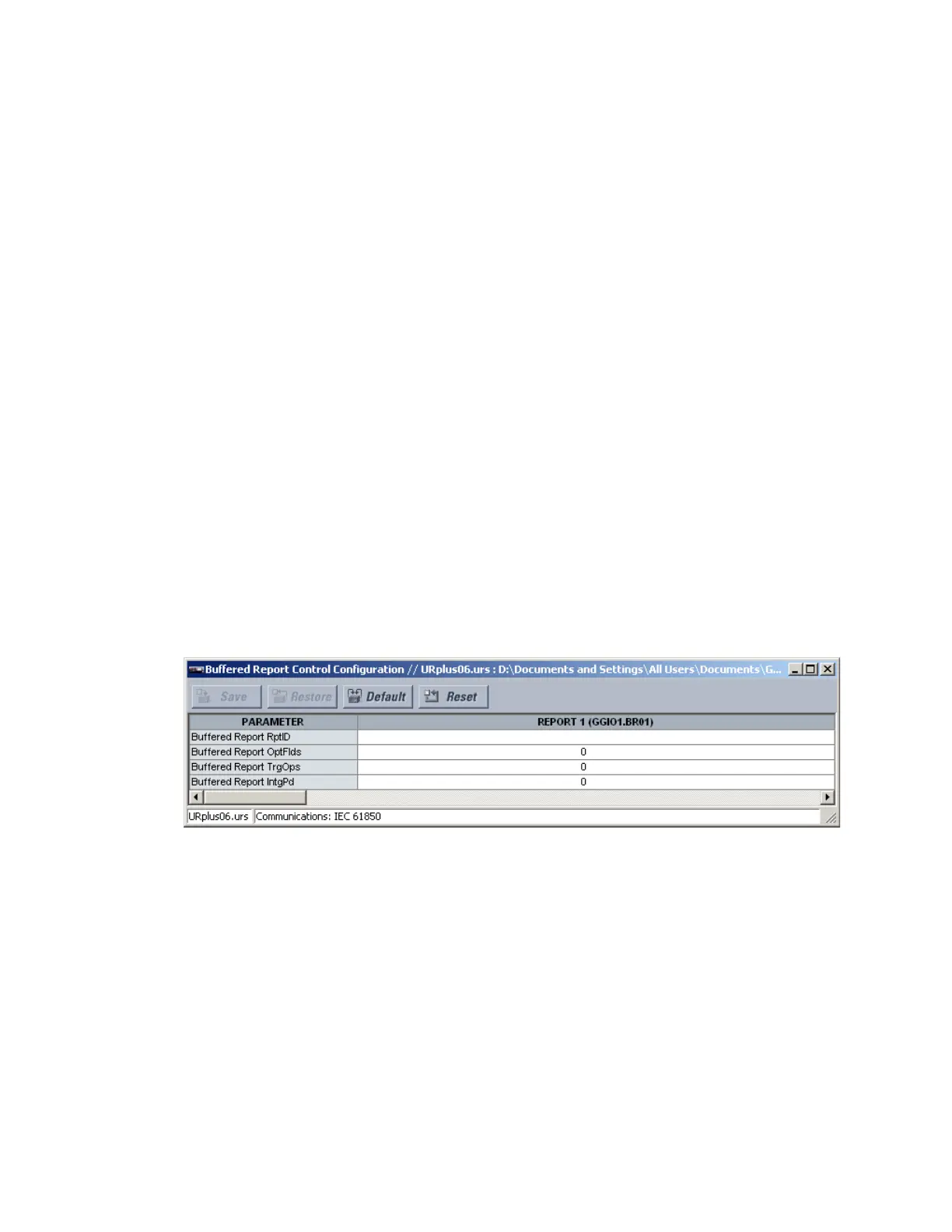
Select the Settings > Communications > IEC 61850 > Buffered Report Control
Configuration menu to open the IEC 61850 buffered report configuration window.
Figure 112: IEC 61850 buffered report control configuration
The following settings are available for each buffered report. Up to six buffered reports can
be configured. Changes to the report configuration take effect when the D90
Plus
is
restarted.
Disconnect any IEC 61850 client connection to the D90
Plus
prior to making setting changes
to the buffered report configuration. Disconnecting the rear Ethernet connection from the
D90
Plus
disconnects the IEC 61850 client connection.
Buffered Reports RptID
Range: up to 65 alphanumeric characters
Default: empty
This setting specifies the name for the IEC 61850 buffered report.



 To Next Page