464 D90
PLUS
LINE DISTANCE PROTECTION SYSTEM – INSTRUCTION MANUAL
AUTOMATION INPUTS AND OUTPUTS CHAPTER 8: AUTOMATION
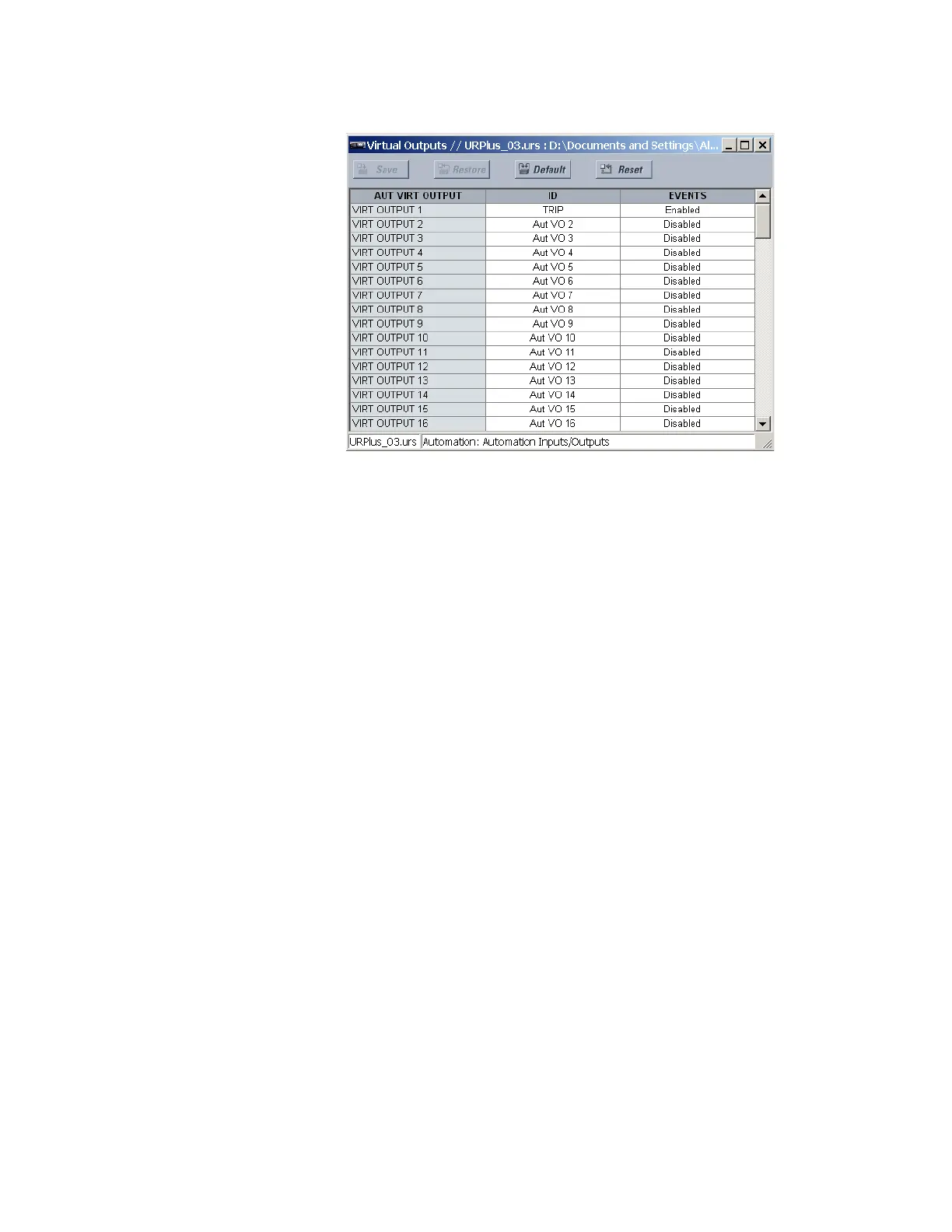
Figure 393: Automation virtual output programming example
Contact input and output default assignment
When a new settings file is created, the available contacts are assigned automatically to
the protection or automation functions according to the following convention:
• First I/O module → protection
• All subsequent I/O modules → automation
For example, if a D90
Plus
is configured with contact input/output cards in slots E, F, and G,
then the inputs and outputs associated with slot E are assigned to protection and the
inputs and outputs associated with slots F and G are assigned to automation.
These default assignments can be changed to match the requirements of the application.
This is done by right-clicking the setting filename and choosing the Manage Settings File >
I/O Assignments item. The following window displays.



 To Next Page