414 D90
PLUS
LINE DISTANCE PROTECTION SYSTEM – INSTRUCTION MANUAL
PROTECTION FLEXLOGIC CHAPTER 7: PROTECTION
Block
Range: any FlexLogic operand or shared operand
Default: Off
Assertion of the operand assigned to this setting blocks operation of the FlexElement.
Events
Range: Enabled, Disabled
Default: Disabled
This setting enables and disables the logging of FlexElement events in the sequence of
events recorder.
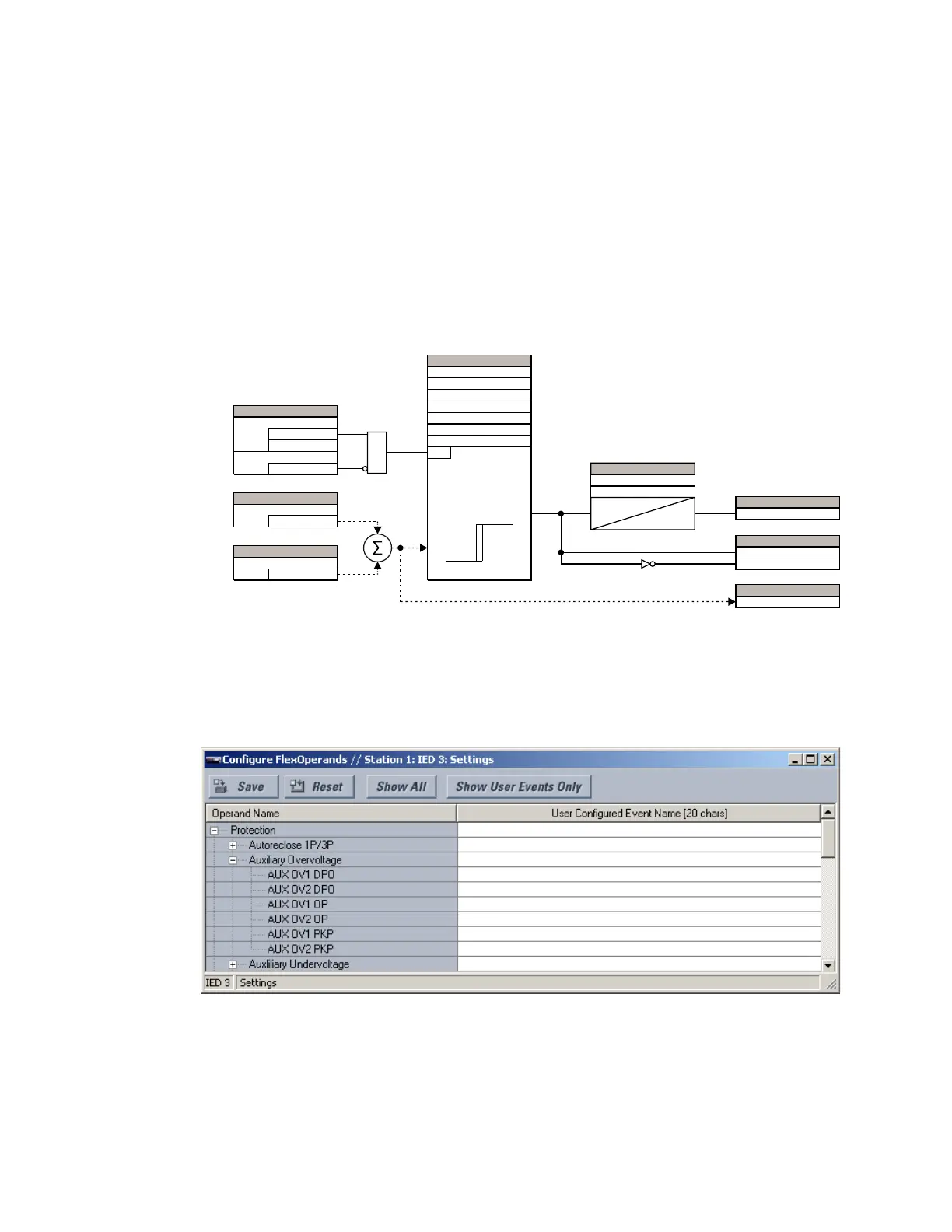
The figure shows the logic diagram for FlexElements.
Figure 356: Protection FlexElements logic
Customizing the protection FlexLogic operands
Select the Settings > Configure FlexOperands menu to open the user-configurable
operands window.
Figure 357: User-configurable protection FlexLogic operands window
The left side of this screen displays all operands that are currently available to the D90
Plus
.
The protection FlexLogic operands are displayed by expanding the Protection entry. Each
operand can be renamed with a user-specified value to provide additional information or
match specific applications.
$&'5
6(77,1*6
(QDEOHG
'LVDEOHG
)XQFWLRQ
2II
%ORFN
$1'
6(77,1*6
,QSXW0RGH
581
&RPSDUH0RGH
'LUHFWLRQ
3LFNXS
+\VWHUHLV
'HOWD78QLWV
'HOWD7
6(77,1*
$FWXDOYDOXH
,QSXW3OXV
$FWXDOYDOXH
,QSXW0LQXV
²
6(77,1*
6(77,1*6
5HVHW'HOD\
7
3.3
7
567
3LFNXS'HOD\
)/(;/2*,&23(5$1'
)[(23
)[(3.3
)[('32
)/(;/2*,&23(5$1'
$&78$/9$/8(
)OH[(OHPHQW2S6LJ



 To Next Page