CHAPTER 4: FRONT PANEL INTERFACE EQUIPMENT MANAGER MENU
D90
PLUS
LINE DISTANCE PROTECTION SYSTEM – INSTRUCTION MANUAL 75
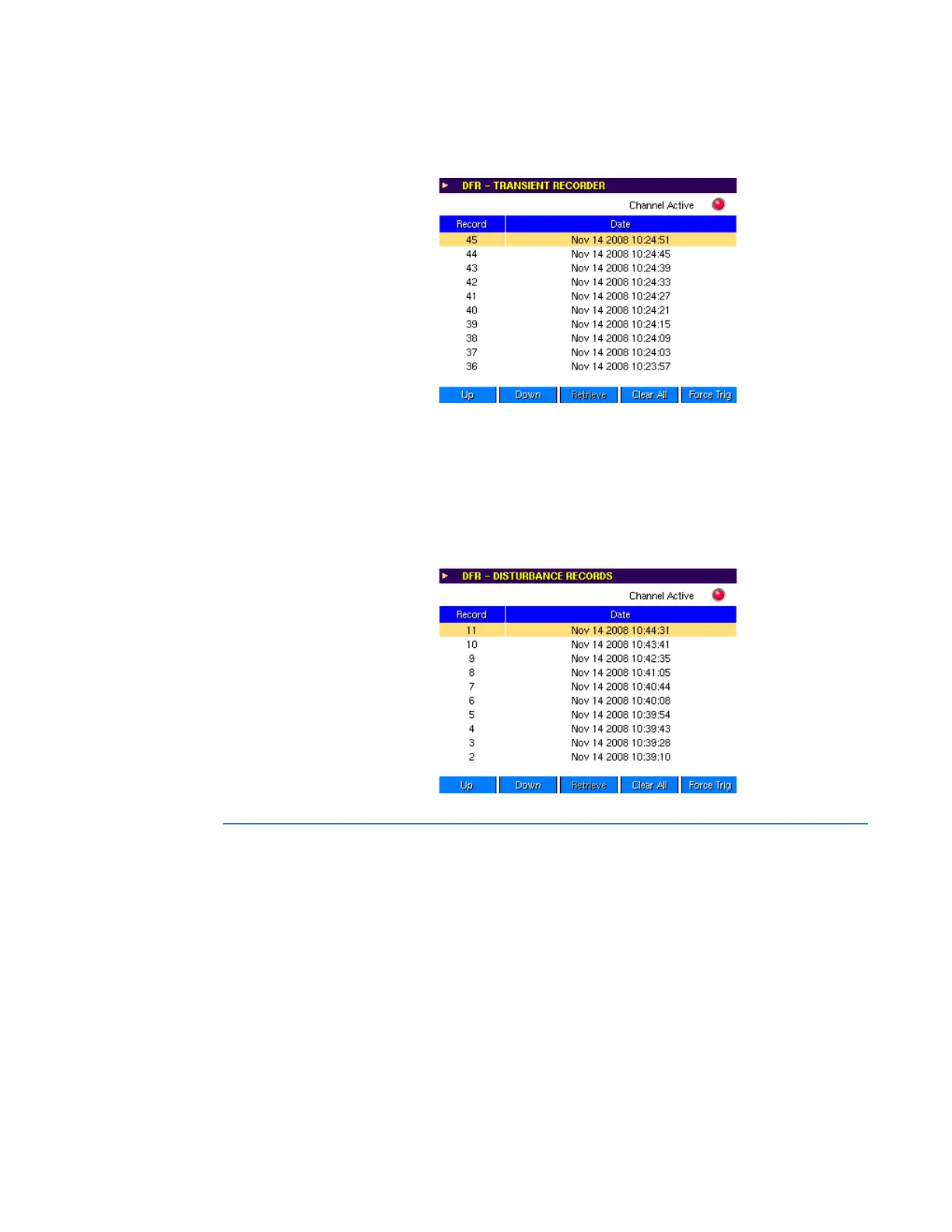
Records can be retrieved and deleted, and triggers can be generated manually from this
screen.
Figure 53: Example of transient record
The digital fault recorder menu disturbance record menu lists all disturbance records
stored in the D90
Plus
. It also indicates the status of the trigger, where:
• Green indicates that the trigger is not active
• Red indicates an active trigger
Records can be retrieved and deleted, and triggers can be manually generated from this
screen.
Figure 54: Example of disturbance record
Equipment manager menu
This menu provides access to the battery monitor function. There are three status
indicators, colored red, yellow, and green.
• A green indication denotes no alarms for the device
• A yellow indication denotes at least one non-critical alarm and no critical alarms
• A red indication denotes at least one critical alarm
The battery monitor page displays the state of all battery monitor alarms for a particular
device. Alarms can be reset from this page.



 To Next Page