394 D90
PLUS
LINE DISTANCE PROTECTION SYSTEM – INSTRUCTION MANUAL
PROTECTION INPUTS AND OUTPUTS CHAPTER 7: PROTECTION
Seal-In
Range: any FlexLogic operand or shared operand
Default: as shown above
This setting selects an operand (virtual output, element state, contact input, or virtual
input) that seals-in the contact output when asserted.
Voltage Threshold
Range: 20 to 250 volts in steps of 1
Default: 20
This setting specifies the level at which the Contact Op 1 VOn and Contact Op 1 VOff
operands function. It is only shown for contact outputs that have monitoring.
Events
Range: Enabled, Disabled
Default: Enabled
If this setting is “Enabled,” every change in the contact output state triggers an event in
the sequence of events recorder.
Protection contact output actual values
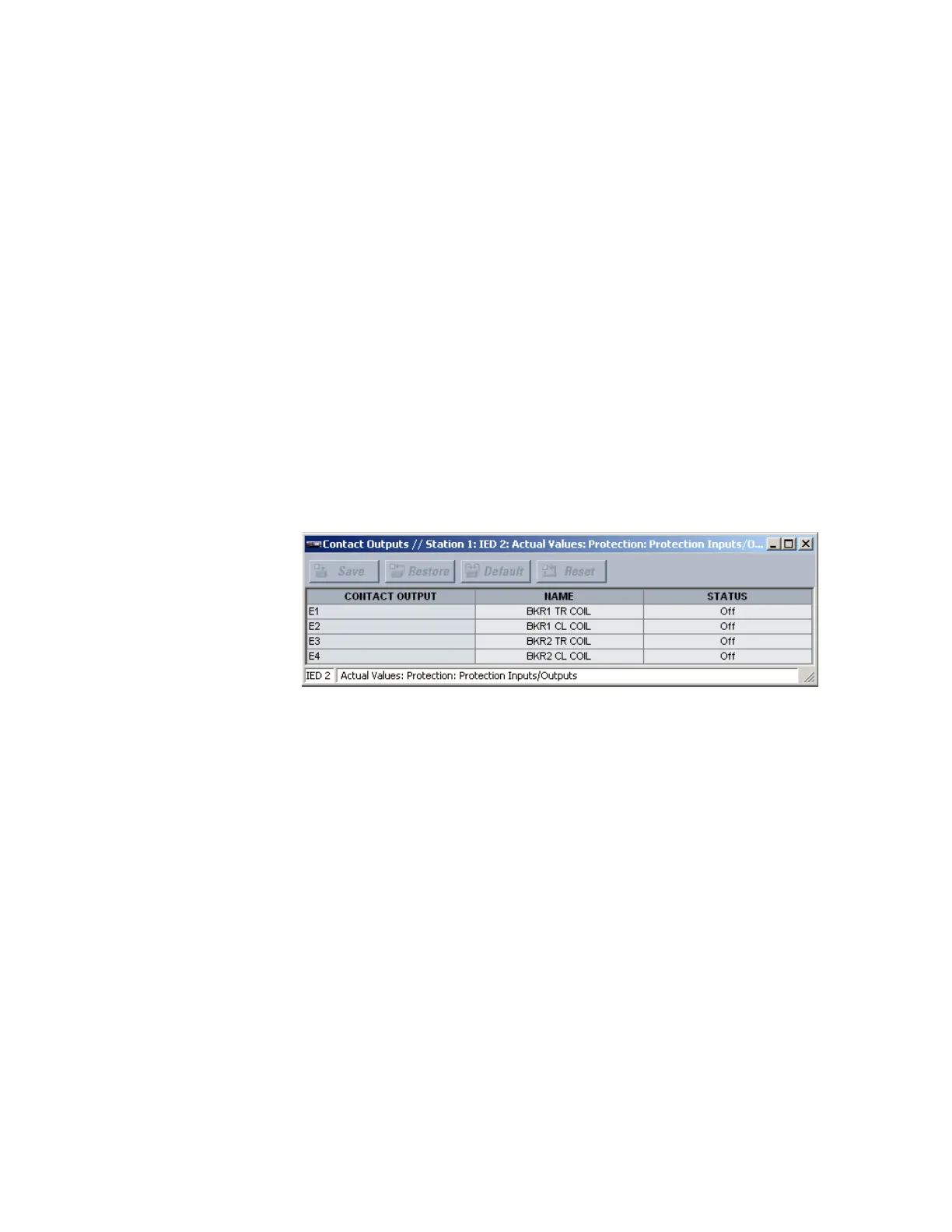
Select the Actual Values > Protection > Protection Inputs/Outputs > Contact Outputs
item to open the protection contact output actual values window.
Figure 336: Protection contact output actual values
The following actual values are available for all protection contact outputs.
Name
Range: up to 12 alphanumeric characters
This value displays the programmed
ID for the corresponding protection contact output.
Status
Range: On, Off, VOn, VOff, IOn, IOff
This value indicates the logic state of the protection contact output.
Direct inputs
These settings specify how the direct input information is processed. Select the Protection
> Protection Inputs/Outputs > Direct Inputs menu to open the direct inputs
configuration window.



 To Next Page