D90
PLUS
LINE DISTANCE PROTECTION SYSTEM – INSTRUCTION MANUAL 429
D90
Plus
Line Distance Protection System
Chapter 8: Automation
Automation
This section outlines how to program the D90
Plus
automation features.
Automation controller overview
The D90
Plus
automation controller allows custom automation schemes. The controller can
access both digital and analog inputs and outputs. Operations carried out on digital inputs
and outputs are referred to as logical operations, whereas operations carried out on
analog inputs and outputs are referred to as math operations. Digital inputs and outputs
include physical inputs and outputs residing locally in the D90
Plus
, remote inputs and
outputs originating in external devices, and outputs generated by internal, hard-coded
functions. The results of processing inputs and outputs are stored locally in the form of
virtual inputs and outputs. These can, in turn, be assigned to drive contact outputs,
annunciator indications, or be used as inputs to internal, hard-coded functions. They are
also available via communications to external devices or master programs.
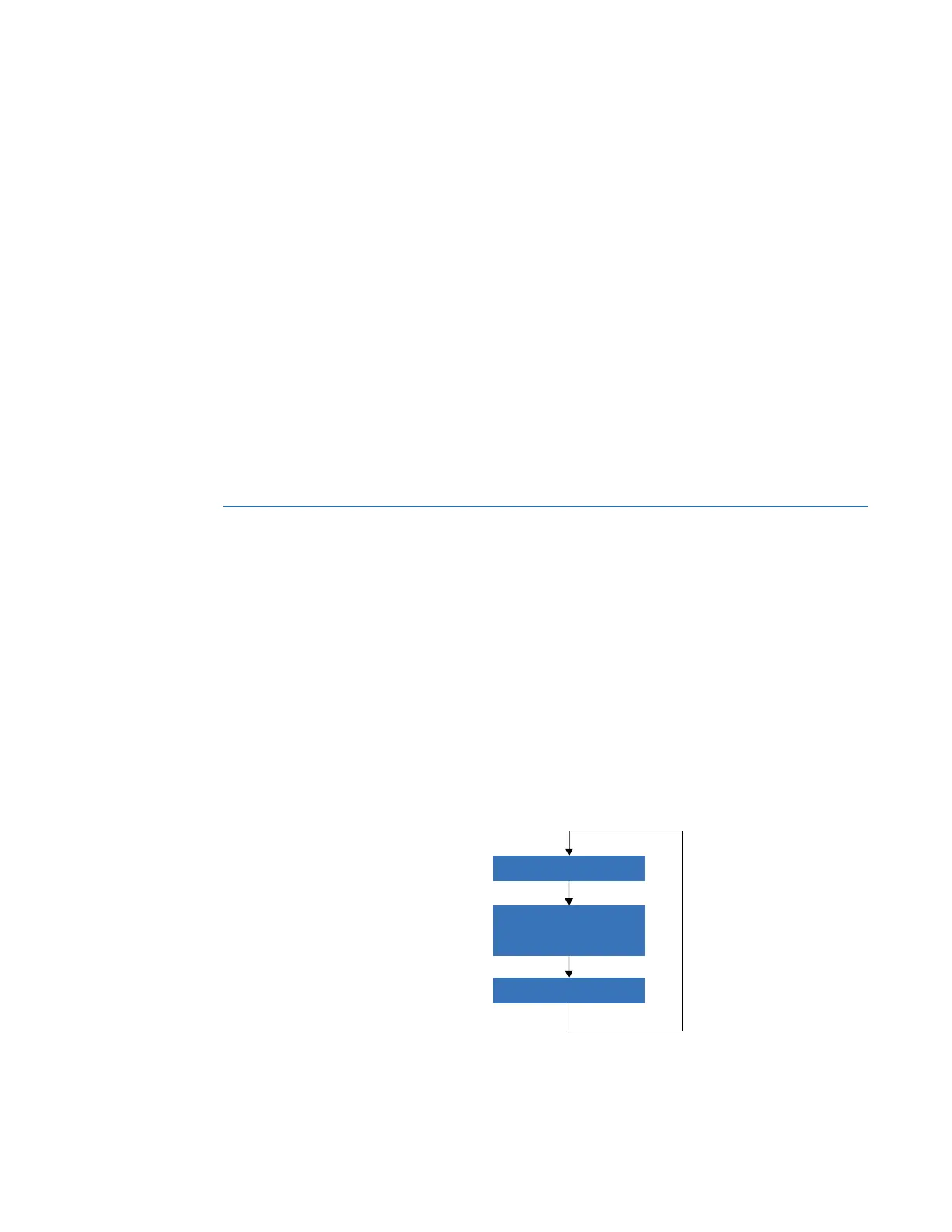
All inputs are read at the beginning of the automation scan, then the logic is processed.
After logic processing, the outputs are written. The D90
Plus
automation scan rate is 50 ms.
A total of 4096 lines can be programmed in the automation controller.
Figure 358: Automation scan
5HDGDXWRPDWLRQLQSXWV
3URFHVVDXWRPDWLRQORJLF
:ULWHDXWRPDWLRQRXWSXWV
$&'5



 To Next Page