CHAPTER 6: COMMUNICATIONS DNP COMMUNICATIONS
D90
PLUS
LINE DISTANCE PROTECTION SYSTEM – INSTRUCTION MANUAL 111
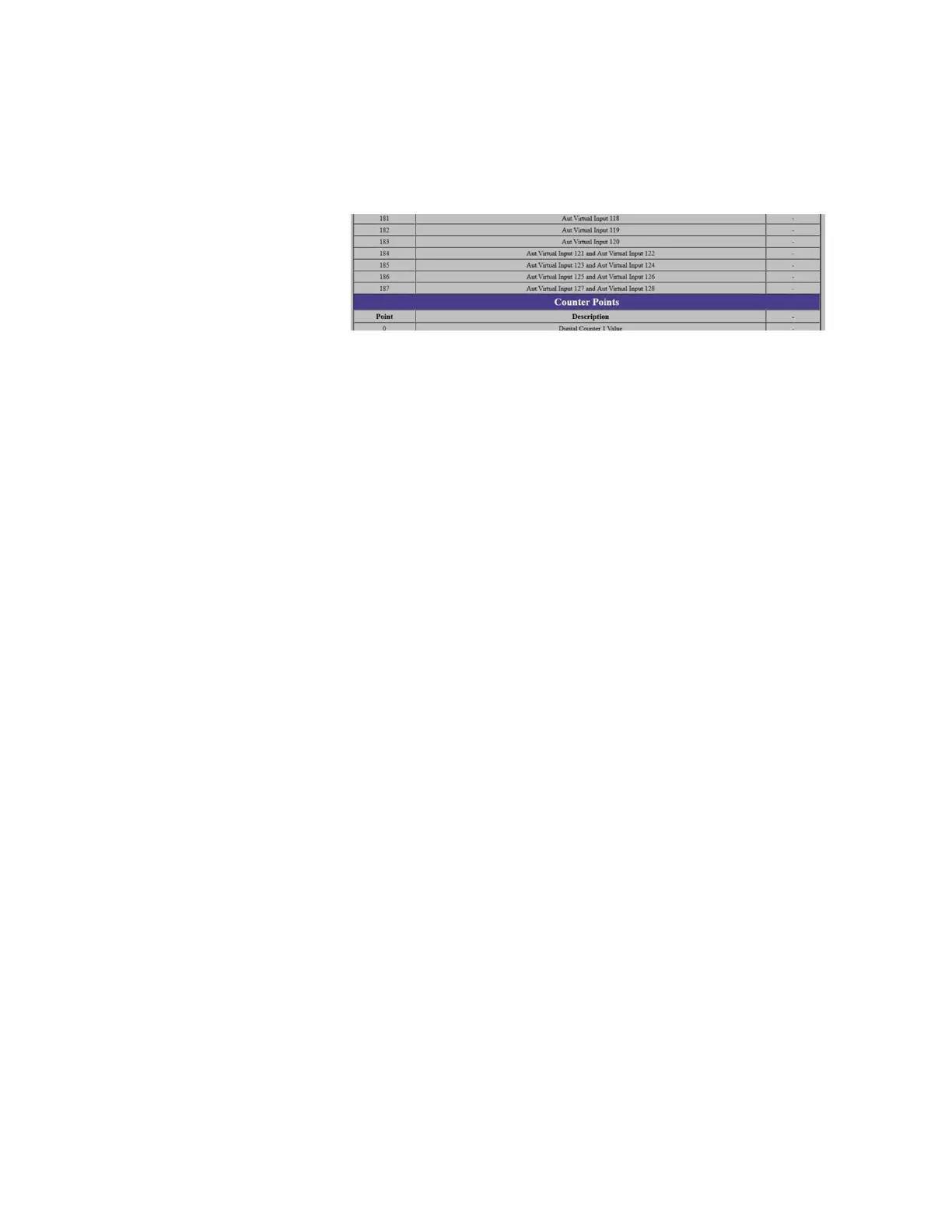
reverse paired order, meaning that is starts backward from the end of the Control
Outputs List. For example, when the DNP Number of Paired Controls setting is
configured as 4, the DNP Points Lists web page shows Automation Virtual Inputs 121 to
128 are paired, as shown in the figure.
Figure 89: Paired points list
Points not configured as paired operate on a one-to-one basis.
DNP TCP Connection Timeout
Range: 10 to 300 seconds in steps of 1
Default: 120 seconds
This setting specifies a time delay for the detection of dead network TCP connections. If
there is no data traffic on a DNP TCP connection for greater than the time specified by
this setting, the connection is aborted by the D90
Plus
. This frees the connection to be re-
used by a client.
Changes to this setting takes effect after power has been cycled to the relay.
DNP user point list
The binary and analog inputs points for the DNP protocol can configured to a maximum of
256 points. The value for each point is user-programmable and can be configured by
assigning FlexLogic operands for binary inputs or FlexAnalog parameters for analog
inputs.
The DNP point lists always begin with point 0 and end at the first “Off” value. Since DNP
point lists must be in one continuous block, any points assigned after the first “Off” point
are ignored.
Select the Settings > Communications > DNP > User Point List menu to open the DNP
user point list configuration window.



 To Next Page