CHAPTER 3: INSTALLATION INSTALL SOFTWARE
D90
PLUS
LINE DISTANCE PROTECTION SYSTEM – INSTRUCTION MANUAL 61
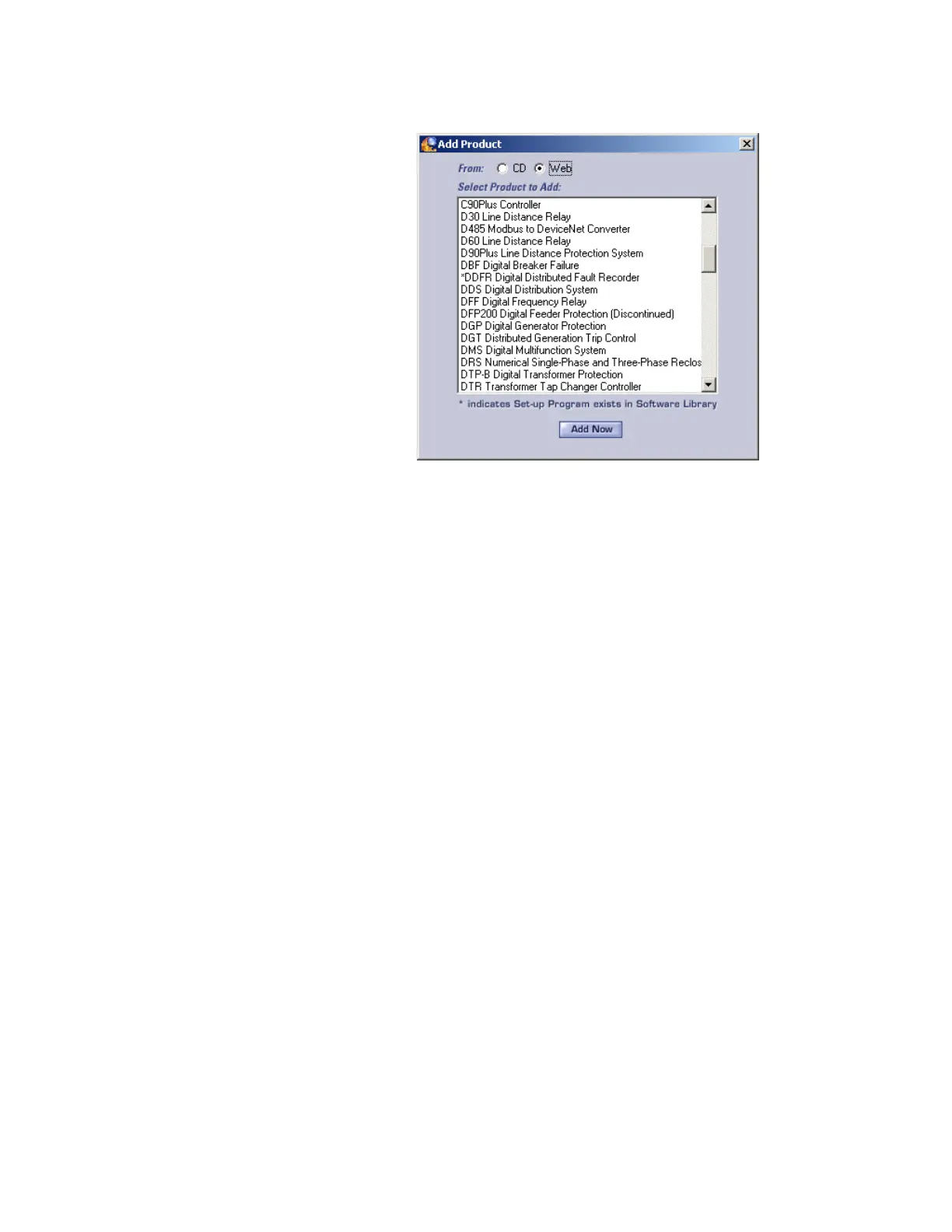
Figure 40: Identifying the device type
6. Select the complete path, including the new directory name, where the EnerVista
UR
Plus
Setup is to be installed.
7. Click the Next button to begin the installation. The files are installed in the directory
indicated, and the installation program automatically creates icons and adds an entry
to the Windows start menu.
8. Click Finish to complete the installation. The UR
Plus
-series device is added to the list of
installed intelligent electronic devices (IEDs) in the EnerVista Launchpad window, as
follows.



 To Next Page