CHAPTER 8: AUTOMATION AUTOMATION LOGIC
D90
PLUS
LINE DISTANCE PROTECTION SYSTEM – INSTRUCTION MANUAL 475
The logic that determines the interaction of inputs, elements, schemes and outputs is field
programmable through the use of logic equations that are sequentially processed. The use
of virtual inputs and outputs in addition to hardware is available internally and on the
communication ports for other relays to use (distributed logic).
Automation logic allows users to customize the relay through a series of equations that
consist of operators and operands. The operands are the states of inputs, elements,
schemes and outputs. The operators are logic gates, timers, and latches (with set and reset
inputs). A system of sequential operations allows any combination of specified operands to
be assigned as inputs to specified operators to create an output. The final output of an
equation is a numbered register called a virtual output. Virtual outputs can be used as an
input operand in any equation, including the equation that generates the output, as a seal-
in or other type of feedback.
An automation logic equation consists of parameters that are either operands or
operators. Operands have a logic state of 1 or 0. Operators provide a defined function,
such as an AND gate or a timer. Each equation defines the combinations of parameters to
be used to set a virtual output flag. Evaluation of an equation results in either a logic 1
(=ON, flag set) or logic 0 (=OFF, flag not set). Each equation is evaluated at the automation
scan rate.
Some types of operands are present in the relay in multiple instances (for example, contact
and remote inputs). These types of operands are grouped together (for presentation
purposes only) on the faceplate display. The characteristics of the different types of
operands are tabulated as follows.
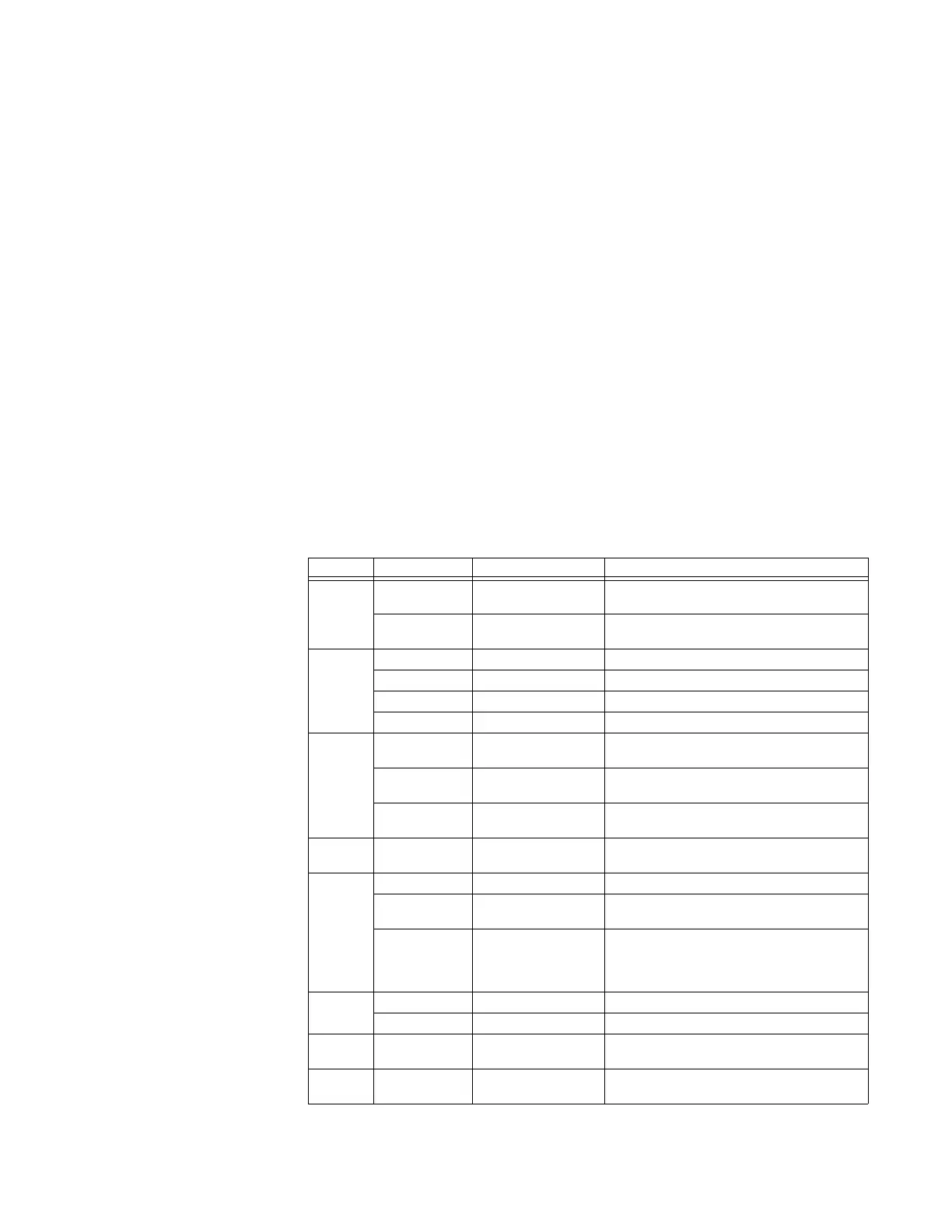
Table 30: Automation logic operand types
Type State Example Characteristics (input is logic 1 or “on” if...)
Digital
input
On
DIG IP1 ON Voltage is presently applied to the input
(external contact closed)
Off
DIG IP1 OFF Voltage is presently not applied to the input
(external contact open)
Digital
output
Voltage on
DIG OP1 VON Voltage exists across the contact
Voltage off
DIG OP1 VOFF Voltage does not exist across the contact
Current on
DIG OP1 ION Current is flowing through the contact
Current off
CONT OP1 IOFF Current is not flowing through the contact
Digital
counter
Greater than
COUNTER 1 HI The number of pulses counted is above the set
number
Equal to
COUNTER 1 EQL The number of pulses counted is equal to the
set number
Less than
COUNTER 1 LO The number of pulses counted is below the set
number
Direct
input
On
DIRECT INPUT 1 ON The direct input is presently in the ON state
Element Pickup
DIG ELEM 1 PKP The output operand is at logic 1
Dropout
DIG ELEM 1 DPO This operand is the logical inverse of the
pickup operand
Operate
DIG ELEM 1 OP The input operand has been at logic 1 for the
programmed pickup delay time, or has been
at logic 1 for this period and is now at logic 0
but the reset timer has not finished timing
Fixed On
ON Logic 1
Off
OFF Logic 0
Remote
input
On
REMOTE IN 1 ON The remote input is presently in the on state
Virtual
input
On
VIRT IP 1 ON The virtual input is presently in the on state



 To Next Page