CHAPTER 8: AUTOMATION BREAKERS
D90
PLUS
LINE DISTANCE PROTECTION SYSTEM – INSTRUCTION MANUAL 435
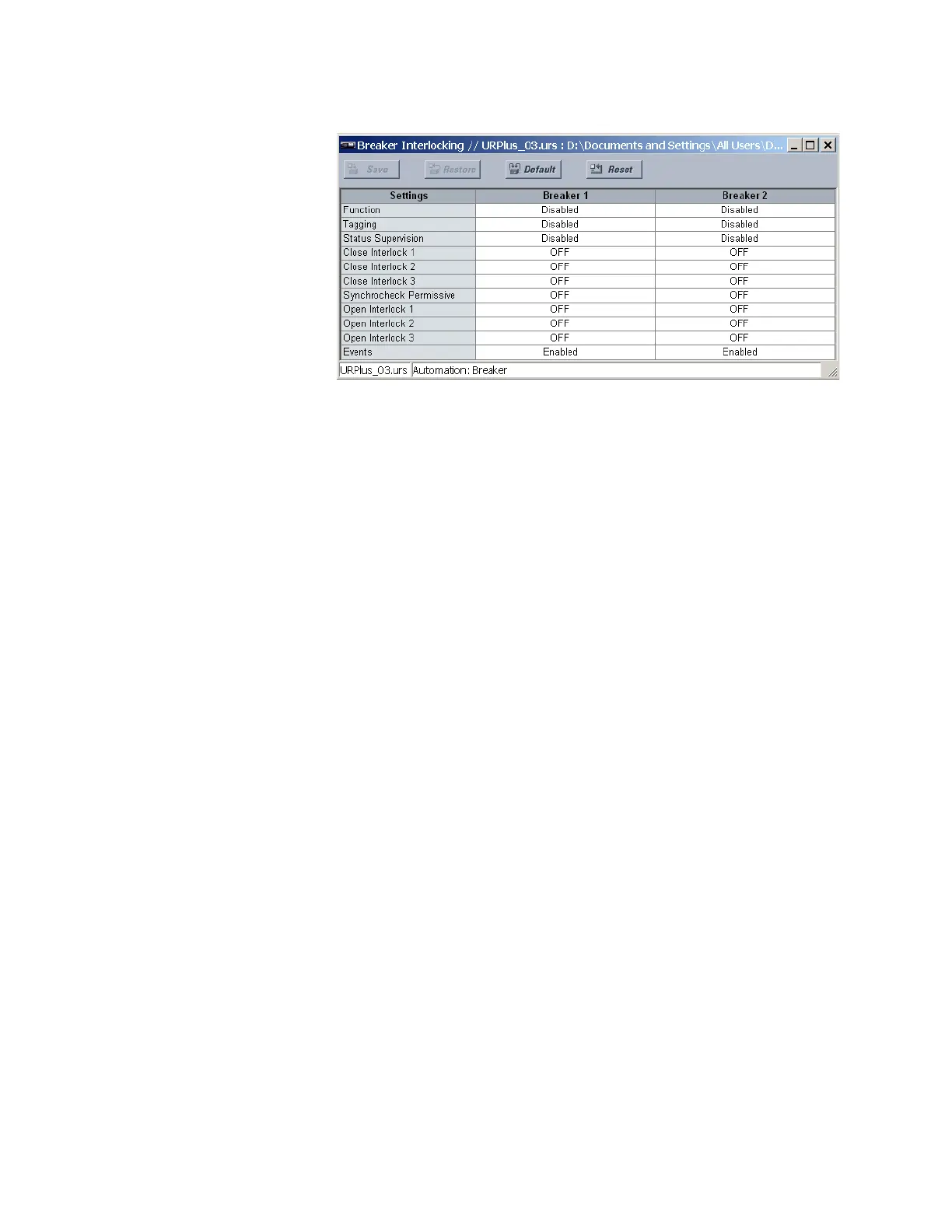
Figure 364: Breaker interlocking configuration settings
The following settings are available for each breaker interlocking element.
Function
Range: Enabled, Disabled
Default: Disabled
This setting enables the breaker position indications and control logic. If disabled, all
outputs and front panel indications are switched off.
Tagging
Range: Enabled, Disabled
Default: Disabled
When enabled, tagging control is enabled and a TAG/UNTAG soft-key displays on the
front panel interface. When a breaker is tagged both local and remote control of the
device is inhibited.
Status Supervision
Range: Enabled, Disabled
Default: Disabled
When enabled, control of the breaker is supervised by its breaker status. An open
command cannot be sent to a breaker that currently indicates open, and a close
command cannot be sent to a breaker that indicates closed.
Close Interlock 1, Close Interlock 2, Close Interlock 3
Range: any automation logic operand or shared operand
Default: OFF
Closing of the device is inhibited if any of the operands assigned to these settings are
asserted.
Synchrocheck Permissive
Range: any automation logic operand or shared operand
Default: SYNC 1 SYNC OP
This setting is used to supervise closing of the breaker by a synchrocheck element. If
synchrocheck is not required, make this setting “ON.”
Open Interlock 1, Open Interlock 2, Open Interlock 3
Range: any automation logic operand or shared operand
Default: Off
Opening of the device is inhibited if any of the operands assigned to these settings are
asserted.



 To Next Page