CHAPTER 8: AUTOMATION DISCONNECTS
D90
PLUS
LINE DISTANCE PROTECTION SYSTEM – INSTRUCTION MANUAL 437
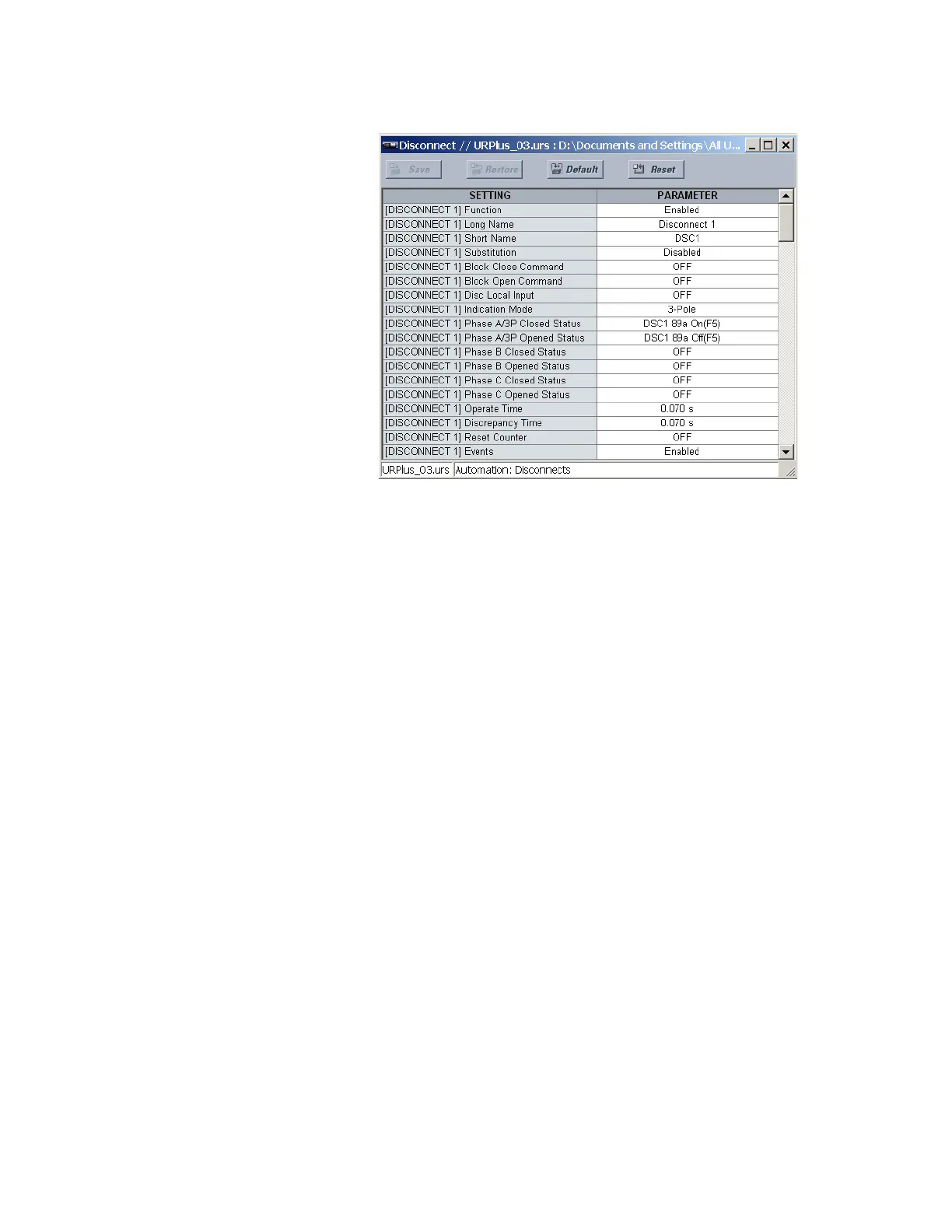
Figure 366: Disconnect configuration settings
The following settings are available for each disconnect.
Function
Range: Enabled, Disabled
Default: Enabled
This setting enables the disconnect position indications and control logic. If disabled, all
outputs and front panel indications are switched off.
Long Name
Range: up to 12 alphanumeric characters
Default: DISCONNECT 1
This setting identifies the primary device for control confirmations on the front panel
interface and in the event record.
Short Name
Range: up to 6 alphanumeric characters
Default: DSC1
This setting identifies the primary device soft-keys and indications on the front panel
interface.
Substitution
Range: Enabled, Disabled
Default: Disabled
If this setting is “Enabled,” the position indication of the disconnect can be substituted
with a manually entered value.
Block Close Command
Range: any automation logic operand or shared operand
Default: OFF
Assertion of the operand assigned to this setting prevents the disconnect from closing.
Block Open Command
Range: any automation logic operand or shared operand
Default: OFF
Assertion of the operand assigned to this setting prevents the disconnect from opening.



 To Next Page