442 D90
PLUS
LINE DISTANCE PROTECTION SYSTEM – INSTRUCTION MANUAL
DISCONNECTS CHAPTER 8: AUTOMATION
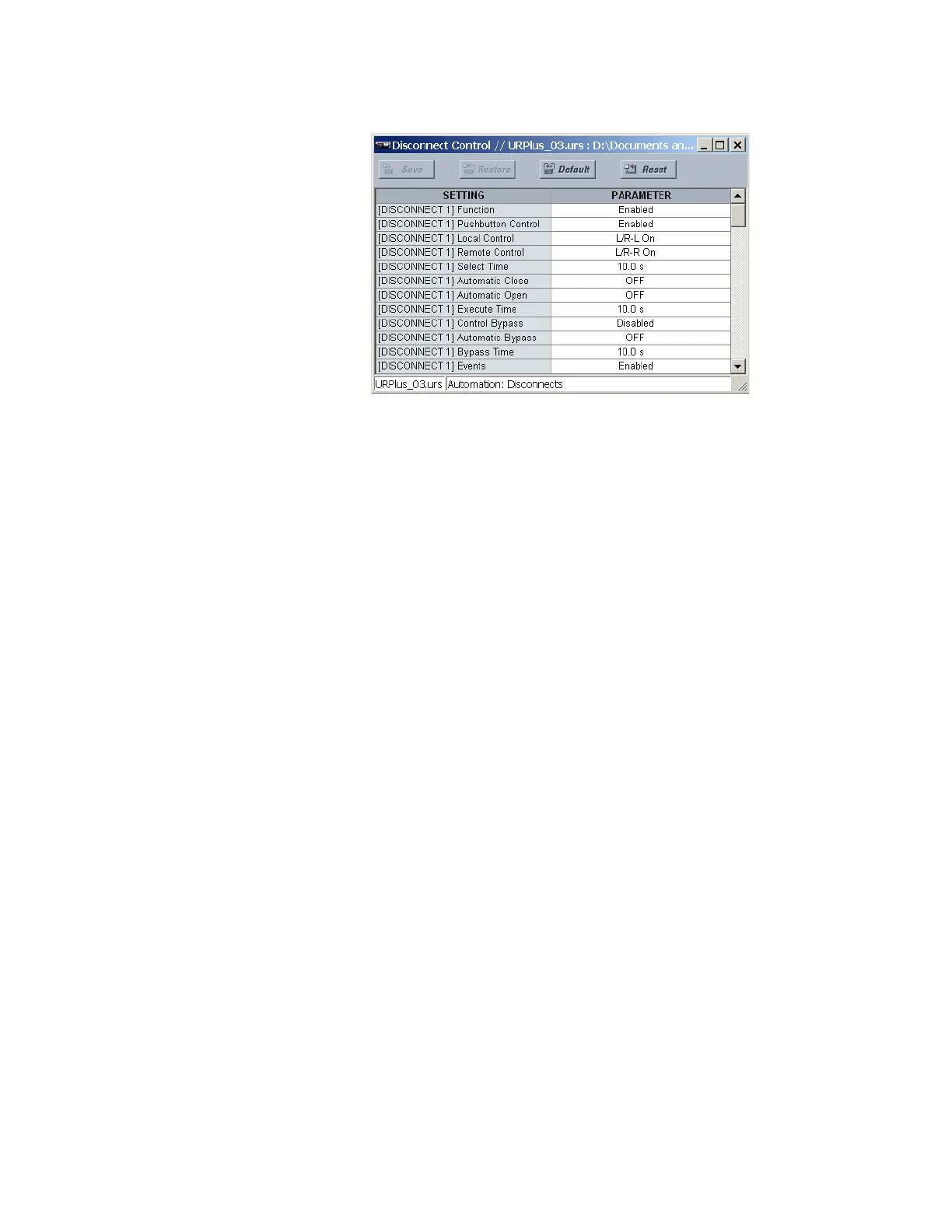
Figure 371: Disconnect control configuration settings
The following settings are available for each disconnect.
Function
Range: Enabled, Disabled
Default: Enabled
This setting enables and disables the disconnect control feature.
Pushbutton Control
Range: Enabled, Disabled
Default: Enabled
This setting enables control of the device via the front panel and populates the front
panel interface with control soft-keys.
Local Control
Range: any automation logic operand or shared operand
Default: L/R-L On
When the operand assigned to this setting is asserted, control is permitted from the
front panel interface. This setting is normally assigned to the local status of a local/
remote switch. If continuous local control is required, this input can be switched to on.
Remote Control
Range: any automation logic operand or shared operand
Default: L/R-R On
When the operand assigned to this setting is asserted, remote control is permitted from
SCADA. This setting normally is assigned to the remote status of a local/remote switch. If
continuous remote control is required, this input can be switched to on.
Select Time
Range: 0.0 to 30.0 seconds in steps of 0.1
Default: 10.0 seconds
This setting specifies the maximum permissible time from selection of the disconnect
and a control action.
Automatic Close
Range: any automation logic operand or shared operand
Default: OFF
The operand assigned to this setting is used to close the device from an automatic
control scheme.



 To Next Page