478 D90
PLUS
LINE DISTANCE PROTECTION SYSTEM – INSTRUCTION MANUAL
AUTOMATION LOGIC CHAPTER 8: AUTOMATION
The automation controller can perform math operations on any analog input, any
numerical constant, or the output of a preceding math operator. The final output of a
sequence of math operations is stored as a virtual analog output (VAO). Numerical
constants are IEEE 32-bit floating-point values and are fixed during operation of the
controller. The math operators available in the automation controller are tabulated as
follows.
Any analog input or the result of any math operation can be assigned to a FlexElement,
which is a general purpose analog comparator. A FlexElement compares a single input
with a threshold value or can compare two inputs. The output from a FlexElement can be
used for further logic processing. The number of FlexElements dedicated is 16.
All math calculations are carried out using 32-bit IEEE floating-point numbers as defined
by IEEE 754-185. This format has a range of –3.402823 × 10
38
to 3.402823 × 10
38
.
Consider the following math calculation.
Eq. 44
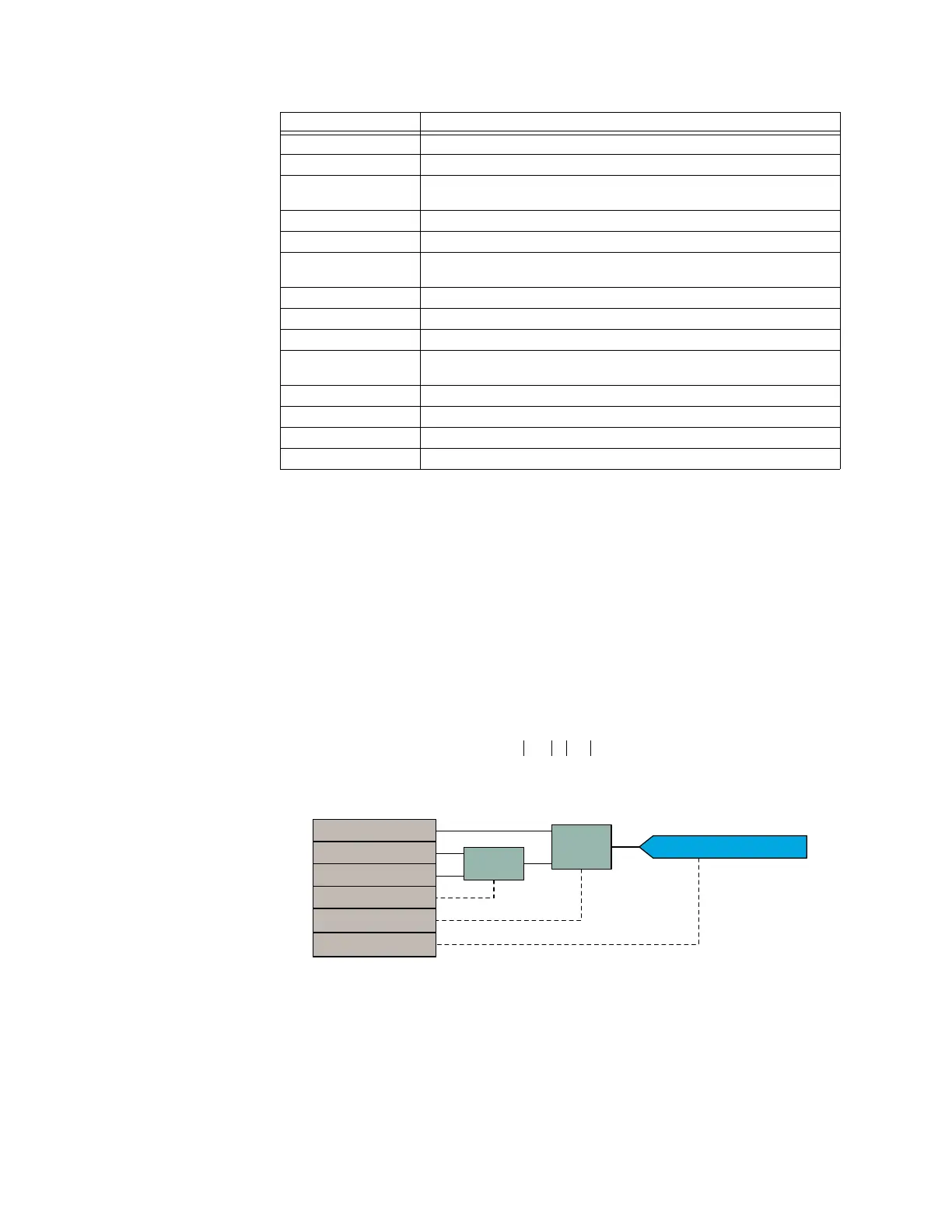
The following figure is the automation logic diagram for this example.
Figure 408: Math example
When using programming language, it is a best practice to initialize a variable before using
it within a program. The same principle applies to using virtual analog values in
automation logic. For example, if we want an automation logic equation of the form AVO1
+ SRC 4 Ig RMS = AVO3, then the result of AVO3 depends of the previous value of the AVO1
(this can any value between –∞ and +∞). As a result, the AVO3 value is indeterministic. In
this case, a better approach is to initialize virtual analog output 1 as follows:
FLOOR
Return the largest integer less than or equal to the operand
FMOD (a, b) Return the remainder of the first operand divided by the second operand
IMAG (a,b) Return the imaginary value of the previous two operands, where the first
operand is the magnitude and the second operand is the angle
LOG Return the natural logarithm (base e) value of the previous operand
LOG10 Return the base 10 logarithm value of the previous operand
MAG (a, b) Return magnitude of the previous two operands, where the first operand is
the real value and the second operand is the imaginary value
MUL (a, b) Multiply the previous two operands
NEG Multiply the previous operand by –1
POW (a, b) Raise the first operand to a power of the second operand
REAL (a, b) Return real value of the previous two operands, where the first operand is
the magnitude and the second operand is the angle
SIN Return the sine value of the previous operand
SQRT Return the square root of the previous operand
SUB (a ,b) Subtract the second operand from the first operand
TAN Return the tangent value of the previous operand
Syntax Description
BB92
$QDORJ î² ,9
$&'5
=(526(49B0$*1,78'(
=(52B6(4,B0$*1,78'(
08/
68%
$1$/2*92$92
08/
68%D²E
D
E
$1$/2*92$92



 To Next Page