CHAPTER 11: METERING DATA LOGGER
D90
PLUS
LINE DISTANCE PROTECTION SYSTEM – INSTRUCTION MANUAL 557
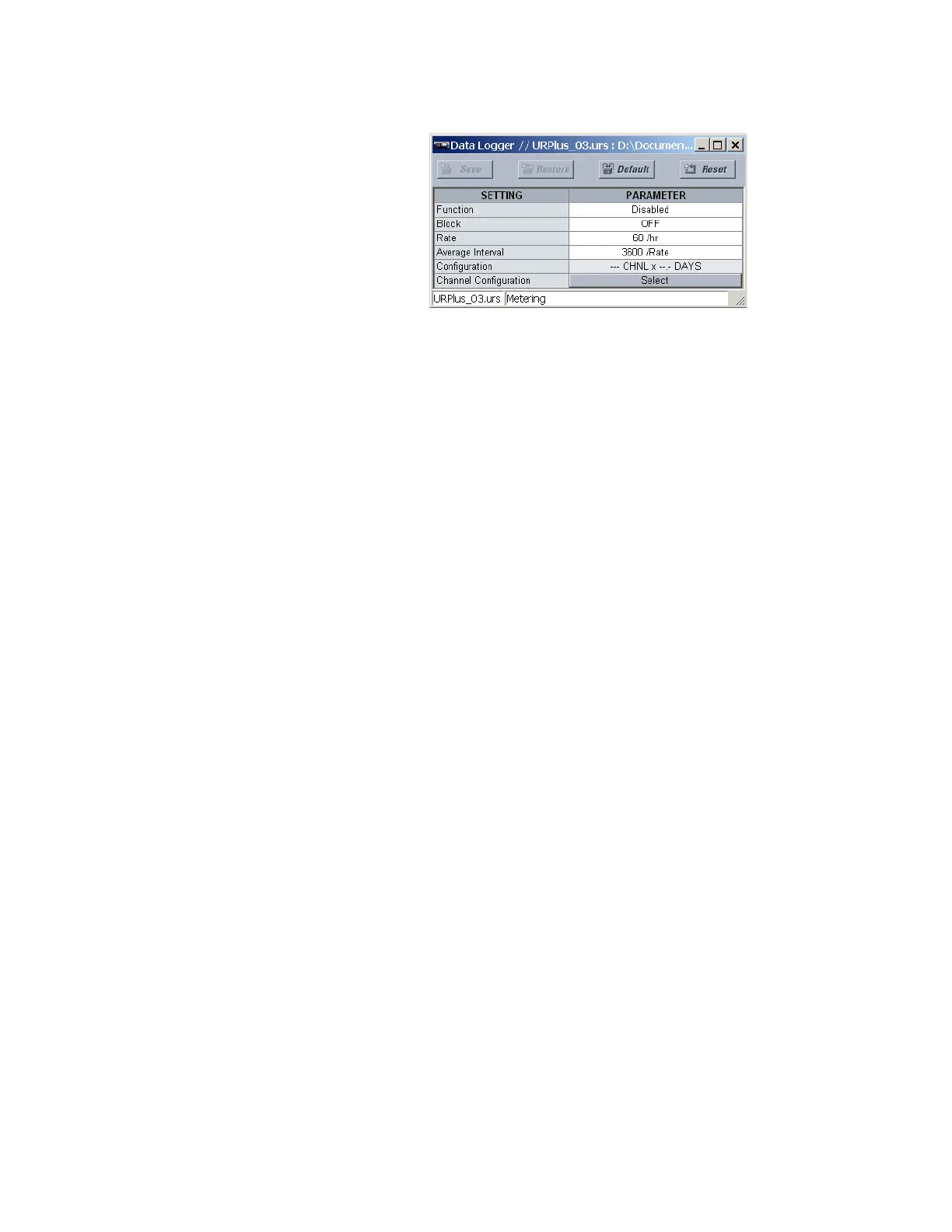
Figure 488: Data logger configuration settings
The following settings are available for the data logger.
Function
Range: Enabled, Disabled
Default: Disabled
This setting enables and disables the data logger.
Block
Range: any metering logic operand or shared operand
Default: OFF
Assertion of the operand assigned to this setting blocks data logger functionality.
Rate
Range: 1 to 3600 samples per hour in steps of 1
Default: 60 samples per hour
This setting determines how often data is written to the data log.
Average Interval
Range: 1/rate to 86400/rate in steps of 1/rate
Default: 3600/rate
This setting selects the time interval for which the average value is calculated. This
number is expressed as a multiple of the
Rate setting. For instance, if the Rate is set to
“60/hr” and the
Average Interval is “1440/rate” then a 24-hour average is calculated.



 To Next Page