Operation – Monitoring and Diagnosis
User Manual corpuls
3
128 ENG - Version 2.1 – P/N 04130.2
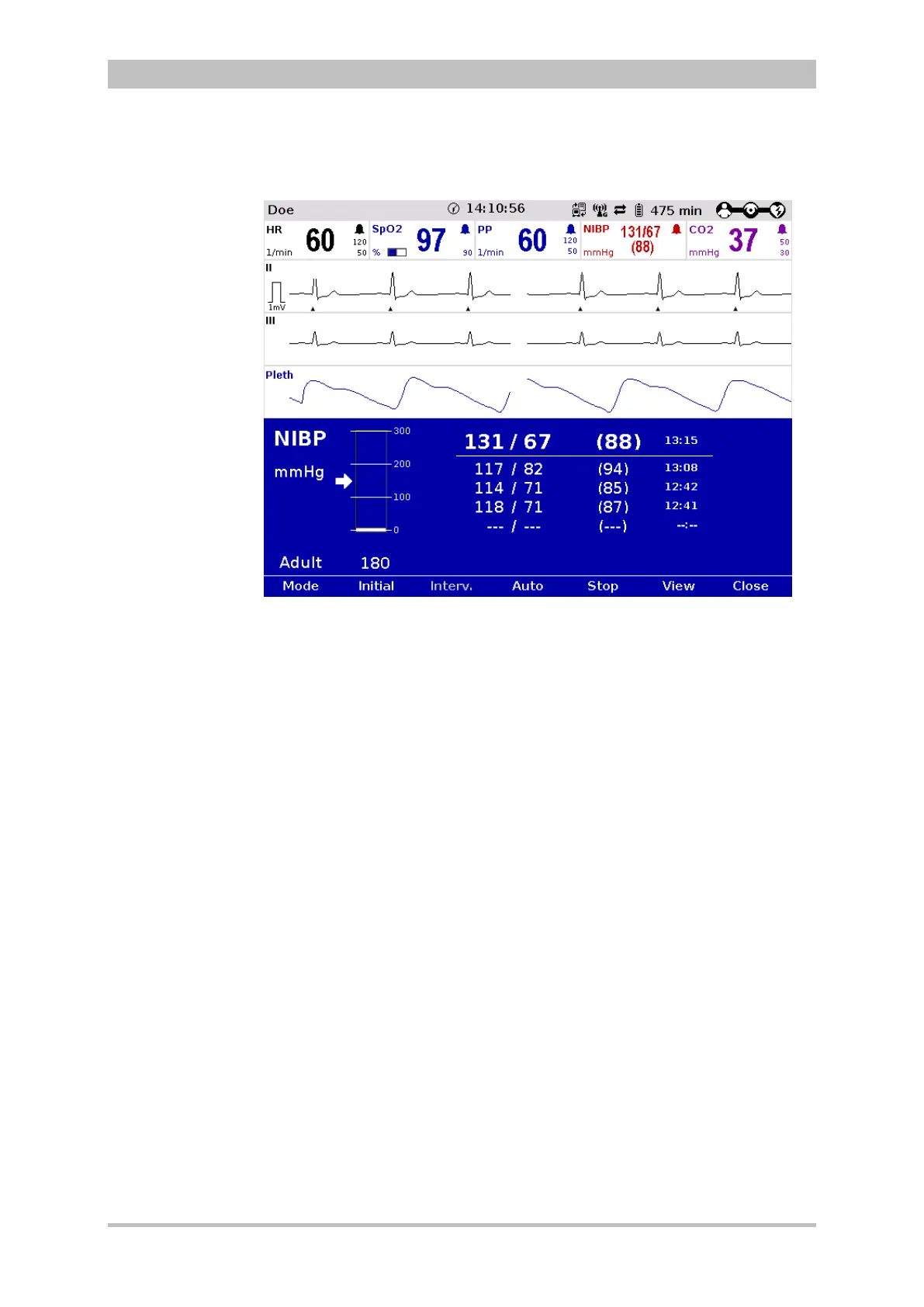
Press the softkey [View] to switch to the trend view.
Fig. 6-29 NIBP user surface in trend view
Three operating modes can be set with the softkey [Mode]:
• adult
• child
• neonate
Depending on the operating mode the initial pressure of the measurements is
pre-set on the device:
• adult: 180 mmHg
• child: 120 mmHg
• neonate: 90 mmHg
The initial pressure automatically adapts to the patient after the first
measurement. This can be changed manually with the softkey [Initial] and with
the jog-dial within the following pressure range (see also chapter 7.4.14
Configuration of Non-Invasive Blood Pressure Measurement (NIBP) (Persons
Responsible for the Device), page 184):
• adult: 120 - 280 mmHg
• child: 80 - 250 mmHg
• neonate: 60 - 140 mmHg
The selected pressure limit is marked with an arrow on the pressure scale. The
pressure scale always shows the current pressure in the NIBP cuff.



 To Next Page