User Manual corpuls
3
Operation – Monitoring and Diagnosis
ENG - Version 2.1 – P/N 04130.2 127
The measurements can either be performed as individual measurements or
automatically at configurable intervals (1 to 60 minutes).
Caution
Only use NIBP cuffs mentioned in the list of approved accessories (see
chapter 9.8 Approved Accessories, Spare Parts and Consumables, p. 224).
The corpuls
3
can indicate the results of non-invasive blood pressure
measurement and the current settings on a separate user surface. This enables
rapid access to the most important functions via softkeys during use. Moreover,
the value last measured is shown in a configurable parameter field.
One can choose between two views:
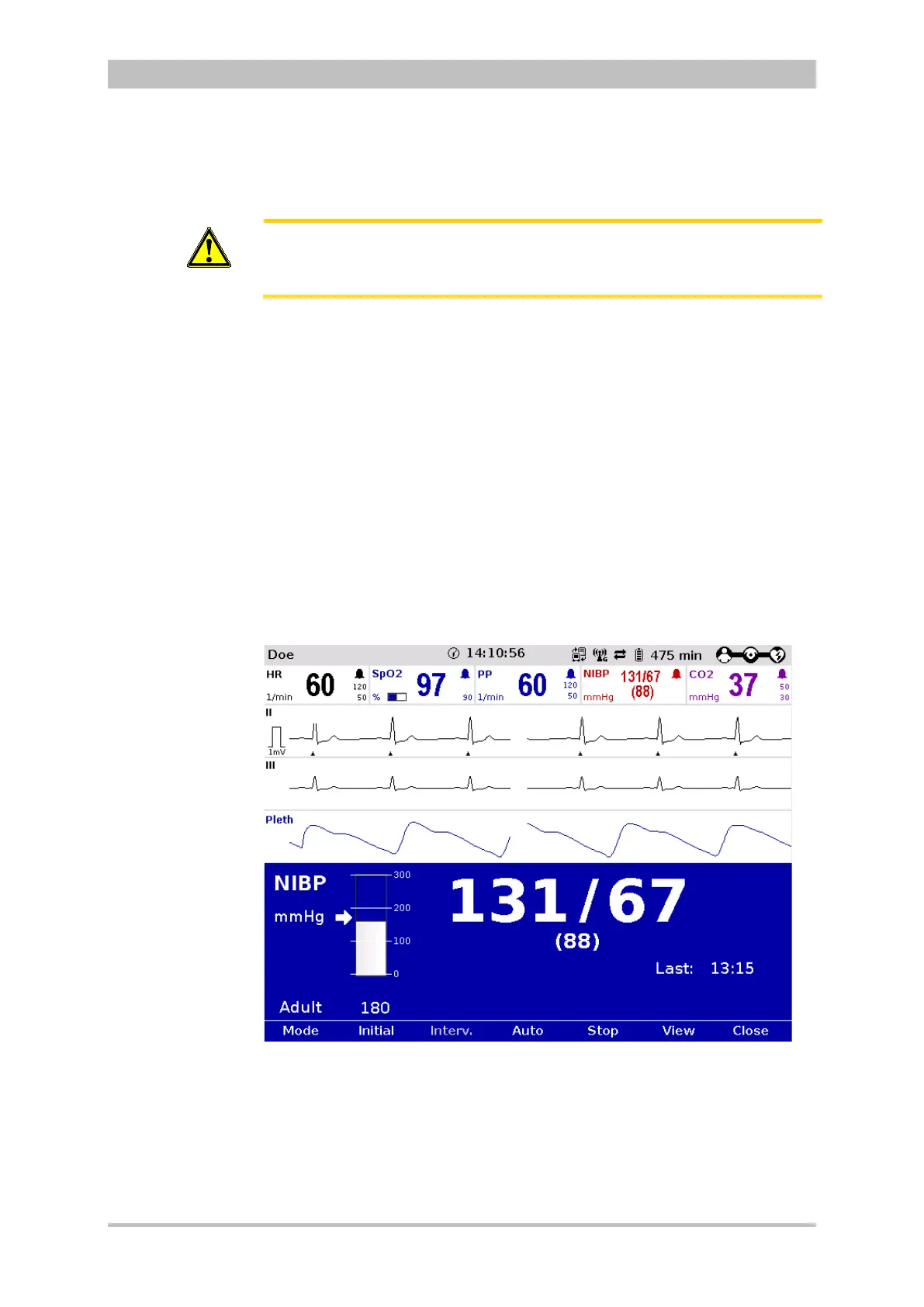
• Large view (Fig. 6-28)
• Trend view (Fig. 6-29)
The large view shows the last value measured in large numbers. To obtain a list
of the last five measurements, it is possible to change to the trend view. Both
views always indicate the time of measurement.
To open the NIBP user surface, press the softkey [NIBP] in monitoring mode.
By default, measurement starts in the large view:
Fig. 6-28 NIBP user surface in large view



 To Next Page