User Manual corpuls
3
Configuration
ENG - Version 2.1 – P/N 04130.2 151
If the check box "Auto Curve" is ticked, the pleth curve will be displayed on the
screen as soon as valid oximetry values are measured.
If the pitch of the QRS tone is to indicate a change in oxygen saturation (SpO
2
value), tick the checkbox in the “Dynamic” field. With this option, a decrease of
the oxygen saturation can be detected acoustically early on. If a 4 pole ECG
monitoring cable is connected additionally, the pitch of the QRS tone (pulse
tone) indicates the level of the oxygen saturation.
3. To confirm the settings and close the configuration dialogue, press the
softkey [OK].
To retain the previous settings and close the configuration dialogue, press
the softkey [Cancel].
Some settings are only available with the Masimo Rainbow SET
®
Technology.
For information on the settings see chapter 6.5.3 Performing Oximetry
Measurement, page 118.
7.2.3 CO
2
1. In the main menu, select "CO
2
" ► "Settings".
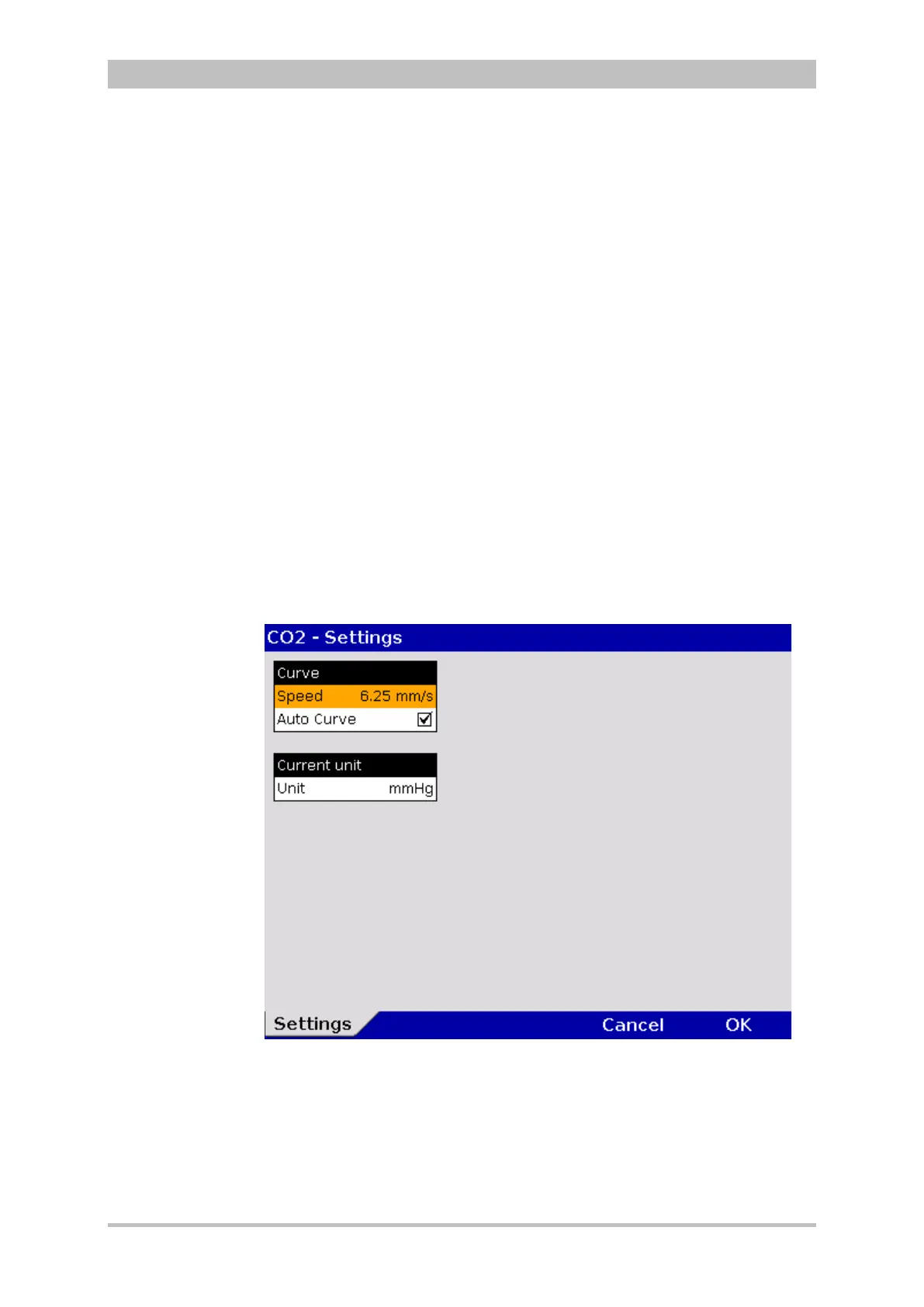
The configuration dialogue opens.
Fig. 7-11 Settings for CO
2
monitoring



 To Next Page