Configuration
User Manual corpuls
3
152 ENG - Version 2.1 – P/N 04130.2
2. Select the settings.
Table 7-7 contains the possible values.
Field Setting Values
Curve
Sweep speed
3.13 mm/s, 6.25 mm/s,
12.5 mm/s
Auto Curve
Enabled,
disabled
Current unit Unit mmHg, kPa
7-7 CO
2
monitoring values
If the check box "Auto Curve" is ticked, the CO
2
curve will be displayed on the
screen as soon as valid CO
2
values are measured.
3. To confirm the settings and close the configuration dialogue, press the
softkey [OK].
To retain the previous settings and close the configuration dialogue, press
the softkey [Cancel].
7.2.4 IBP
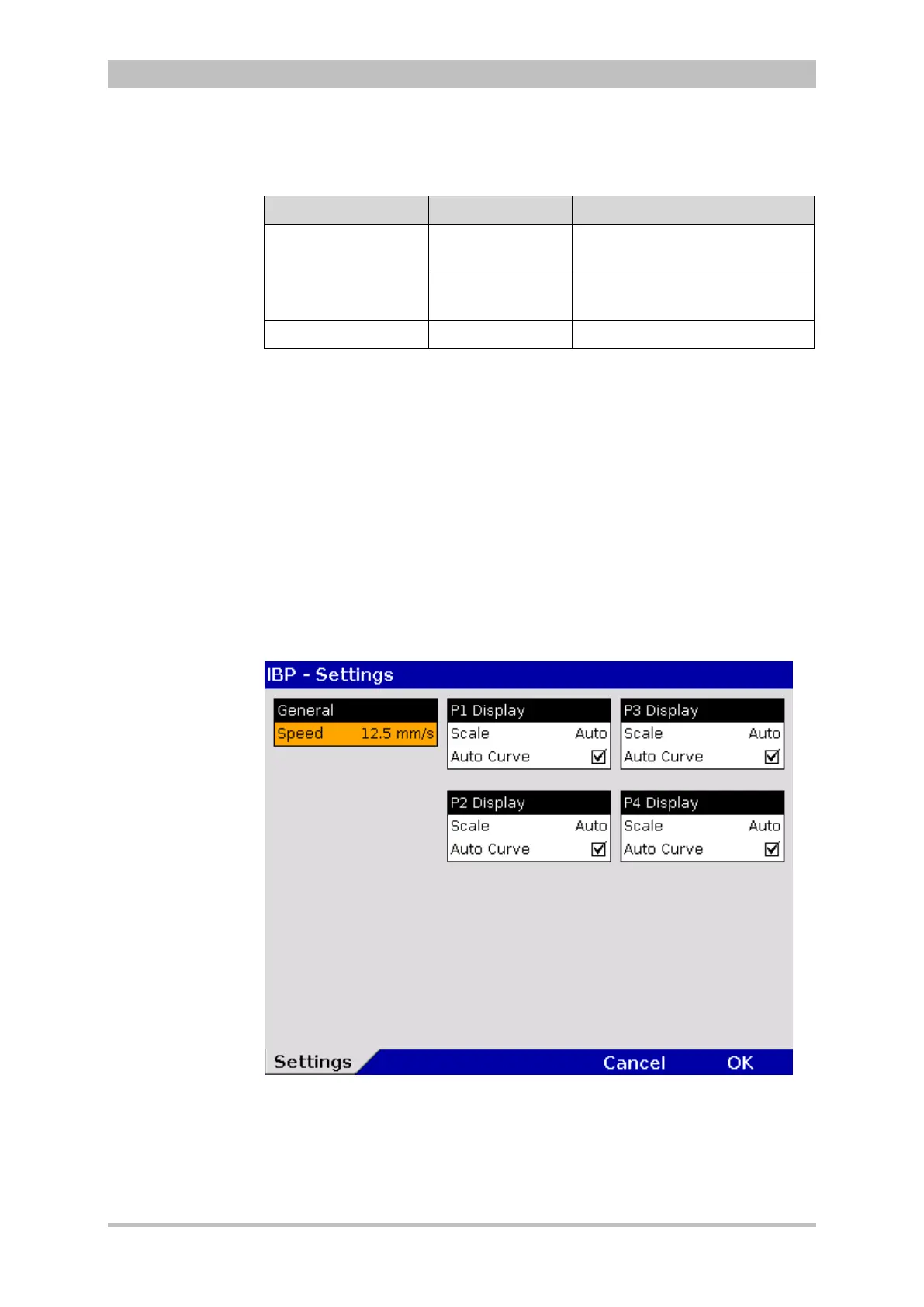
1. In the main menu, select IBP" ► "Settings".
The configuration dialogue opens.
Fig. 7-12 Settings for IBP monitoring



 To Next Page