User Manual corpuls
3
Configuration
ENG - Version 2.1 – P/N 04130.2 167
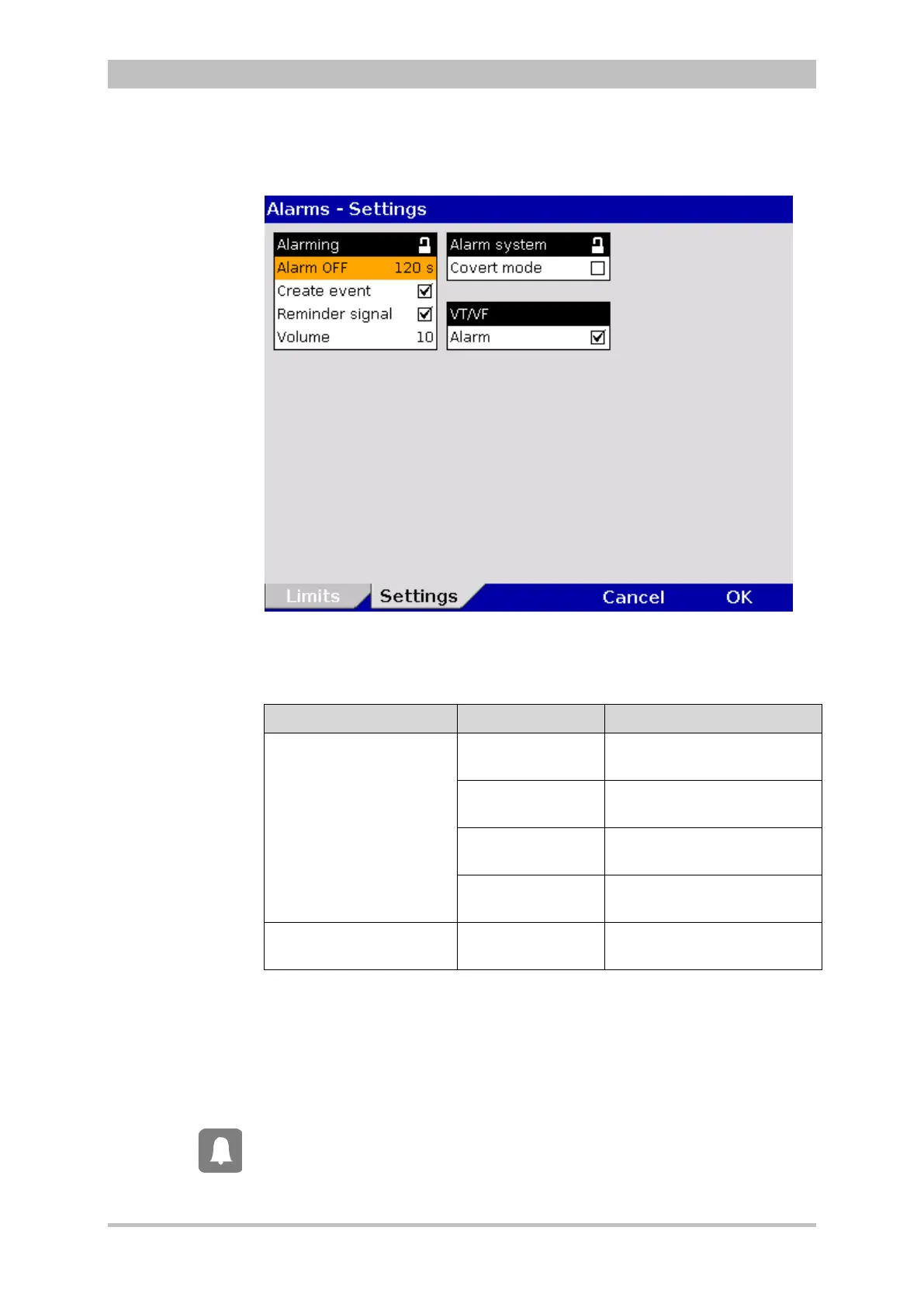
1. In the main menu, select "Alarm" ► “Settings”.
The configuration dialogue opens.
Fig. 7-21 Alarm settings (persons responsible for the device)
2. Select the settings.
Table 7-15 shows the possible values.
Fields Settings Values
Alarming
Alarm OFF
perm.; 15 s; 30 s; 45 s; 60 s;
75 s, 90 s; 105 s; 120 s
Create event
Enabled,
disabled
Reminder signal
Enabled,
disabled
Volume
3 – 10 (55 dB – 79 dB)
at a distance of 1 m.
Alarm system Covert mode
Enabled,
disabled
7-15 Alarm settings (persons responsible for the device)
If this function is enabled, every alarm will be listed as an event in the protocol.
If the Alarm key is pressed for longer than 3 s, physiological alarms can be
briefly suspended or disabled. Prerequisite is that this is configured accordingly
in the settings (Alarm OFF). If the alarms are disabled, a reminder signal in form
of a single tone is sounded every 60 seconds. The reminder signal can be
disabled by the operator. The volume of the alarm system can be adjusted.
For the alarm suspension, a maximum period of 60 seconds is recommended.



 To Next Page