Configuration
User Manual corpuls
3
178 ENG - Version 2.1 – P/N 04130.2
The MAC address is the unambiguous identification number of the corpuls
3
that has to be used to connect the corpuls
3
to other Bluetooth
®
devices.
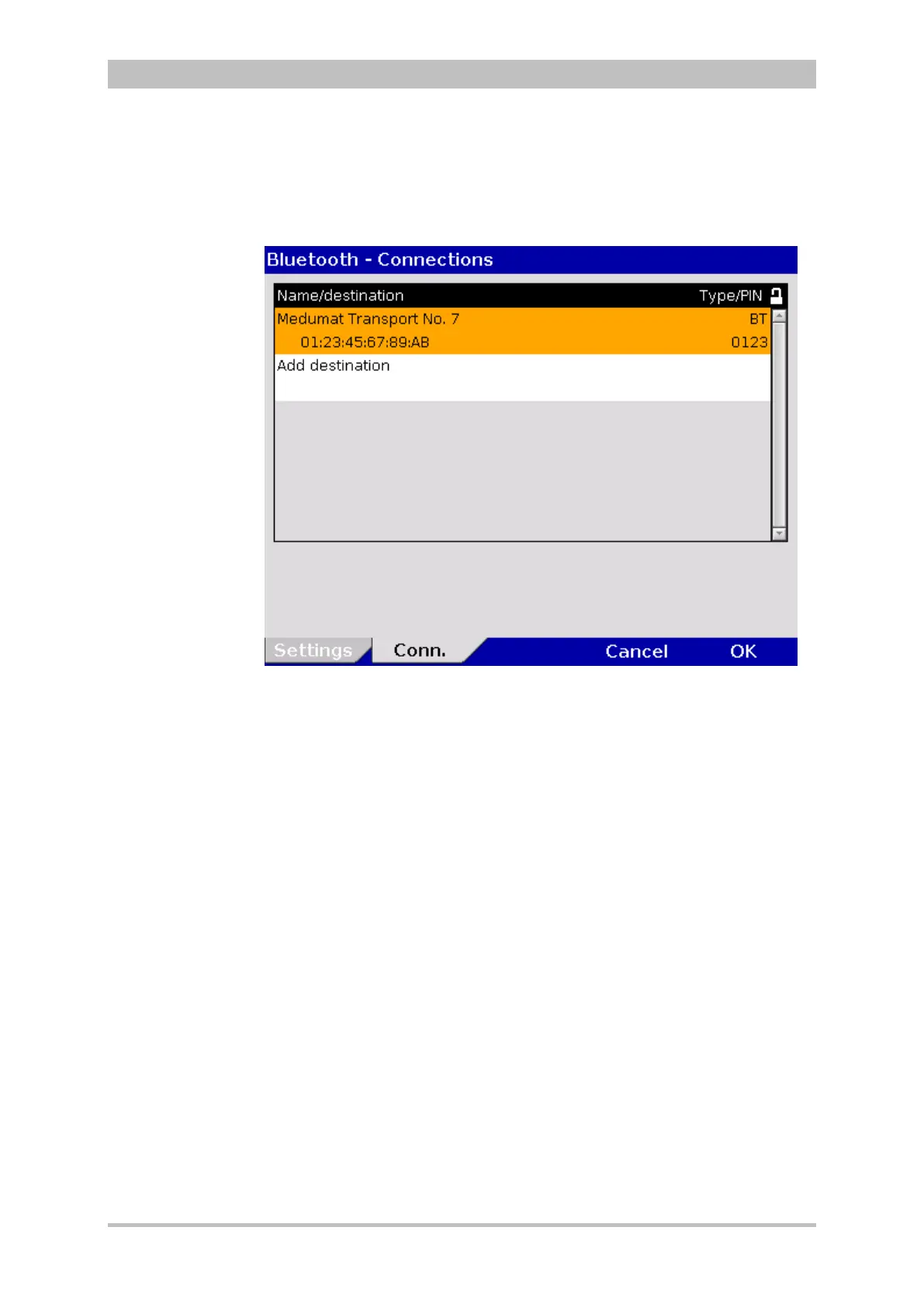
2. In the main menu, select "Bluetooth" ► "Connections".
The configuration dialogue opens.
Fig. 7-27 Bluetooth connections (persons responsible for the device)
3. Select "Add destination" by pressing the jog dial.
4. Enter device name.
5. Enter MAC address of the device to be connected.
6. Enter the device PIN of the device to be connected.
7. To confirm, press softkey [Enter].
8. To confirm the settings and close the configuration dialogue, press the
softkey [OK].
To abort data entry and close the configuration dialogue, press softkey
[Cancel].
There are up to 20 memory locations available for saving the short codes.
The recipient’s name is limited to a maximum of 16 characters, the recipient’s
number to a maximum of 16 digits.



 To Next Page