Data Management
User Manual corpuls
3
190 ENG - Version 2.1 – P/N 04130.2
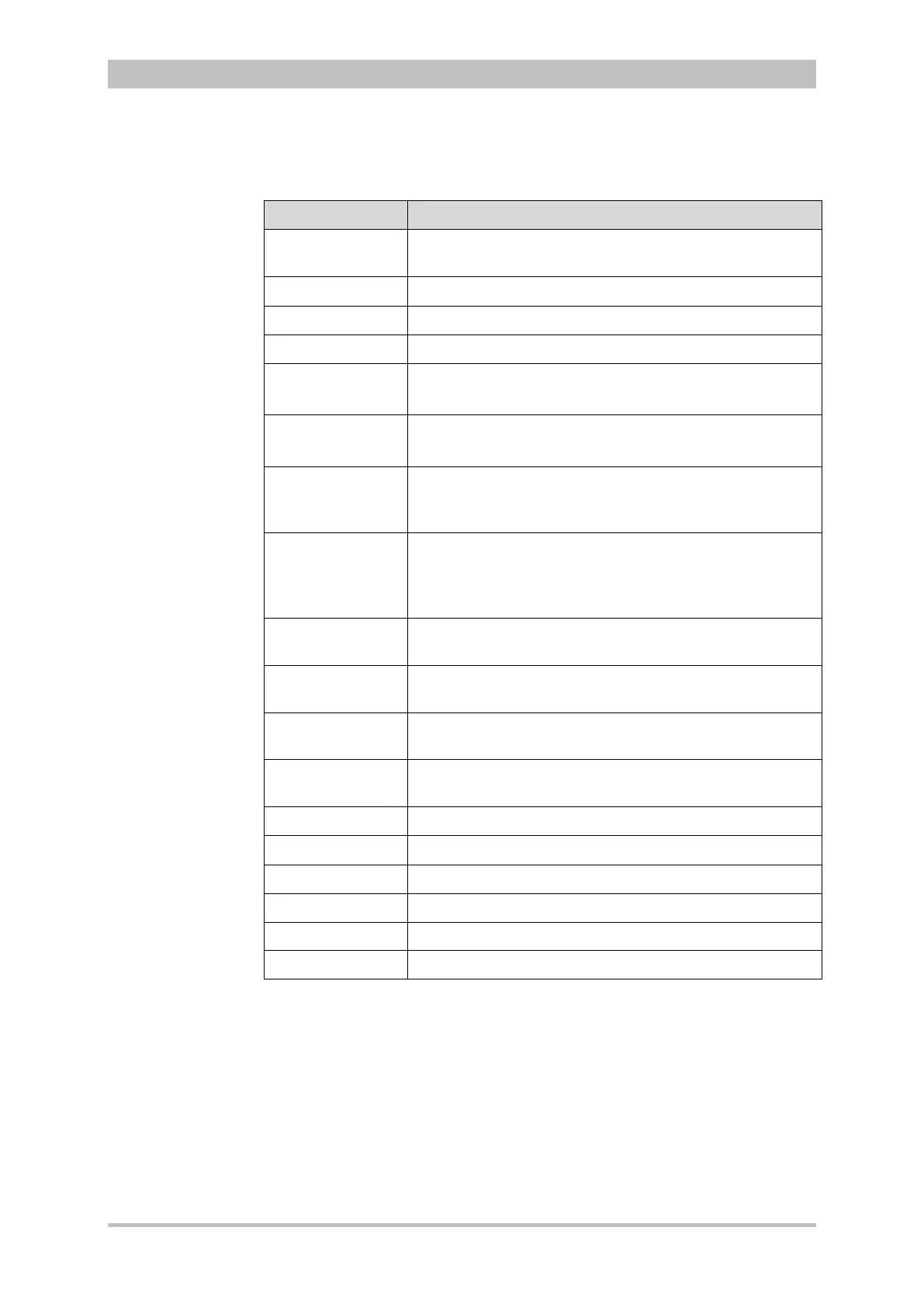
The log overview contains the following data:
Data Explanation
Mission Mission number;
generated automatically when switching on the device
Printout Time of protocol printout
Mission start Date and time at switch-on of the device
UTC Universal Time Coordinated
Patient Family name, first name
Can be edited via the main menu "Patient" ► "Edit Data“
Patient ID Identification number
Can be edited via the main menu "Patient" ► "Edit Data“
Case Number Intra-hospital identification number
Can be edited via the main menu "Patient" ► "Edit Data"
or via an optional barcode scanner.
Date of Birth
and Age
Can be edited via the main menu
"Patient" ► "Edit Data“. The age is calculated
automatically when the date of birth of the patient is
entered.
Sex Can be edited via the main menu
"Patient" ► "Edit Data“
Weight Can be edited via the main menu
"Patient" ► "Edit Data“
Height Can be edited via the main menu
"Patient" ► "Edit Data“
Vital parameters Trend values of the last minute before the protocol
printout (minute mean values)
Device Identification number of the device
Radio Radio call name of the team
Medical team Names of the medical team
Callback phone Mobile phone number, e.g. for enquiries to the team
Filter Filter settings for ECG and mains filter
Software version Current software version (e.g. REL-2.0.0_C3_BP)
8-2 Log overview
The entries in the chronological list all have the same structure and contain the
time stamp, the precise designation and the ECG no. of the event.
The event ID does not contain any data which is relevant for the user. This data
is included for service purposes.



 To Next Page