User Manual corpuls
3
Data Management
ENG - Version 2.1 – P/N 04130.2 191
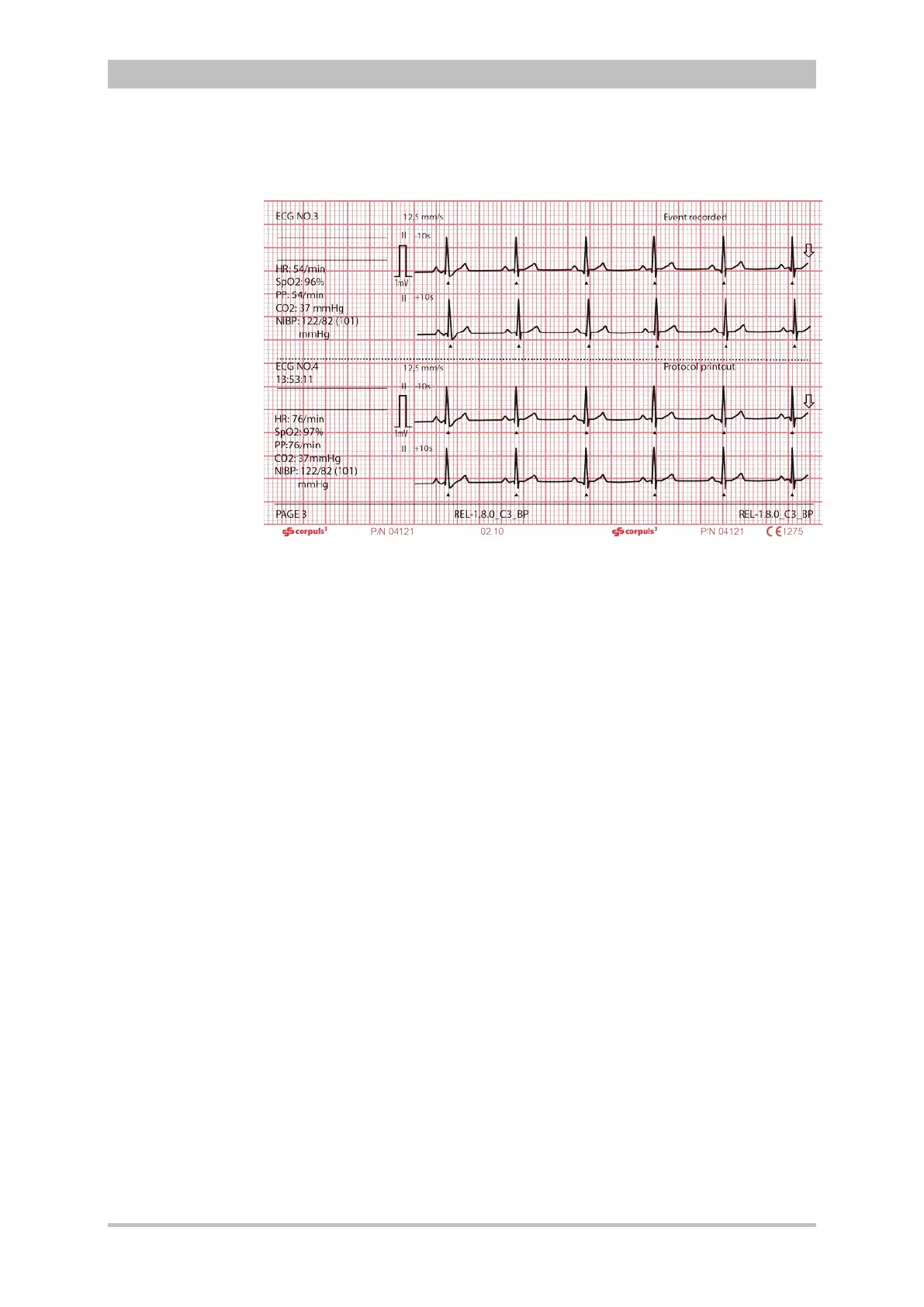
The following example shows an extract from a printed protocol:
Fig. 8-3 Example of an ECG in the protocol at the time of an event
The following entries are included in the chronological list:
• alarms, physiological and technical (configurable, see chapter 7.4.5
Alarm Configuration (Persons Responsible for the Device), p. 166)
• beginning and end of mission
• defibrillation events with selected energy level, measured energy,
impedance and selected defibrillation mode
• printer actions (protocol printout; real-time printout; D ECG printout)
• corpuls
3
switch-on time
• internal software errors
• manual events
• pacer events
• switch-over to monitoring mode
The millivolt mark (in form of a rectangular impulse) is located at the left margin
of the curve field (mV-mark). Its height depends on the set amplification of the
ECG curve. The mV mark shows an amplitude height of 0.5 or 1 mV for
comparison, so that the scale of the ECG curve displayed can be set in relation.
The real-time printout has vertical markings on the upper and lower edges that
help to fold the printout quickly. The folded printout fits the width of a standard
sheet of paper (DIN A4) and can be attached there for documentation.
Do not separate or connect the modules while the protocol is being printed,
otherwise parts of the printout will be missing.
If no CompactFlash
®
card is present while using the corpuls
3
or if the inserted
card is full, no complete protocol printout can be made.



 To Next Page