Configuring
the
Terminal
Table
3-4.
Datacomm Configuration Menu Fields (Continued)
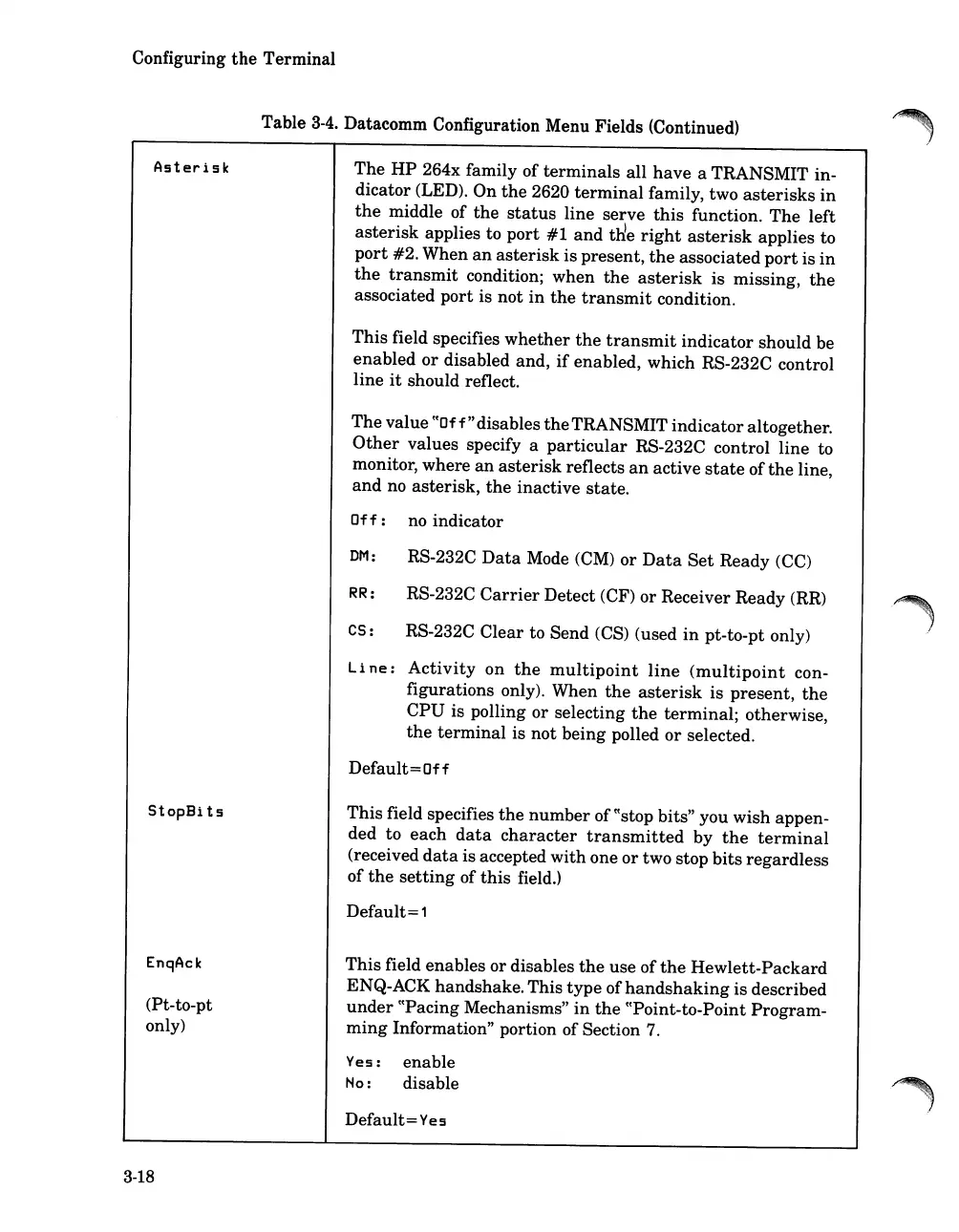
Asterisk
StopBits
EnqAck
(Pt-to-pt
only)
3-18
The
HP
264x family of
terminals
all
have
a TRANSMIT in-
dicator (LED). On
the
2620
terminal
family, two
asterisks
in
the
middle of
the
status
line serve
this
function.
The
left
asterisk
applies to
port
#1
and
tl'ie
right
asterisk
applies to
port
#2.
When
an
asterisk
is present,
the
associated
port
is
in
the
transmit
condition; when
the
asterisk
is missing,
the
associated
port
is
not
in
the
transmit
condition.
This
field specifies
whether
the
transmit
indicator
should be
enabled
or
disabled and,
if
enabled, which RS-232C control
line
it
should reflect.
The
value
((Of
f"
disables
the
TRANSMIT
indicator
altogether.
Other
values specify a
particular
RS-232C control line to
monitor, where
an
asterisk
reflects
an
active
state
of
the
line,
and
no asterisk,
the
inactive
state.
Off:
no indicator
DM: RS-232C
Data
Mode (CM) or
Data
Set
Ready (CC)
RR: RS-232C
Carrier
Detect (CF) or Receiver Ready (RR)
Cs:
RS-232C
Clear
to Send (CS) (used
in
pt-to-pt only)
Line:
Activity
on
the
multipoint
line
(multipoint
con-
figurations only). When
the
asterisk
is
present,
the
CPU
is polling or selecting
the
terminal;
otherwise,
the
terminal
is
not
being polled
or
selected.
Default=Off
This
field specifies
the
number
of
((stop
bits" you wish appen-
ded to
each
data
character
transmitted
by
the
terminal
(received
data
is accepted
with
one
or
two stop
bits
regardless
of
the
setting
of
this
field.)
Default=
1
This
field enables or disables
the
use of
the
Hewlett-Packard
ENQ-ACK handshake.This
type
of
handshaking
is described
under
((Pacing Mechanisms"
in
the
(tPoint-to-Point Program-
ming
Information" portion of Section
7.
Yes:
enable
Ho:
disable
Default=
Yes













 To Next Page