ECC800 Data Center Controller
User Manual (for ECC800-Pro)
Copyright © Huawei Technologies Co., Ltd.
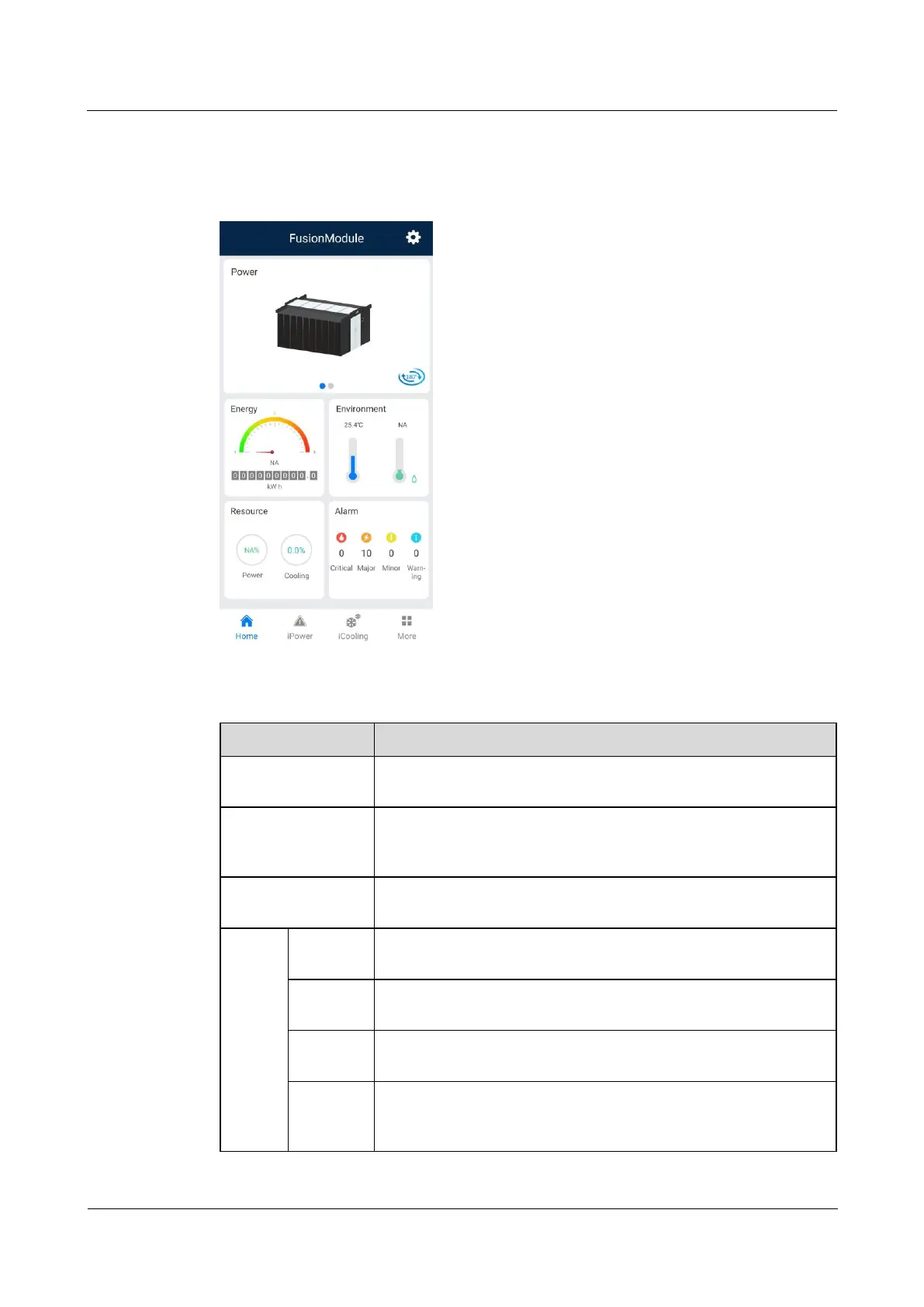
4.2 Mobile Phone App
Figure 4-2 Home screen
Table 4-2 Mobile phone app functions
Allows you to view the device layout diagram, energy,
environment, resource consumption, and alarms.
Allows you to view the running status and alarm status of all
branches on the power supply and distribution links page, and has
the self-diagnosis function.
Allows you to view the cooling distribution in smart modules and
operating status of components on the cooling link diagram page.
Allows you to view details about devices under the monitoring
system, power distribution, aisle, cooling, and cabinet types.
Allows you to upgrade the software using a USB flash drive or
locally.
Allows you to modify the names and positions of devices in the
device layout diagram, and deliver a blinking command to a device
under iFind.



 To Next Page