ECC800 Data Center Controller
User Manual (for ECC800-Pro)
Copyright © Huawei Technologies Co., Ltd.
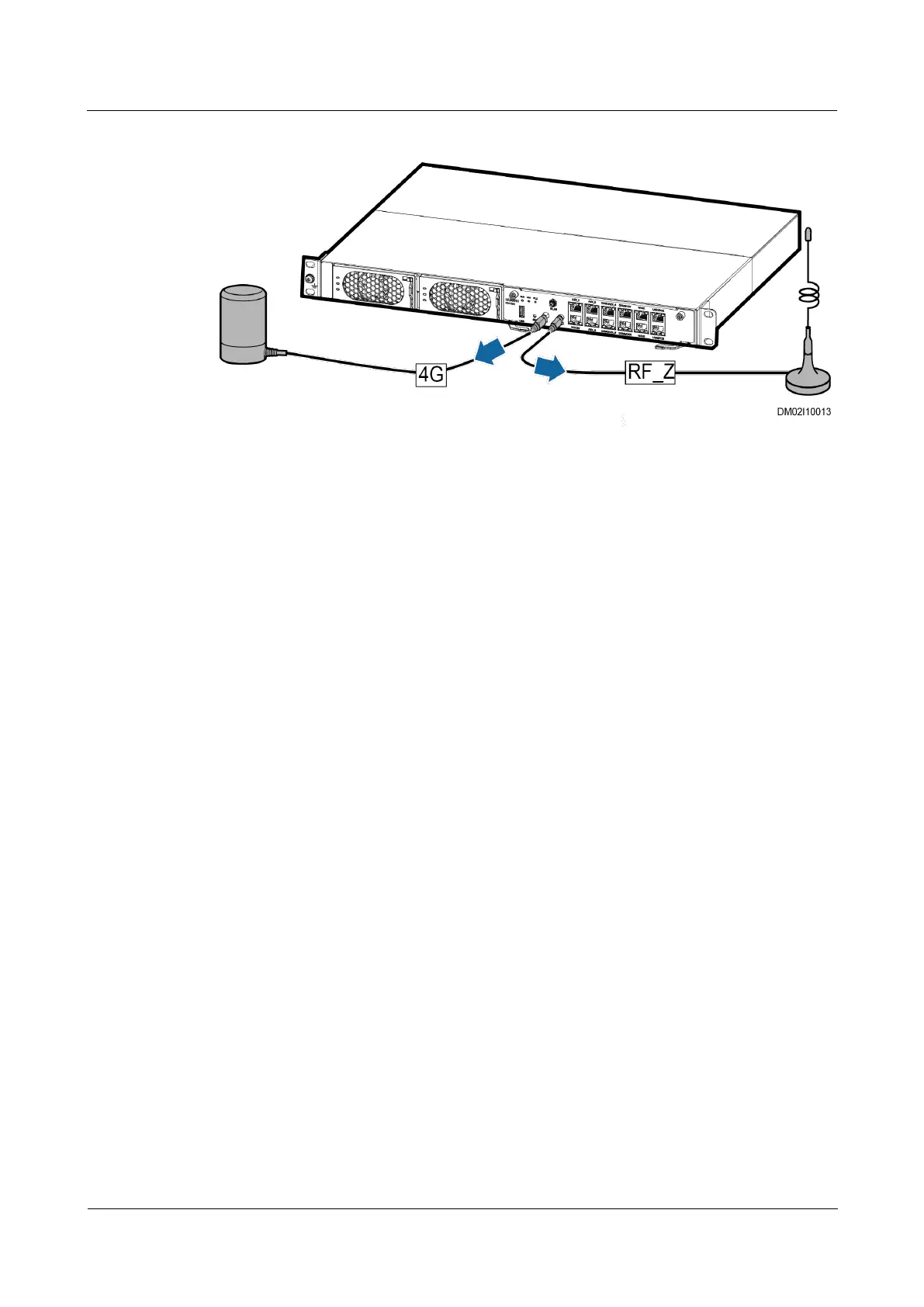
Figure 7-4 Removing antennas
Step 2 Install the spare 4G antenna cables and RF_Z antenna cables in the original positions and
connect them to the ECC800-Pro.
----End
7.3.4 Replacing a SIM Card
Prerequisites
Tools: ESD wrist strap, ESD gloves
Materials: A spare SIM card of the same model are available and functional.
Procedure
Step 1 Record the position of the signal cable connected to the ECC800-Pro main control module
panel, and then disconnect the signal cable.
Step 2 Loosen the screws on both sides of the ECC800-Pro main control module.
Step 3 Pull the handles on both sides of the ECC800-Pro main control module, and to remove the
main control module.



 To Next Page