ECC800 Data Center Controller
User Manual (for ECC800-Pro)
Copyright © Huawei Technologies Co., Ltd.
Path: Monitoring > Cabinet>
IT Cabinet n > T/H sensor n
You can view the current cabinet temperature.
----End
8.1.6.31 How to Set and Add the Temperature Sensor (BOM Number:
33010516)?
If a T/H sensor is installed, perform the following steps to configure it.
Prerequisites
One end of the straight-through cable has been connected to the RS485_IN port on the T/H
sensor, and the other end has been connected to the COM port on the ECC800-Pro or the
UIM20A expansion module.
Context
This section describes how to set and add a T/H sensor by using the COM port on the
ECC800-Pro as an example.
Procedure
Step 1 Set the T/H sensor device address.
Set the T/H sensor device address through the DIP switch on the T/H sensor.
Toggle switches 1 to 6 of the DIP switch specify the device address in binary mode. ON
indicates 1, and OFF indicates 0.
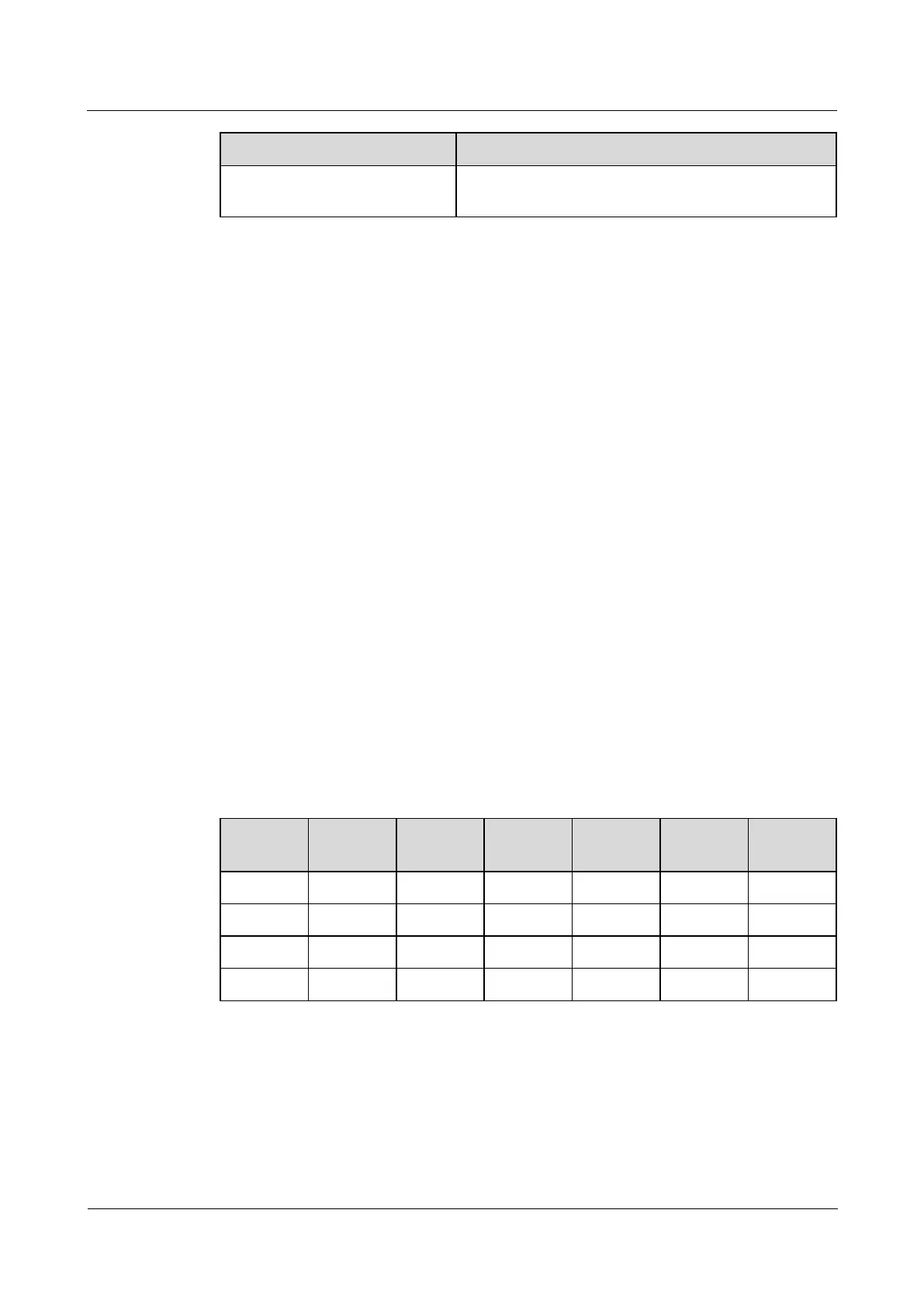
Table 8-31 Setting a device address
Step 2 Add a T/H sensor.
1. Log in to the ECC800-Pro WebUI as an administrator.
2. Add a T/H sensor.



 To Next Page