ECC800 Data Center Controller
User Manual (for ECC800-Pro)
Copyright © Huawei Technologies Co., Ltd.
Follow-up Procedure
Choose Home > Plan View on the ECC800-Pro WebUI, and drag the device to the
corresponding position in the Smart Module View pane based on the actual device layout.
8.1.26 How Should I Add the Devices Accessed Through a Smart
ETH Gateway over Modbus-MAC to the ECC800-Pro WebUI?
Context
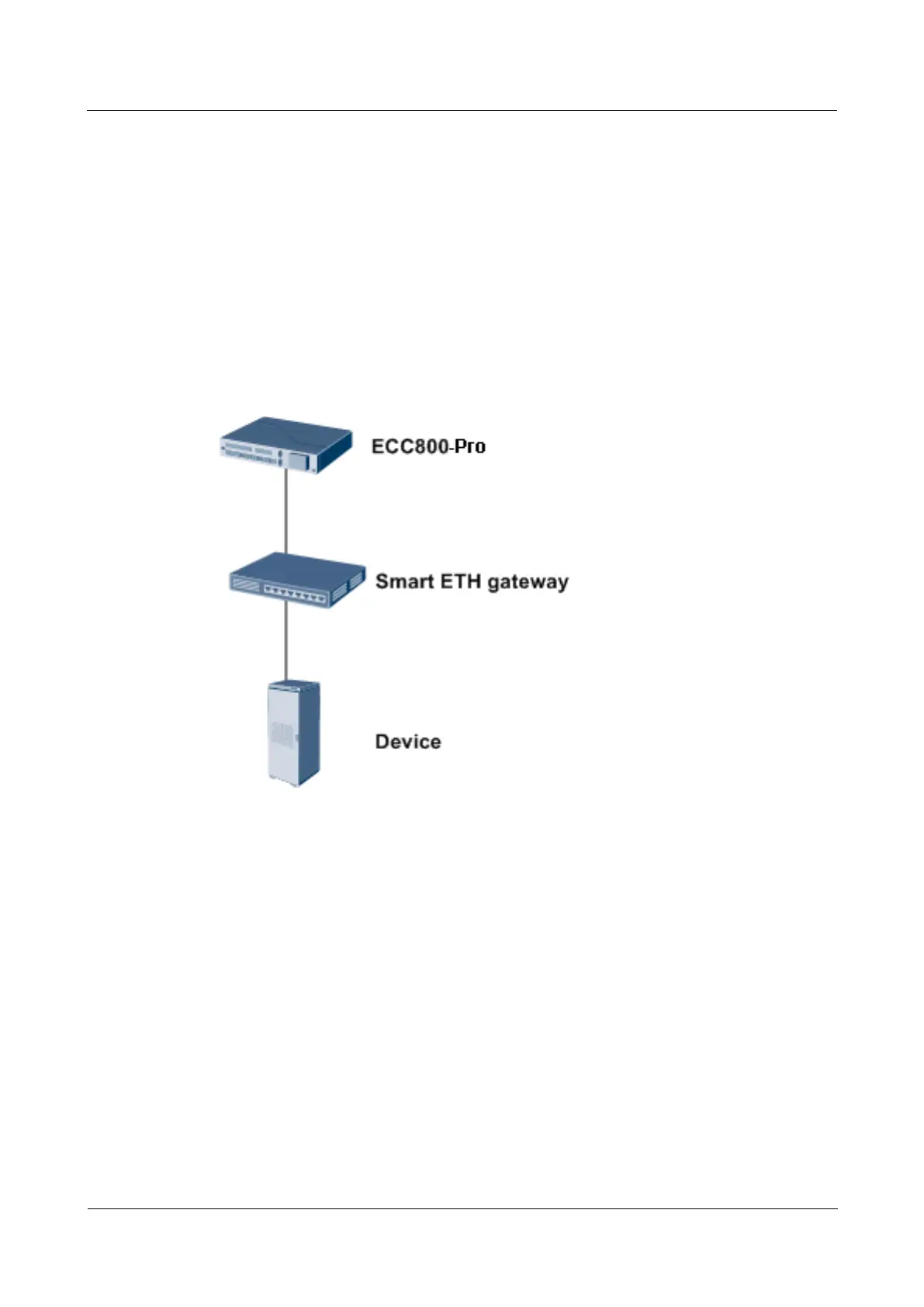
The device that supports Modbus-MAC can be automatically identified by the ECC800-Pro.
Figure 8-30 Network diagram
Procedure
Step 1 Log in to the ECC800-Pro WebUI as an administrator, and check whether the device exists on
the Monitoring page.
The following is an example of confirming the access of a WiFi converter.
If the device exists, and communication status is normal, the device has accessed the
ECC800-Pro successfully.



 To Next Page