ECC800 Data Center Controller
User Manual (for ECC800-Pro)
Copyright © Huawei Technologies Co., Ltd.
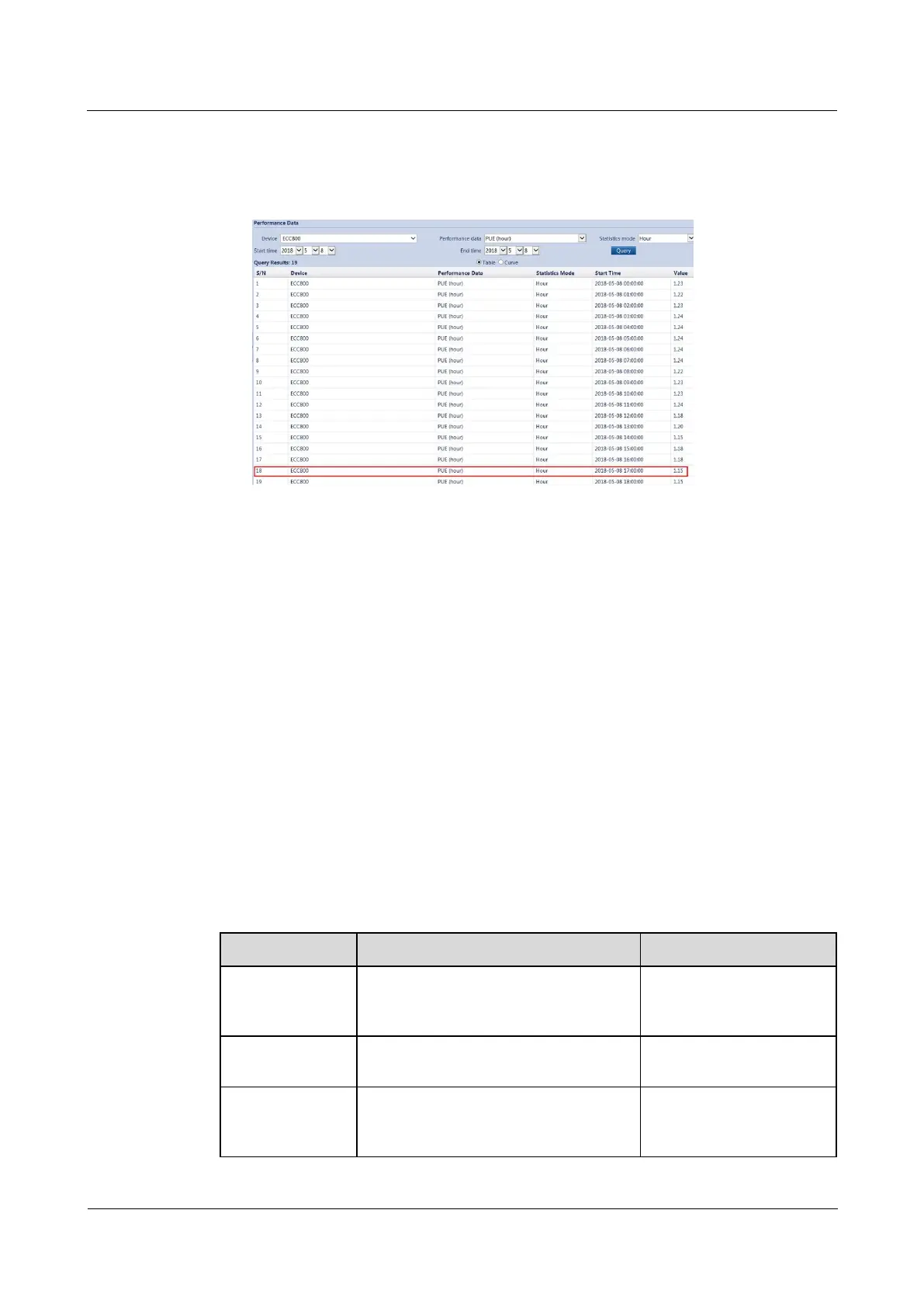
If the query time is between 18:00:00 and 19:00:00 and the time has not arrived at 19:00:00 yet, then
the displayed time is 18:00:00 and the data includes the data from 18:00:00 to the query time.
Figure 6-46 Viewing historical PUE data
----End
6.9 Battery Management
If iBOXs and iBATs are configured, perform the following steps to commission them.
6.9.1 Setting iBOX and iBAT Parameters
Procedure
Step 1 Log in to the ECC800-Pro WebUI as an administrator.
Step 2 Choose Monitoring > Power Distribution > iBOX > Running Parameters.
Step 3 Click Unhide All Advanced Signals, set iBOX single battery qty., Batt. installation time,
Single battery capacity, Current source, and Battery string No.. Retain default values for
other parameters.
Table 6-38 Setting iBOX parameters
Total number of batteries monitored by
the iBOX
Set this parameter based
on the battery parameter
planned by the customer.
Actual time at which batteries are
installed
Single battery capacity refers to the
capacity of a single battery in a battery
string managed by the iBOX.
Obtain the battery capacity
from the battery label or
document.



 To Next Page