ECC800 Data Center Controller
User Manual (for ECC800-Pro)
Copyright © Huawei Technologies Co., Ltd.
8.1.6.12 How to Set and Add a PDC DC Meter?
Prerequisites
One end of the straight-through cable has been connected to the RS485 port on the PDC DC
meter, and the other end has been connected to the COM port on the ECC800-Pro.
Context
The model of the PDC is PDU8000-0630DCV5-HVA002 and the BOM number is 02403121.
Procedure
Step 1 Set the communications address for the PDC DC meter.
1. Tap Settings on the screen after the PDC DC meter is started.
2. Enter 1 in the displayed password dialog box, tap Enter, and then tap Confirm to enter
the setting screen.
3. Set the communications address. Tap the ID under Device ID on the displayed setting
screen, enter 2 (the actual value prevails) using the keyboard that pops up, and then tap
Enter.
4. Press the restart button at the rear of the monitoring screen. Then the parameters take
effect.
The communications address is 1 by default.
Step 2 Add a PDC DC meter.
1. Log in to the ECC800-Pro WebUI as an administrator.
2. Add a PDC DC meter.
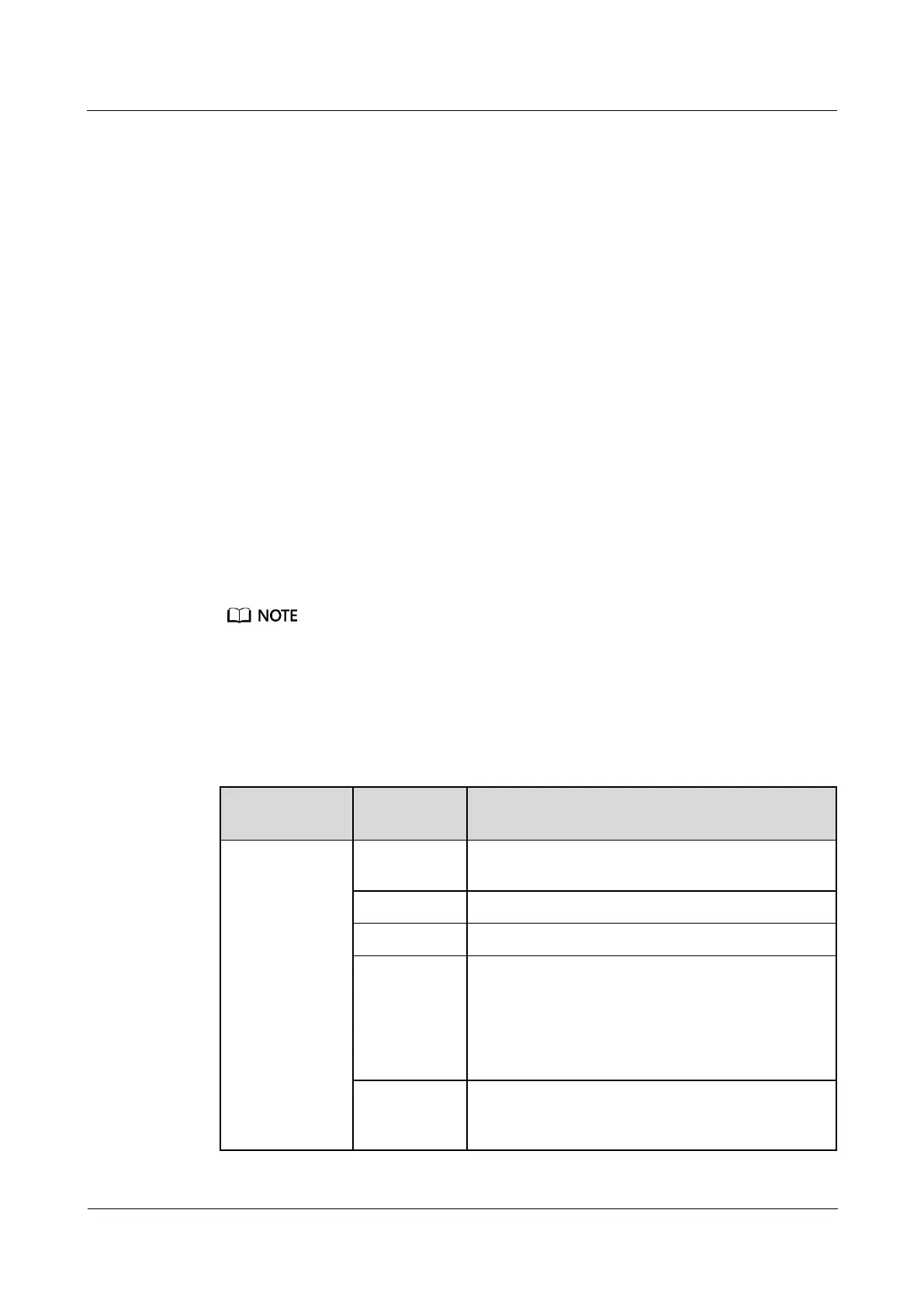
Table 8-13 Adding a PDC DC meter
Choose System
Settings >
Device
Management
and click Add
Device. The
parameters for
adding devices
are displayed.
Select Electricity Meter from the drop-down list
box.
Select LF DC Meter from the drop-down list box.
Select ECC800 from the drop-down list box.
Select COM2 from the drop-down list box.
NOTE
The setting example indicates that the DC meter is
connected to the COM2 port on the ECC800-Pro. If the DC
meter is connected to another port, enter the number of the
connected port.
In this example, Device Address is set to 1. During
actual configuration, set the device address for the
PDC DC meter based on the actual situation.



 To Next Page