ECC800 Data Center Controller
User Manual (for ECC800-Pro)
Copyright © Huawei Technologies Co., Ltd.
8.1.28 How Should I Add Devices Accessed Through the
ECC800-Pro COM Port to the ECC800-Pro WebUI
Prerequisites
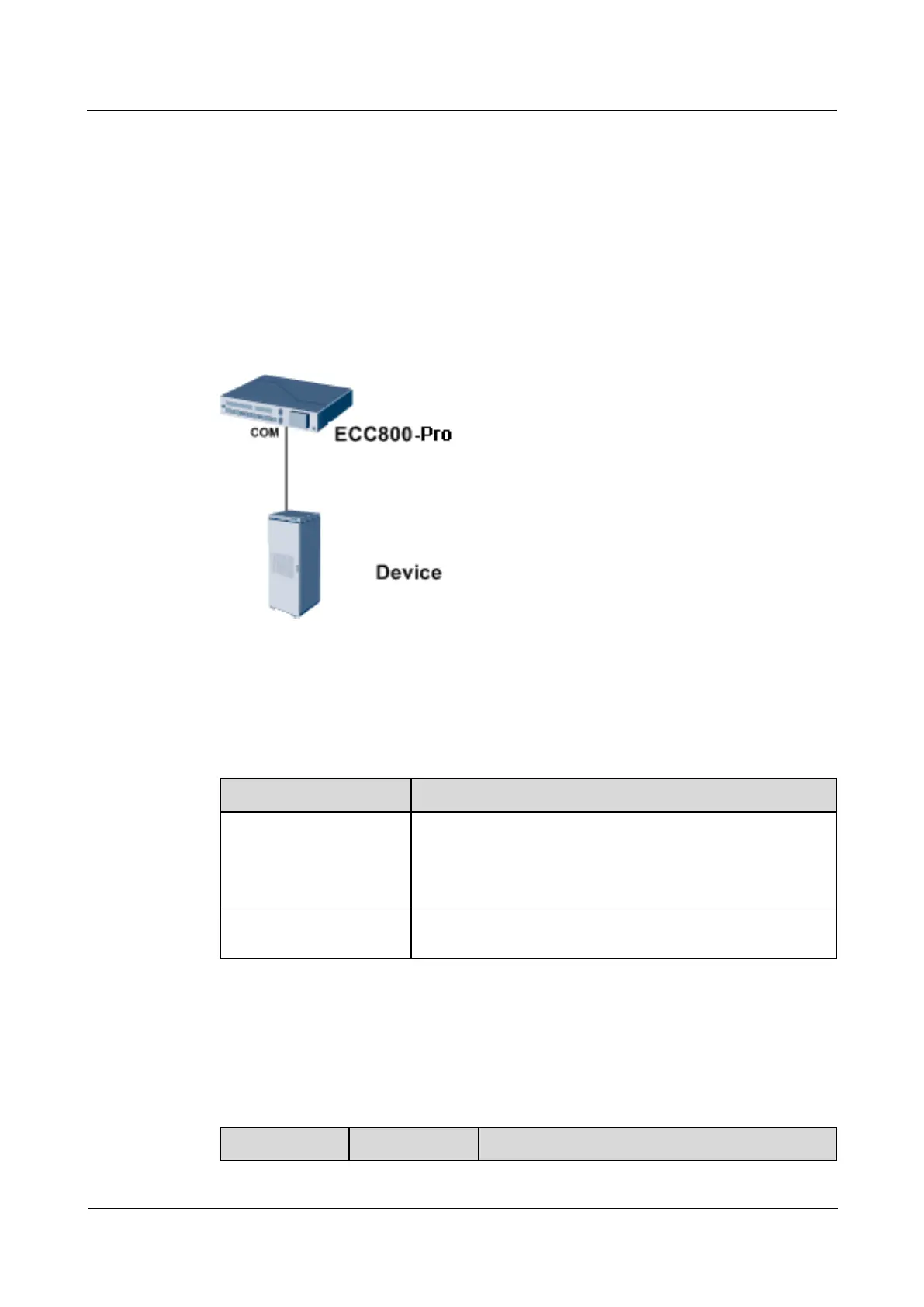
This section uses the device connecting to the COM1 port on the ECC800-Pro as an example.
Context
Figure 8-33 Network diagram
Procedure
Step 1 Set communications parameters on the device.
Table 8-41 Description of communications parameters to be set on a device
This section uses 9600 as an example. Set this parameter
based on site requirements.
NOTE
For certain devices, this parameter does not need to be set.
This section uses 1 as an example. Set this parameter based on
site requirements.
Step 2 Add the device to the ECC800-Pro WebUI.
1. Log in to the ECC800-Pro WebUI as an administrator.
2. Add the device.
Table 8-42 Parameter description for adding a device



 To Next Page