ECC800 Data Center Controller
User Manual (for ECC800-Pro)
Copyright © Huawei Technologies Co., Ltd.
Parameters, click
Unhide All
Advanced Signals,
click Power Supply
Parameters.
Step 3 After setting all mandatory parameters, click Submit.
----End
Follow-up Procedure
Choose Home > Plan View on the ECC800-Pro WebUI, and drag the dry contact device to
the corresponding position in the Smart Module View pane based on the actual device
layout.
8.1.32 How Should I Open Doors Remotely over the ECC800-Pro
WebUI?
Context
If O&M personnel need to enter a smart module but do not take an access cord or forget the
password, you can open the door remotely over the ECC800-Pro WebUI.
Procedure
Step 1 Log in to the ECC800-Pro WebUI as an administrator.
Step 2 Open the aisle door.
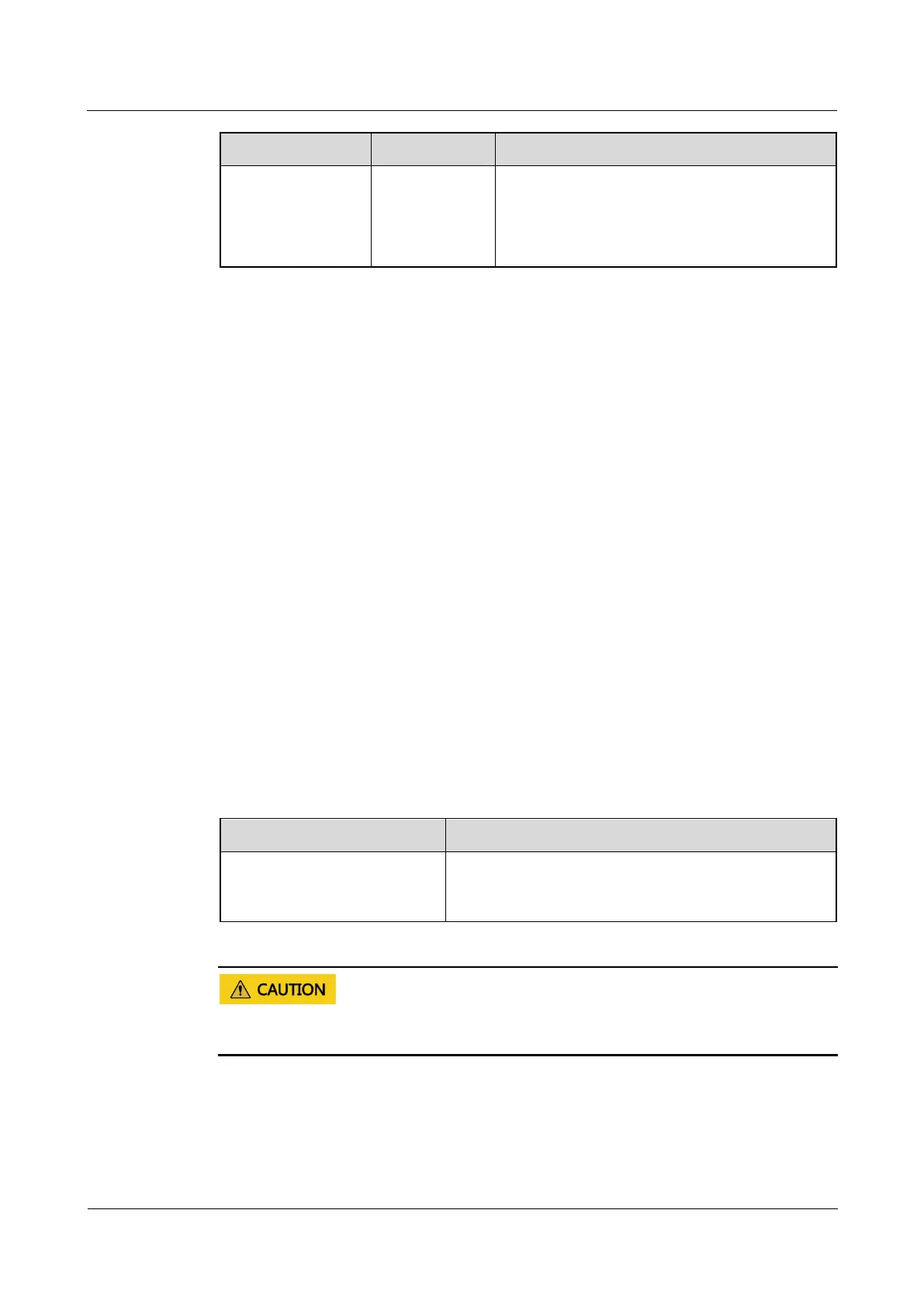
Table 8-46 Opening a door remotely
Monitoring > Aisle > Access
Actuator Group > Access
Actuator n > Controls
Select Remote door opening and click Submit
Remotely opening the door may open the smart module door, and this may pose security risks.
Exercise caution when performing this operation.
----End



 To Next Page