ECC800 Data Center Controller
User Manual (for ECC800-Pro)
Copyright © Huawei Technologies Co., Ltd.
Press and hold down the button for more
than 8s to 20s to clear network
parameters.
The RF_Z indicator is
blinking at super short
intervals.
Press the button for less than 3s to turn on
the WLAN service.
Restoring the
default IP address,
factory settings,
and user
information
3.1.3 Power Module
Indicator
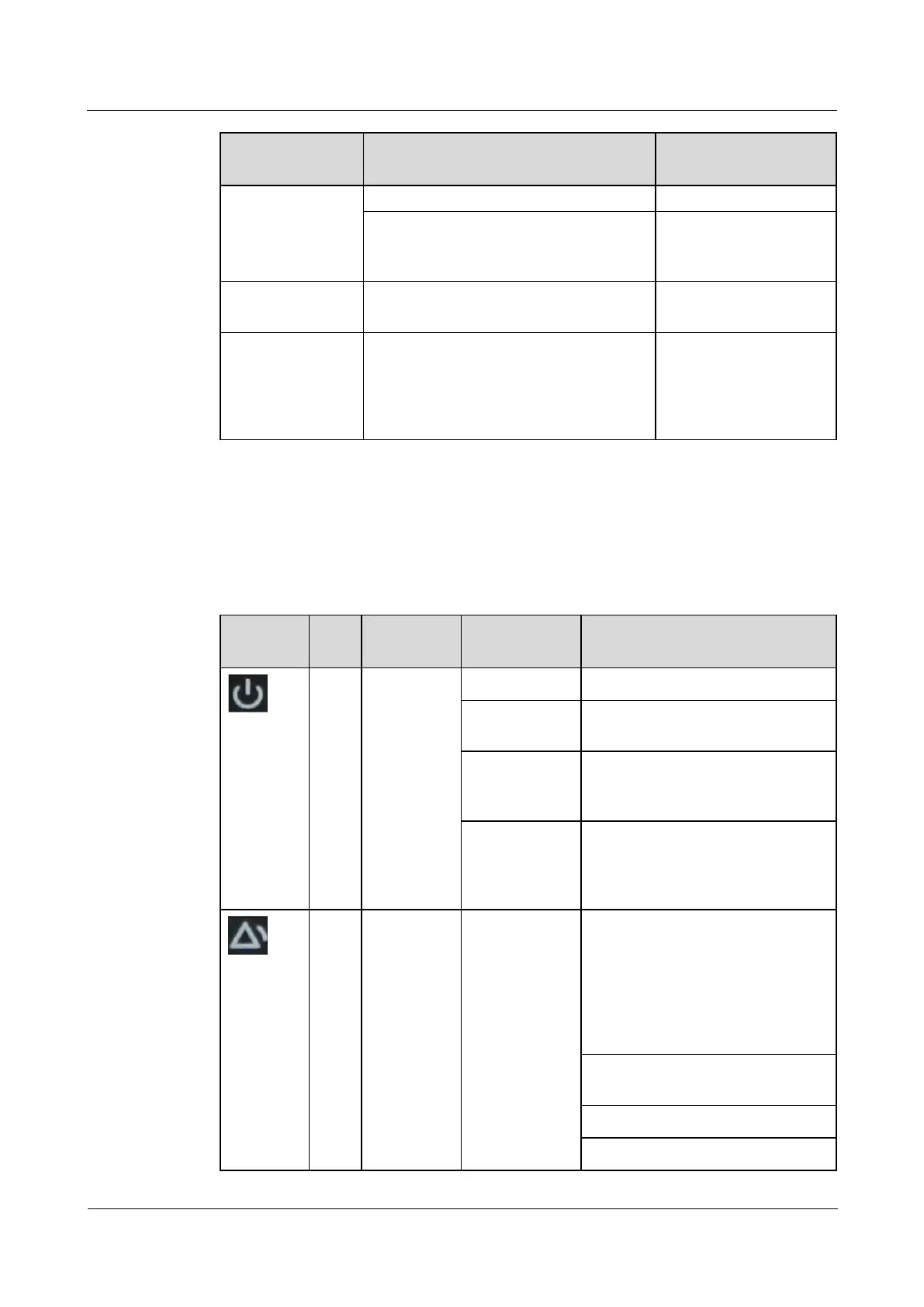
Table 3-16 PSU indicator description
The converter has a power input.
The converter has no power input or
is faulty.
Blinking at
long intervals
The converter is being queried (the
indicator blinks at 0.5 Hz, on for 1s
and then off for 1s).
Blinking at
short intervals
The converter application program
is being loaded (the indicator blinks
at 4 Hz, on for 0.125s and then off
for 0.125s).
The converter generates a
forewarning indicating that power
will be limited due to ambient
overtemperature, or generates a
protection shutdown alarm due to
ambient overtemperature or
undertemperature.
Power input overvoltage or
undervoltage protection
Reverse DC input connection



 To Next Page